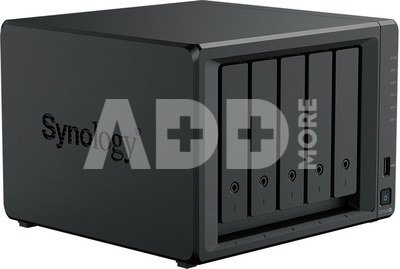
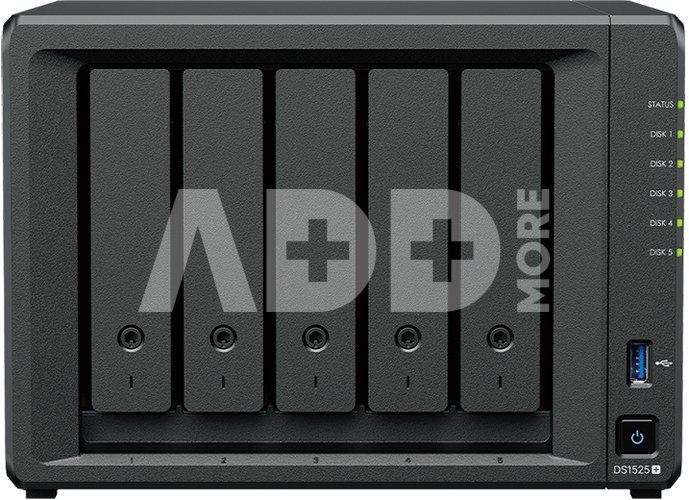
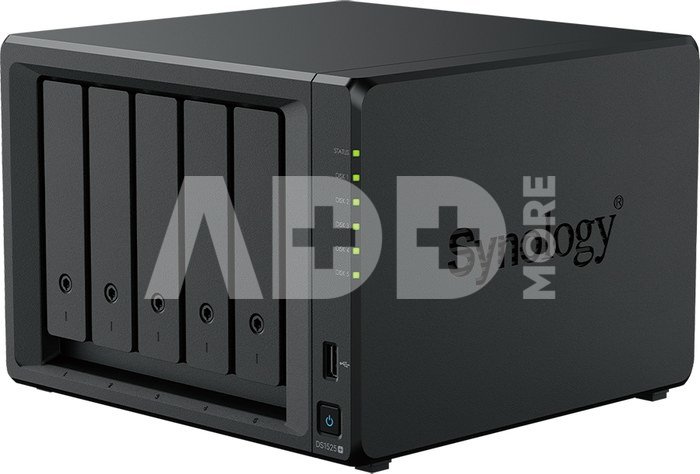
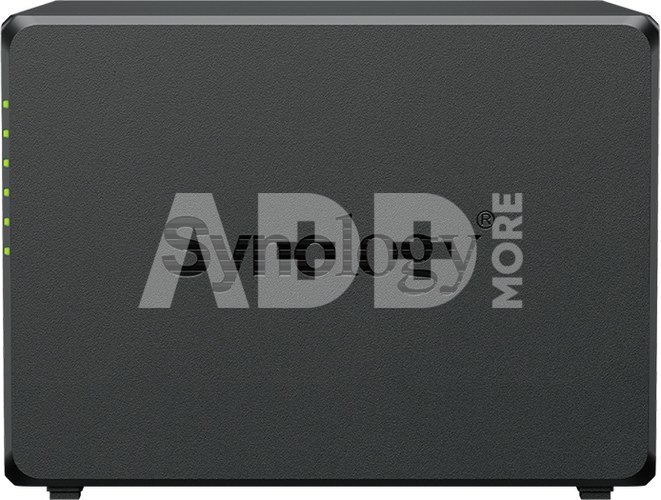
DiskStation DS1525+
Flexible Data Management Platform for Multiple Applications
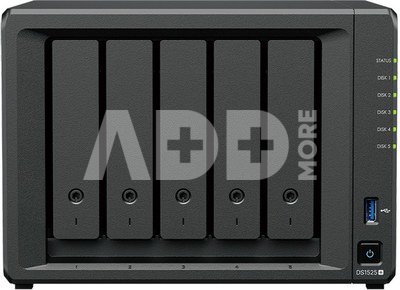
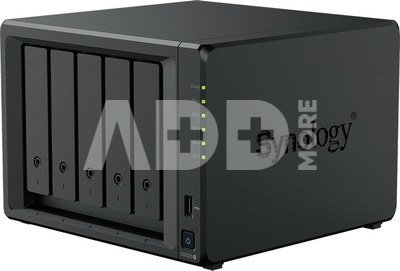
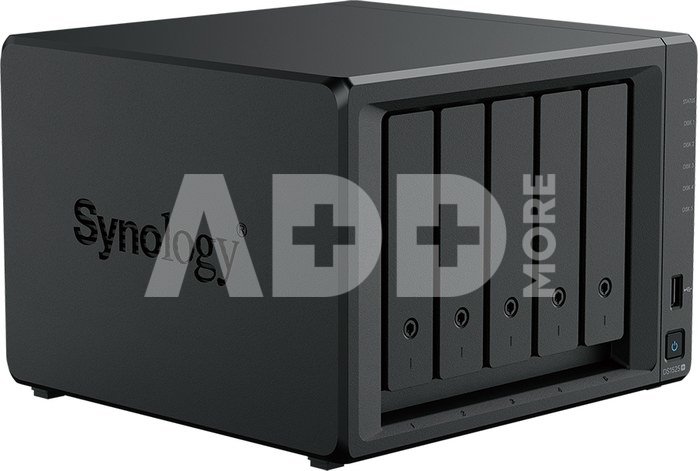
The Synology DS1525+ is a versatile 5-bay NAS that adapts to your needs, supporting storage expansion, 10GbE networking, and SSD caching. Built-in 2.5GbE networking delivers excellent performance straight out of the box. Powered by Synology DiskStation Manager (DSM), it offers a flexible, all-in-one solution for file sharing, synchronization, backup, and surveillance.
Reliable Performance
Sequential read/write speeds of up to 1,181/1,180 MB/s ensure fast and stable data transfers.
Fast Networking
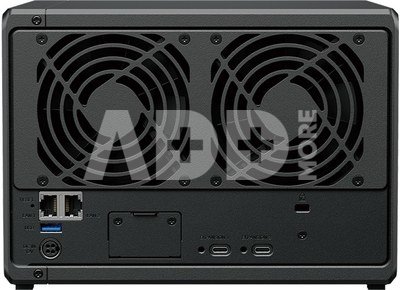
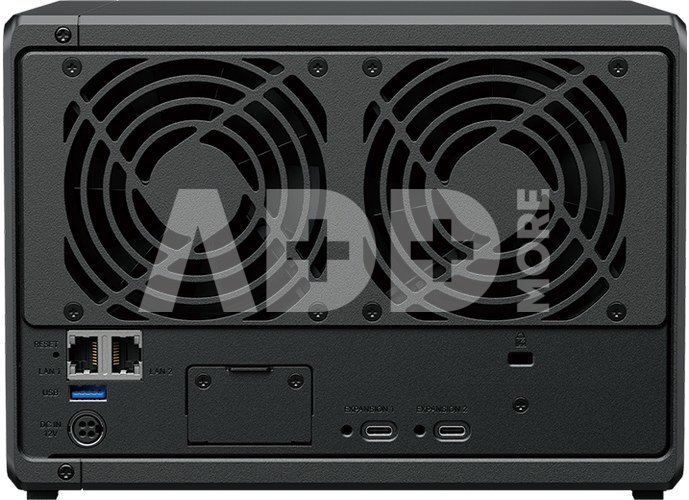
Built-in 2.5GbE ports provide high-speed connectivity with support for 10GbE networking via an upgrade module.
Versatile Network Storage
Leverage built-in file and photo management, data protection, virtualization, and surveillance solutions.
Expandable Capacity
Add up to 10 additional drives with two DX525 expansion units, for a maximum of 300 TB raw storage.
Extendable Product Support
Backed by a 3-year limited hardware warranty, extendable to 5 years in select markets.
Comprehensive Storage for Any Purpose
The DS1525+ provides intuitive file management, media organization, and backup options out of the box. Its performance, compact design, and versatile configuration options make it ideal for IT enthusiasts, creative professionals, and businesses of all sizes-from small offices to large enterprises-as an edge device for branch offices or retail locations.
High-Speed File Sharing
- Up to 1,181 MB/s sequential read and 1,180 MB/s sequential write for fast file sharing, syncing, streaming, and backups for multiple users.
- Two 2.5GbE ports with Link Aggregation support failover and load balancing.
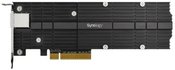
- 10GbE network support via optional RJ-45 upgrade module for future-proof connectivity.
- Supports 5 x 2.5" SATA SSDs and 3.5" SATA HDDs. Synology drives are designed for seamless integration and exceptional reliability.
- Expandable up to 15 drives (300 TB raw) with two DX525 expansion units.
- Two built-in M.2 slots for SSD caching without occupying drive bays.
Ease of Use and Security
- Quick access via any browser through QuickConnect.
- Adaptive Multi-Factor Authentication (AMFA) triggers for suspicious external logins.
- Customizable delegation roles allow admins to assign roles while limiting access to critical system settings.
- Active Insight monitors your fleet in the cloud, using machine learning to detect malware and malicious activity while automatically creating immutable snapshots to protect data.
Collaboration, Communication, and Organization
- Synology Drive centralizes file storage and organization, with detailed sharing permissions and customizable security.
- Synology Photos offers complete photo and video management, suitable for personal or professional use.
- Synology Office enables real-time collaboration on documents, spreadsheets, and presentations, with versioning and password protection.
- Synology Chat connects teams via one-to-one, group chats, and encrypted private channels.
- Synology MailPlus provides a secure, reliable, private email server.
- Synology Calendar helps teams track priorities through shared calendars.
- Synology Hybrid Share enhances multi-site collaboration with global hybrid cloud file systems, combining cloud scalability with fast local access.
Reliable Virtualization and Containerization
- Use Synology as storage for virtual machines or as an alternative host for containers and VMs, fully certified for VMware vSphere, Microsoft Hyper-V, Citrix XenServer, and OpenStack.
- Synology Storage Console for VMware or Windows allows VM storage management directly from the hypervisor. VMware VAAI and Windows ODX integration accelerate storage operations and data transfer.
- Host lightweight containers and VMs for testing, sandboxing, or disaster recovery with Container Manager and Synology Virtual Machine Manager, supporting Windows, Linux, and virtual DSM instances.
Private Video Surveillance
- Synology Surveillance Station transforms any Synology system into a powerful Network Video Recorder (NVR).
- Supports over 8,700 camera models and ONVIF for broader compatibility.
- Private, license-free recording storage.
- Access via web browsers, desktop clients, and mobile apps.
- Event-based rules to trigger specific actions.
- Notifications via email, SMS, and push.
- Simultaneous cloud recording with C2 Backup for Surveillance provides an additional layer of protection and easier sharing.














Reviews
0 average rating (0 votes)