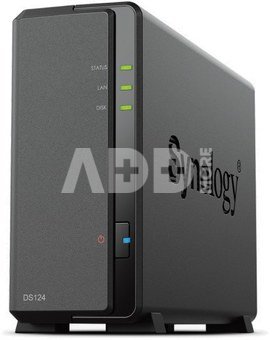
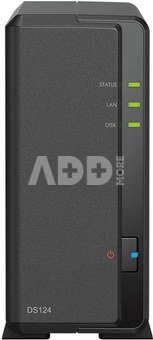
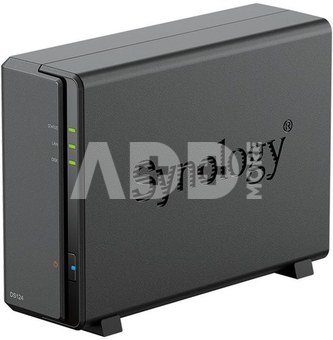
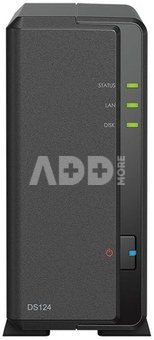
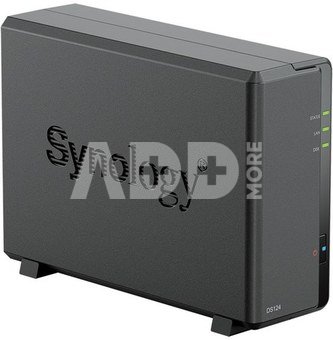
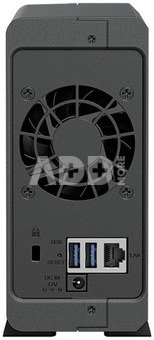
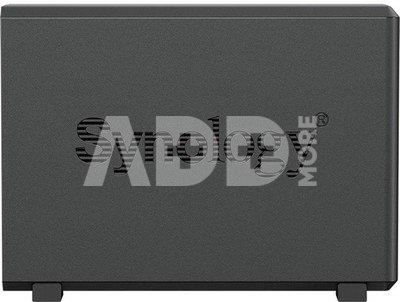
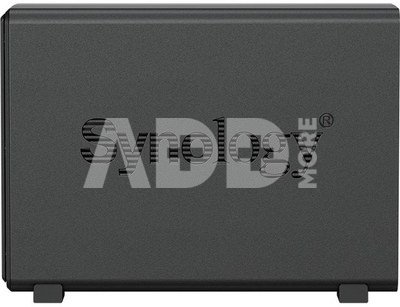
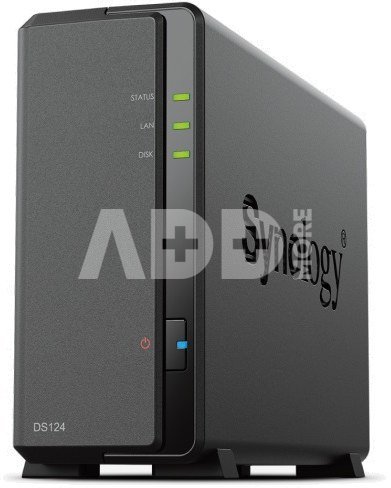
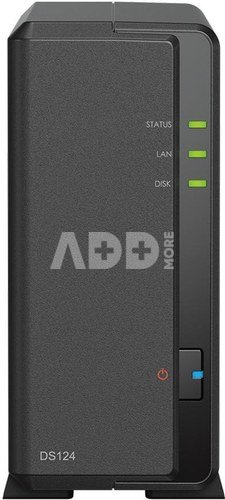
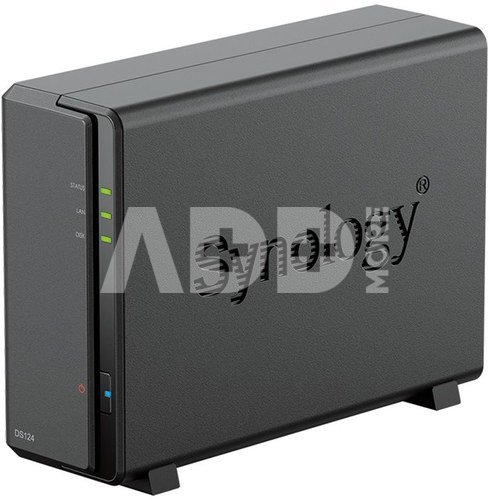
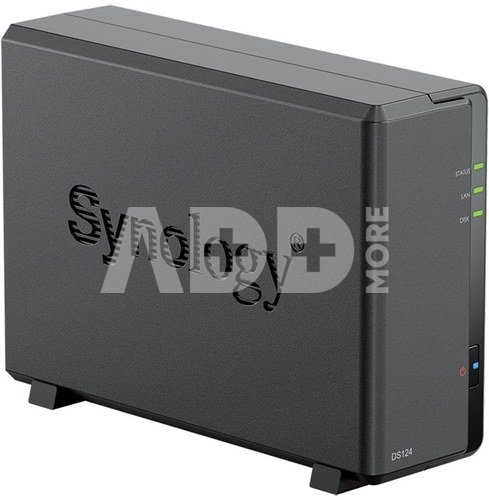
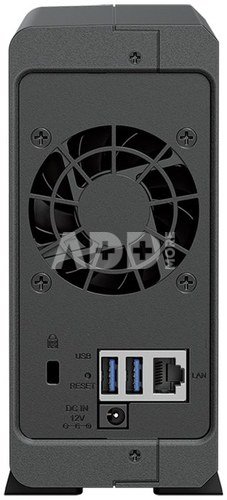
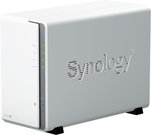
Synology | Tower NAS | DS124 | up to 1 HDD/SSD | Realtek | RTD1619B | Processor frequency 1.7 GHz | 1 GB | DDR4
Secure private cloud
Anywhere and anytime secure access to all your data.
Hassle-free backups
Effortlessly protect files with intuitive tools.
Productivity in the private cloud
DS124 is designed for professionals who want to share, sync and collaborate more efficiently.
Warranty
24 months
Weight
1.275 kg
Delivery time
10-14 w.d.
Discuss with a consultant in Kaunas
We don't have
Klaipėda Address: Birželio 23-iosios g. 23g Working hours: I-V 09:00 - 18:00 VI-VII not working Phone: +370 674 59488
Discuss with a consultant in Klaipėda
We don't have
Klaipėda Address: Taikos pr. 17 Working hours: I-V 10:00 - 19:00 VI 10:00 - 14:00 VII not working Phone: +370 604 43972
1. What is the difference between NAS and DAS storage?
A NAS connects to a local network and can be accessed by several computers and other devices. A DAS system connects directly to one computer through USB, Thunderbolt or another interface and is suitable when fast direct data transfer is the main priority.
2. How many drive bays should my NAS have?
A one- or two-bay model is often sufficient for personal use and smaller archives. Photographers, video creators and businesses should consider systems with four or more bays for greater capacity, additional RAID options and easier future expansion.










Reviews
0 average rating (0 votes)