+370 462 46444
I-V 10:00-19:00
VI 10:00-14:00

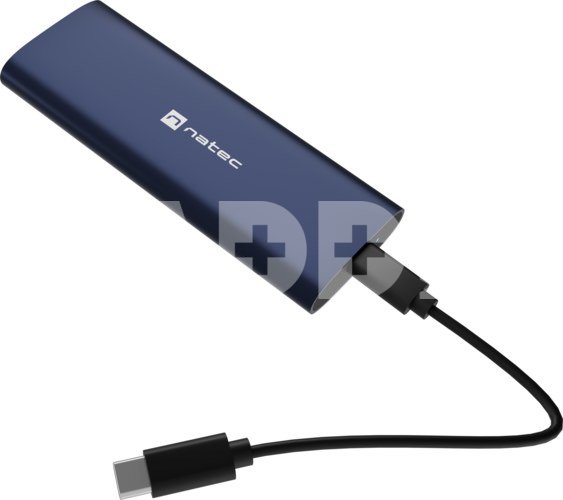
Natec | Rhino M.2 NVME Lite USB-C External, Gen 2 Steel Navy | Solid-state drive interface NVMe

Natec | Rhino M.2 NVME Lite USB-C External, Gen 2 Steel Navy | Solid-state drive interface NVMe
Kodas: 71246RME
Gamintojo kodas: -
Įsiminti
EU sandėlyje
Pristatymas 10-14 d.d.
EAN
5901969450910
Pasirinkite savybes
Spalva
13.99
Nuomoti(nuo €/diena)
Pratęsta garantija
Prekės draudimas

Nemokamai atsiimkite Kaune, parduotuvėje (Birželio 23-iosios g. 23g) Rugsėjo 30 d.

Nemokamai atsiimkite Klaipėdoje, parduotuvėje (Taikos pr. 17) Rugsėjo 30 d.

Pristatysime į namus per kurjerių tarnybą Spalio 02 d.

Turite klausimų? +370 462 46444 Siųskite užklausą

AprašymasNatec | Rhino M.2 NVME Lite USB-C External, Gen 2 Steel Navy | Solid-state drive interface NVMe aprašymas

Meet the Natec Rhino M.2 NVMe Lite

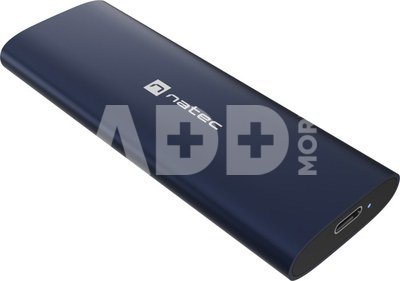
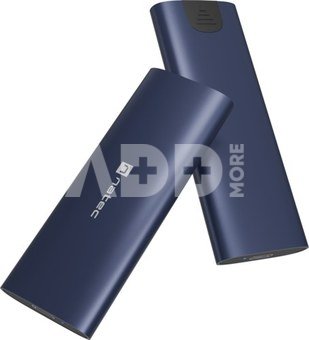
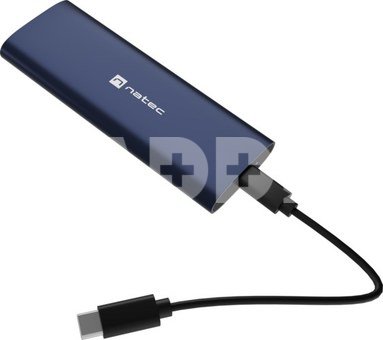
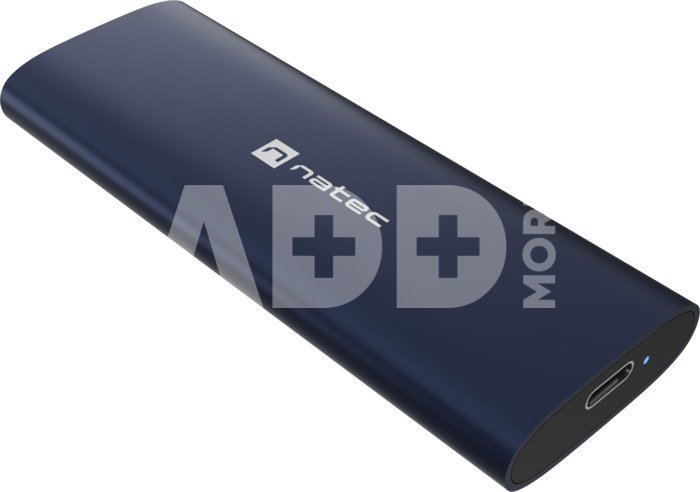
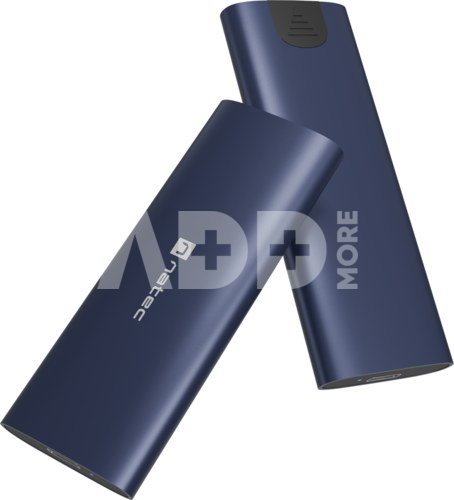
Here's the Natec Rhino M.2 NVMe Lite - a rugged M.2 NVMe/PCIe SSD media enclosure that will allow you to access the data stored on the drive and provide full protection from damage. Robust and simple design is not all. Natec Rhino M.2 NVMe Lite means compactness, no need to install drivers, but also support for UASP and TRIM technologies that improve disk performance.

Turn your M.2 NVMe/PCIe media into an external drive

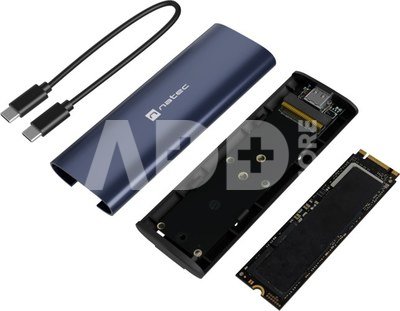
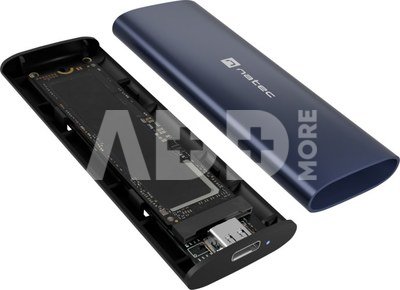
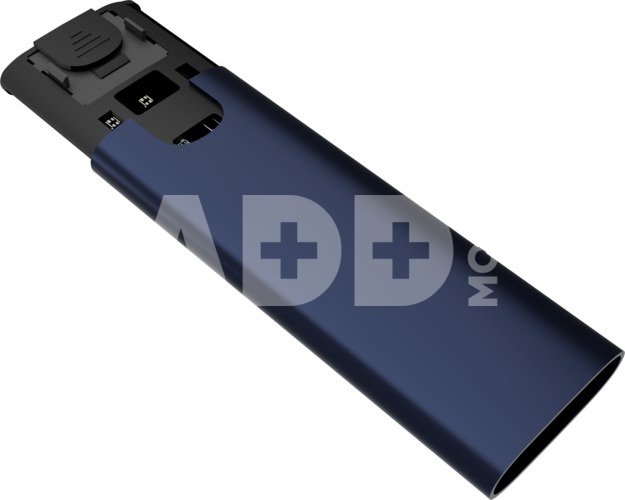
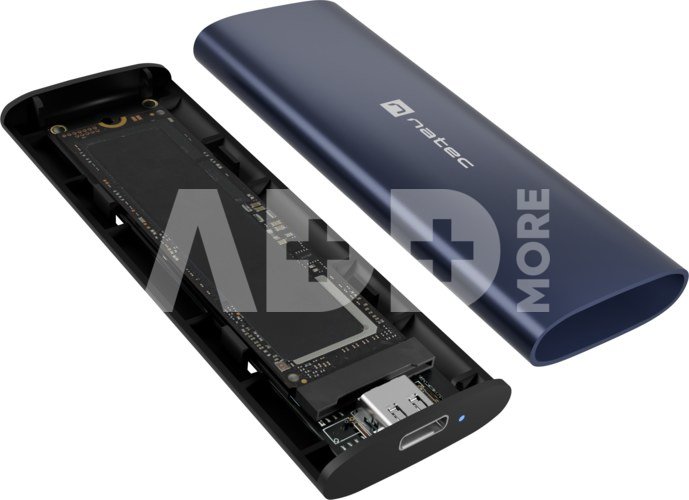
Want to use the data stored on your M.2 NMVe/PCIe SSD media? With the Natec Rhino M.2 NVMe Lite it becomes possible. This compact enclosure allows you to use M-dongle media with sizes 2230, 2242, 2260 and 2280 and a maximum capacity of as much as 10 TB.

Instant data transfer

With the USB-C 3.2 Gen 2 x 1 interface, you don't have to worry about the speed of data transfer. It can reach up to 10 Gbps. High performance is also guaranteed by the TRIM command and the UASP protocol, which allows a USB device to execute several commands at the same time without dropping any of them.

Durable and compact

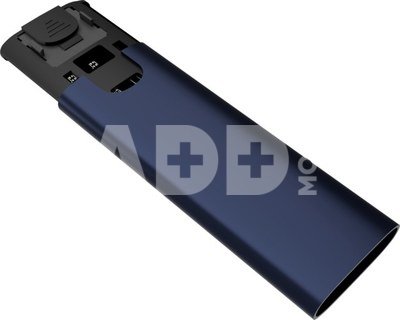
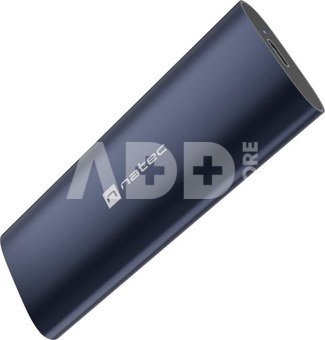
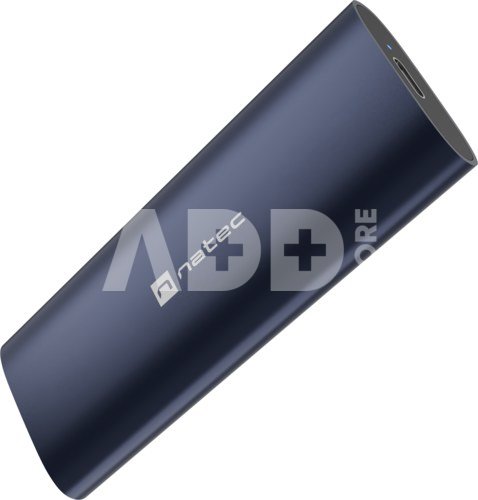
Worried about mechanical damage caused by moving your drive? With the Natec Rhino M.2 NVMe Lite you will protect your equipment. This will be taken care of by the sturdy, all-aluminum casing and the intuitive media mounting system, which makes it rest fully stable inside.

Just plug in

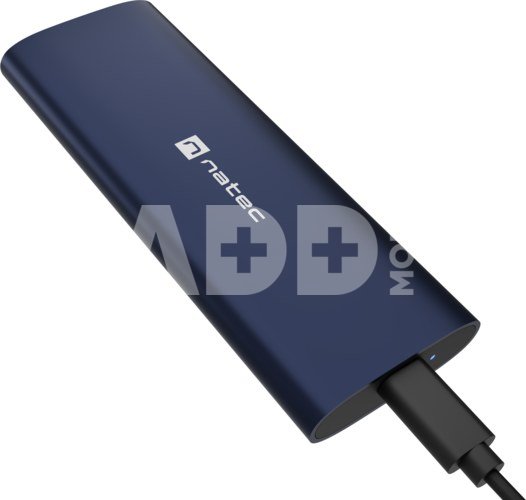
With Natec Rhino M.2 NVMe Lite, your data is always ready to go. It does not require the installation of any drivers. All you have to do is place the media in it and plug it into your computer. Simply.

Everything necessary

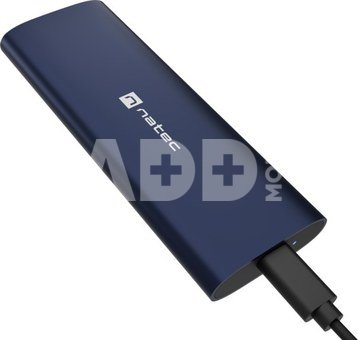
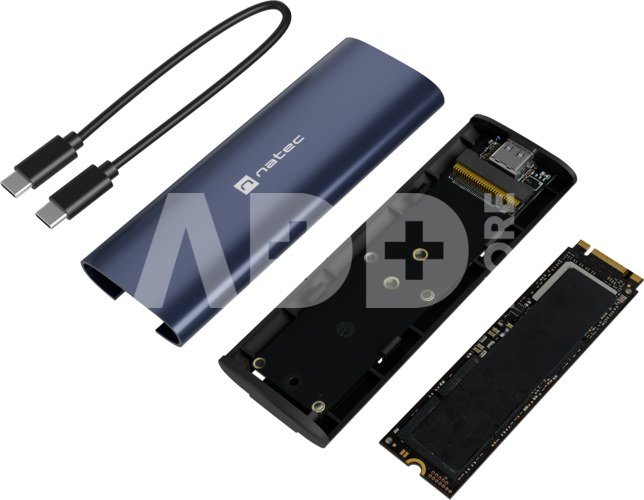
In the kit - in addition to the Natec Rhino M.2 NVMe Lite - you'll find a cable (USB-C - USB-C) and a silicone cap to attach the drive. You don't need anything else to get the most out of the Rhino M.2 NVMe Lite.

Pristatymo laikas 10-14 d.d.

Aptarkite su konsultantu Kaune

Neturime Kaunas Adresas: Birželio 23-iosios g. 23g Darbo laikas: I-V 09:00 - 18:00 VI-VII nedirba Telefonas: +370 674 59488
Kaunas

Aptarkite su konsultantu Klaipėdoje

Neturime Klaipėda Adresas: Taikos pr. 17 Darbo laikas: I-V 10:00 - 19:00 VI 10:00 - 14:00 VII nedirba Telefonas: +370 604 43972
Klaipėda
Specifikacija
Gamintojas(?) Natec
Pristatymo laikas 10-14 d.d.
Prekės kodai

71246RME 5901969450910

Atsiliepimai

0 vidutinis įvertinimas (0 įvertinimų)

 0
 0
 0
 0
 0

Palikite atsiliepimą

Vertinti gali tik prisijungę vartotojai.

Palikti pirkėjų atsiliepimai (0)

Atsiliepimų kol kas nėra. Būk pirmas!

1. Kodėl pasirinkti išorinį SSD diską palyginti su HDD?

Išoriniai SSD diskai palyginti su HDD siūlo keletą privalumų, įskaitant didelį perdavimo greitį, patvarumą ir mažą energijos suvartojimą. SSD naudoja flash atmintį, todėl skaitymo/rašymo operacijos yra kur kas greitesnės nei tradicinėse HDD su sukamaisiais diskais. Tai ypač aktualu perkant išorinį diską užkrovimui, programoms ir didelių failų perkėlimui. Be to, SSD yra mechanikos dalies nebenešiojantis, mažiau pažeidžiamas smūgiams ar vibracijai, todėl jie patvarūs ir patikimi ne tik kelionėse, bet ir ilgalaikiam duomenų saugojimui. Taip pat, SSD diskai yra tylūs ir suvartoja mažiau energijos, kas yra svarbu nešiojamųjų kompiuterių naudotojams.

2. Kaip pasirinkti tinkamą išorinio SSD talpą?

Renkantis tinkamą išorinio SSD disko talpą, svarbu atsižvelgti į asmeninius poreikius ir naudojimo scenarijus. Vidutiniam vartotojui, turinčiam daug  nuotraukų arba muzikos, gali pakakti 500 GB arba 1 TB talpos, o profesionalams, dirbantiems su dideliais vaizdo įrašų failais, gali reikėti 2 TB ar net daugiau. Apibrėžkite savo talpinimo poreikius: kiek duomenų ketinate saugoti. Atkreipkite dėmesį į perdavimo greitį - jei jums reikia greito duomenų perdavimo, rinkitės SSD su aukštu skaitymo/rašymo greičiu. Tikrinkite, ar išorinis SSD yra suderinamas su jūsų įrenginiais, ir įsitikinkite, kad jis turi reikiamus prievadus (pvz., USB-C ar Thunderbolt).