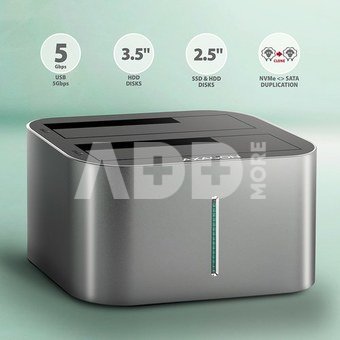
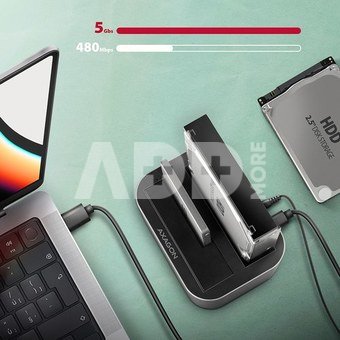
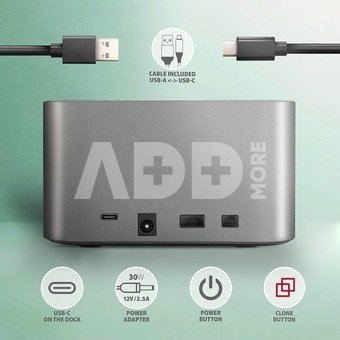
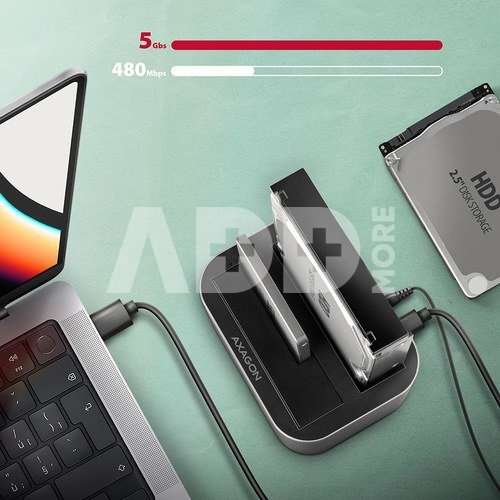
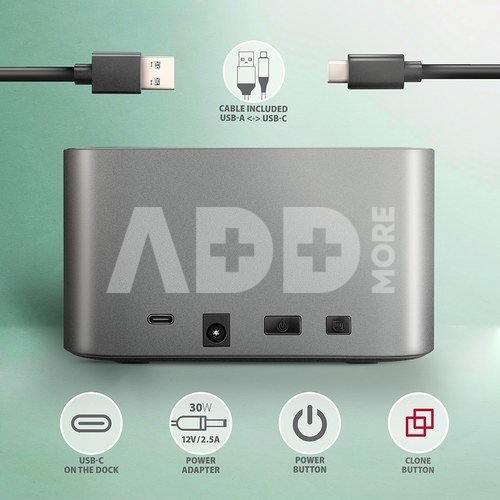
SuperSpeed USB-C 5Gbps docking / cloning station AXAGON ADSA-DC DUAL CLONE easily and quickly connects up to two 2.5" or 3.5" drives to the computer at the same time. The connection to the computer is enabled by the modern double-sided USB-C connector on the dock together with the supplied USB-C USB-A cable with a length of 80 cm.
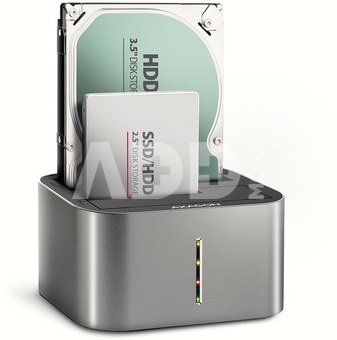
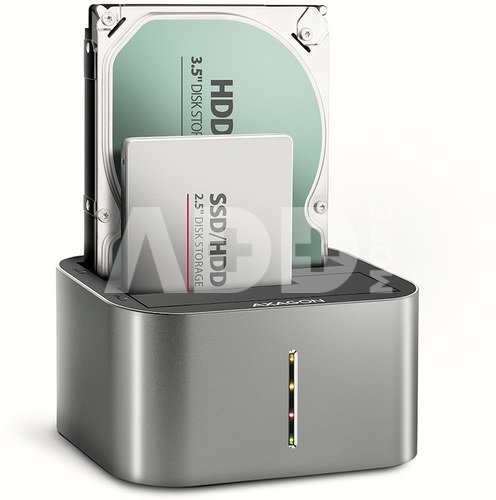
This handy helper will allow you easiest connection of any 2.5/3.5" SATA drive to computer or notebook. Just insert one or even two disks into the base at the same time, no tools or accessories are needed. Changing disks is very quick and easy.
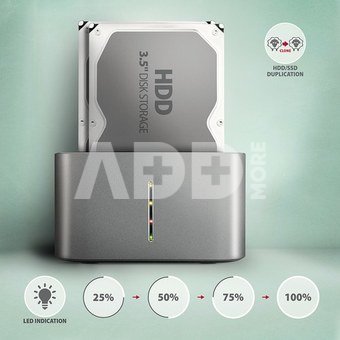
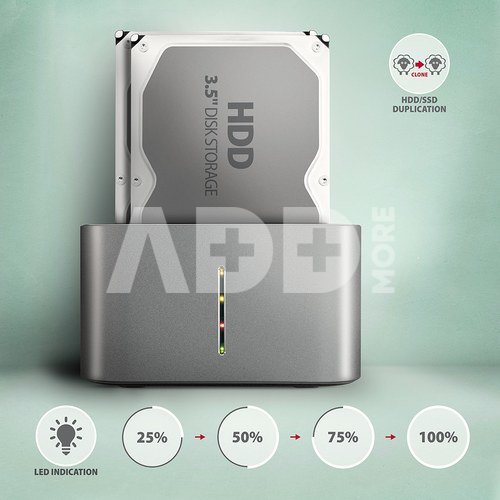
You can use the docking station to easy cloning the contents of connected disks without the need to connect to a PC. Insert the source disk into the first slot of the station HDD A (source) and insert the target disk into the second slot HDD B (target). Then you just press the clone button and watch the cloning process on a scale of four LEDs. After all the data has been copied, there is an exact copy of the original disk on the destination disk. The dock can thus be used as an autonomous device for convenient duplication and disk image creation. This is the easiest way to transfer the contents of old HDD to new SSD, including a working operating system (Windows, macOS, Linux...).
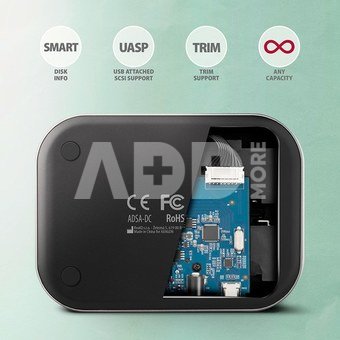
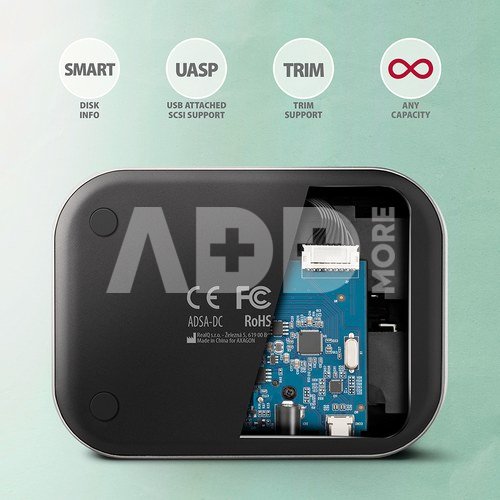
SATA 6G interface with UASP support allows you to enjoy the speed of modern SSD disks. The TRIM feature support limits the gradual degradation of SSD performance over time. Reading of S.M.A.R.T. information monitoring the SSD/HDD condition. Supports sleeping of the connected disks and station.
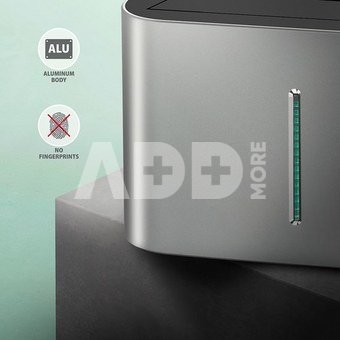
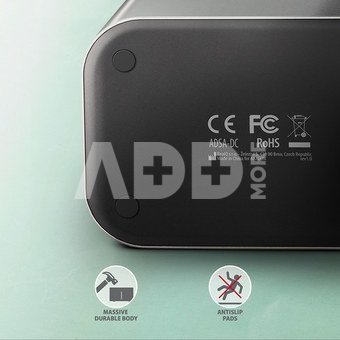
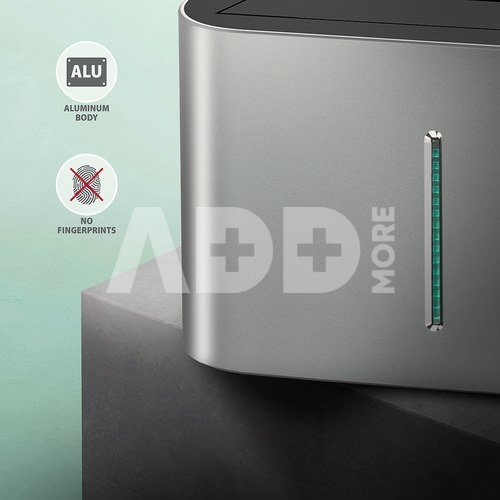
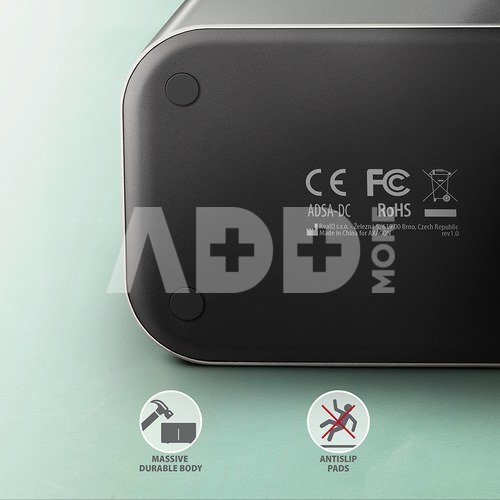
The station case is sufficiently robust and durable, which allows perfect stability even with inserted disks. Rubber anti-slip pads prevent sliding on the table and vibrations of the hard drives. The outer casing is made of aluminum with an elegant brushed surface.
Input:
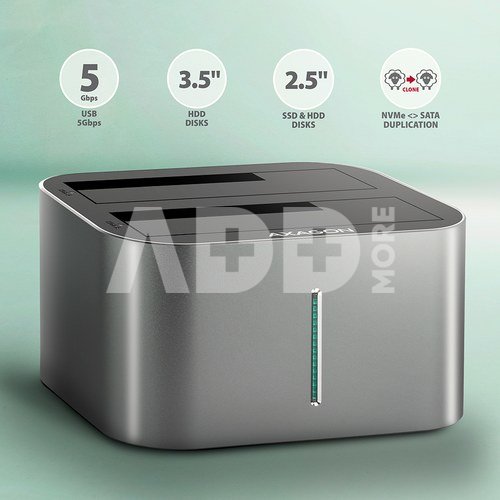
USB-C 5Gbps (USB 3.2 Gen 1 / USB 3.0).
Speed up to 5Gbit/s.
Connection via USB-C female connector.
Device support:
SATA III - 6 Gb/s (600 MB/s) interface,
Supports 2.5" HDD/ SSD
Supports 3.5" HDD.
Max. disk capacity all without limitation.
Max. 2.5" disk height - all without limitation.
Features:
Compatible with USB 3.2 Gen 2 (USB 3.1 Gen 2) and backward compatible with USB 2.0.
Supports transmission rates 5000 / 480 Mbit/s.
Compliant with Serial ATA 3.0 specification (SATA/600), transmission rates of up to 6 Gb/s (600 MB/s).
Compliant with Serial ATA 2.0 specification (SATA/300), transmission rates of up to 3 Gb/s (300 MB/s).
Compliant with Serial ATA 1.0 specification (SATA/150), transmission rates of up to 1.5 Gb/s (150 MB/s).
Compliant with USB Mass Storage Class Specification.
The total bandwidth / transmission rate of the station is determined by the USB interface used (theor. 5 Gbit/s).
Supports BOT (Bulk-Only Transport).
Supports UASP (USB Attached SCSI Protocol) for faster data transmission in Windows 8 and later.
TRIM support to reduce the gradual degradation of SSD performance over time.
Supports S.M.A.R.T. (Self-Monitoring, Analysis, and Reporting Technology) system monitoring disk condition.
HDD/SSD boot support in docking station.
Possibility to connect your device while running thanks to the Hot Plug support.
Full Plug and Play support.
HDD Auto Spin down - shutdown of disks when idle.
HDD Turn Off - turns off the drive after removing the device or spinning down the PC.
Connection via USB-C female connector.
USB-C USB-A cable 80 cm long is included.
LED indicating HDD/SSD dock power and disk activity in both shafts.
Station dimensions 73 x 130 x 97 mm.
Weight 307 g.
Power:
Power supply using the included external AC/DC adapter 12V - 3A with 150 cm long cable.
Power switch.
Disk cloning feature:
Cloning takes place without connecting the station to a computer.
The target disk must have the same or larger capacity as the source disk, otherwise cloning cannot be started.
Both HDDs and SSDs can be cloned.
Cloning speed up to 300 MB/s.
The total disk cloning time depends on the capacity of the source disk, not the amount of disk data.
Supported OS:
Windows, macOS, Linux, Chrome OS.
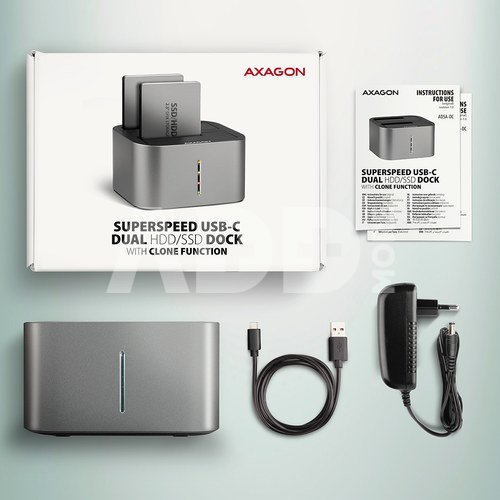
Package contains:
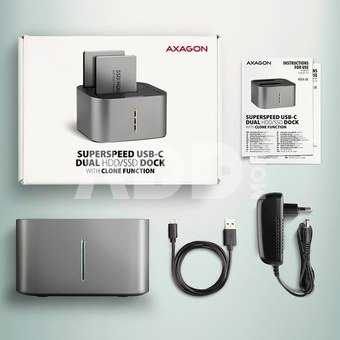
HDD/SSD dock,
USB-C USB-A cable 80 cm long,
power adapter 100-240V / 12V-2.5A,
multilingual manual CZ / DE / DK / ENG / ESP / FIN / FR / GR / HR / HU / IT / NL / PL / PT / RO / RU / SK / SWE / TR / BG / CN / ARA,
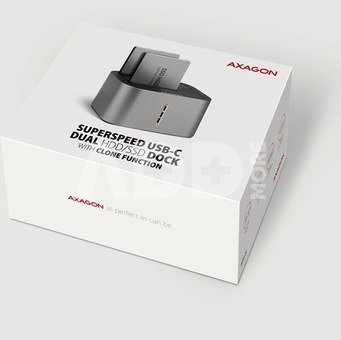
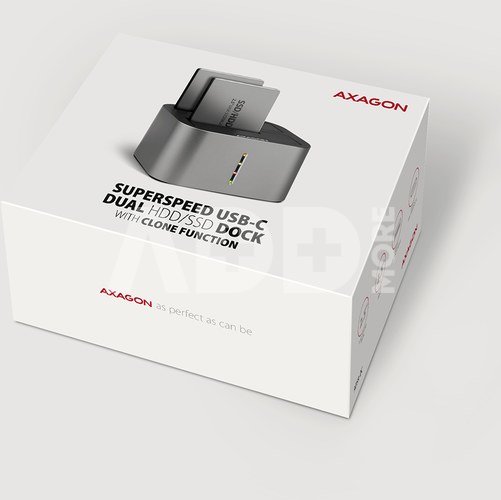
packed in a cardboard box.



















Atsiliepimai
0 vidutinis įvertinimas (0 įvertinimų)