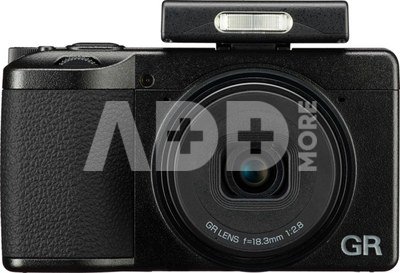
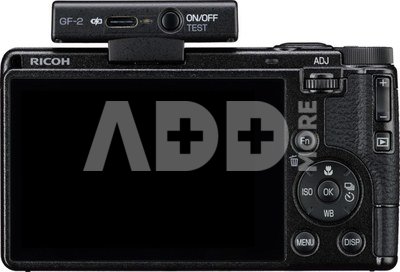
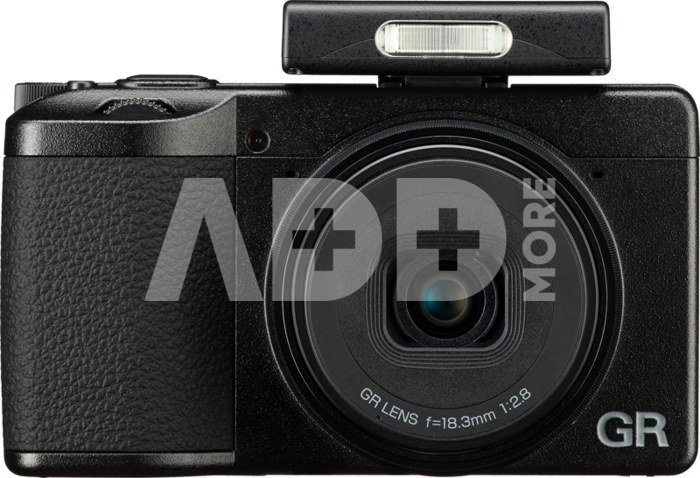
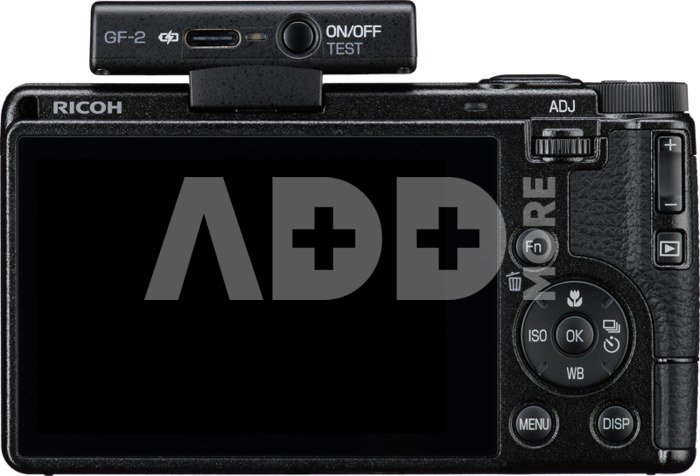
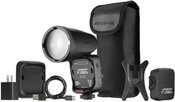
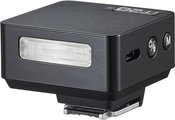
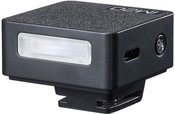
Mounted on the RICOH GR IV with the camera set to ISO Auto Flash, the GF-2 enables automatic flash control that adjusts both effective guide number and ISO sensitivity to match subject distance. This smart pairing helps you keep exposures consistent as scenes change, without digging through menus or guessing power levels.The GF-2 runs on a dedicated, rechargeable lithium-ion battery and charges via a USB Type-C terminal. Because the flash has its own power source, recycle performance stays stable even if the camera battery is running low—ideal for longer shoots and fast, candid moments.Key features• Super-compact, pocket-friendly design made for the GR IV• Automatic flash control on GR IV in ISO Auto Flash mode (adjusts effective guide number and ISO to subject distance)• Dedicated lithium-ion battery with USB Type-C charging• Approx. 270 flashes per full charge• Approx. 2-second recycle time• Flash angle covers an 18 mm focal length wide conversion lens is not supported• Stable flash output even when the camera battery is lowCompatibility notes• Exclusively designed for the RICOH GR IV.• When used on other GR-series models (non-GR IV), the GF-2 operates only in full-discharge mode due to different contact alignment (except the X-sync contact).• Firmware to enable GR III-series cameras to automatically adjust exposure level based on focusing status is under development, scheduled for release in October 2025.
Discuss with a consultant in Kaunas
We don't have
Klaipėda Address: Birželio 23-iosios g. 23g Working hours: I-V 09:00 - 18:00 VI-VII not working Phone: +370 674 59488
Discuss with a consultant in Klaipėda
We don't have
Klaipėda Address: Taikos pr. 17 Working hours: I-V 10:00 - 19:00 VI 10:00 - 14:00 VII not working Phone: +370 604 43972
1. How to Choose the Right Flash for Your Camera?
The choice depends on your photography needs. First, pay attention to your camera type and model, as not all flashes are compatible with all devices. Then, consider several important factors, such as power and features, like remote control. Evaluate the flash power and control functions according to your needs: for illuminating photos, portraits, or professional photography. Also, consider the importance of mobility and the power source (usually batteries). If you're a beginner, it may be worth considering simpler flashes with automatic features. Professionals may find it important to choose flashes with many adjustment options. Most importantly, choose a flash that fits your needs and allows you to expand your photography possibilities.
2. How to Avoid Too Bright or Too Shadowed Flash Effects in Photos?
Too bright or too shadowy a flash can affect the quality of your photo. To avoid overly intense light effects, adjust the flash power based on ambient lighting. If the flash is too shadowy, try using a light diffuser or bouncing the light off surfaces to reduce the contrast between light and dark areas. You can also try directing the flash toward the ceiling or other surfaces so the light bounces and spreads in the environment. Experiment with settings to achieve a balanced and natural result.
















Reviews
0 average rating (0 votes)