
E-mail: [email protected]


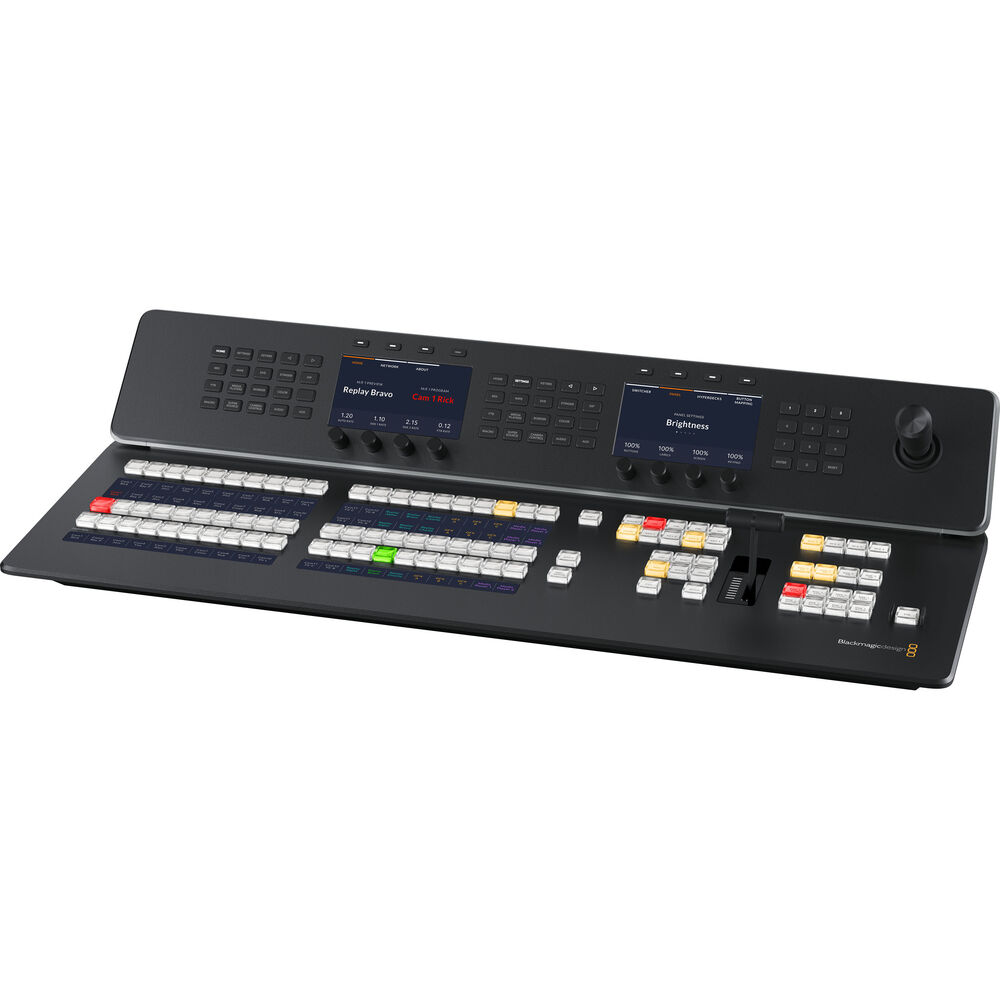
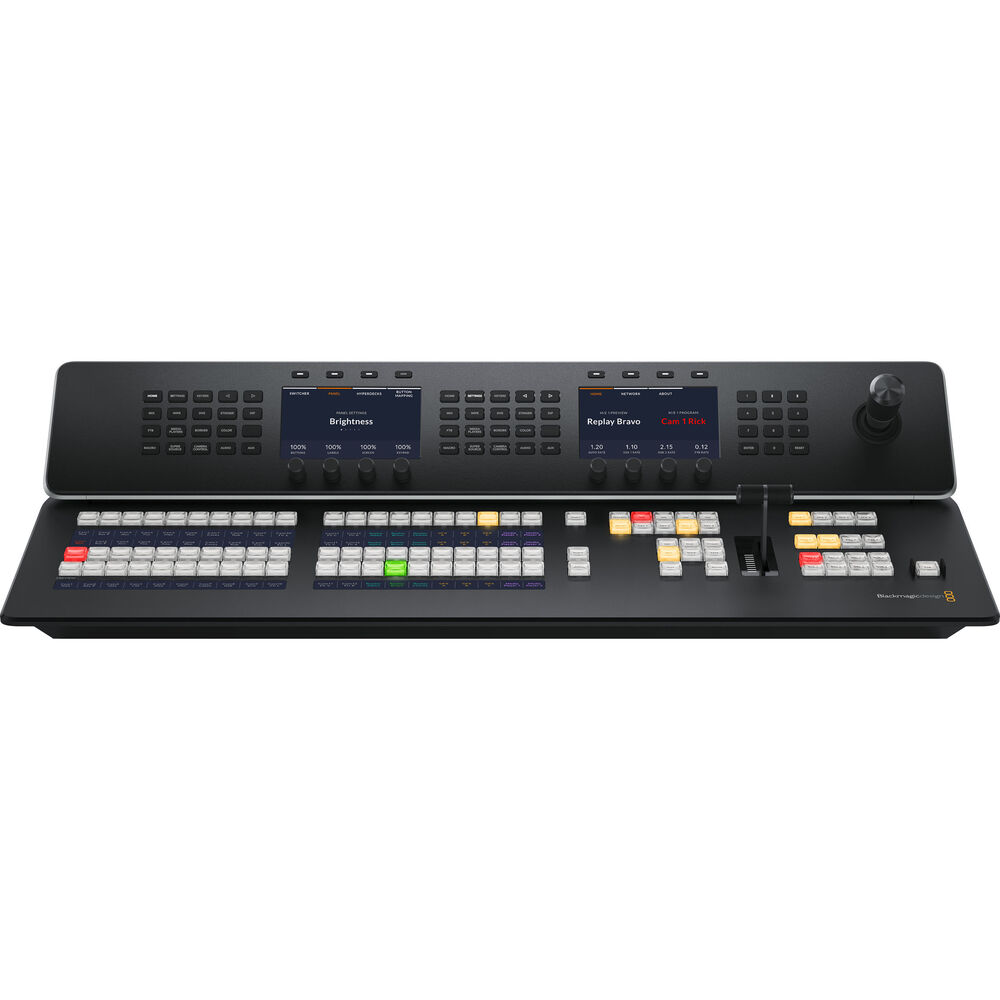
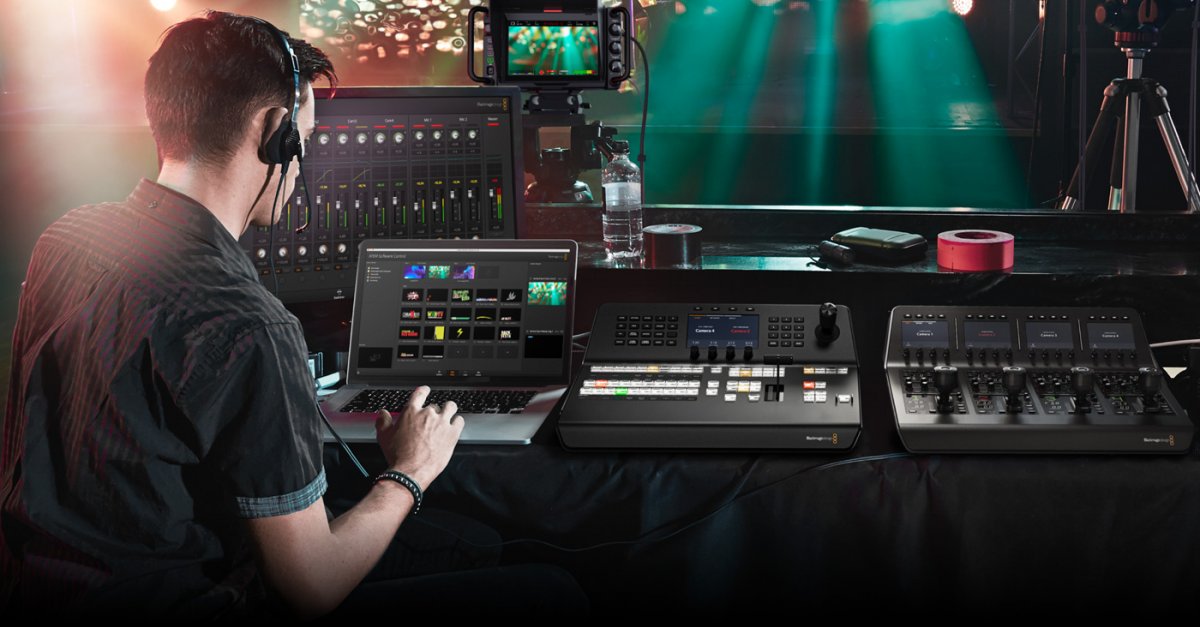
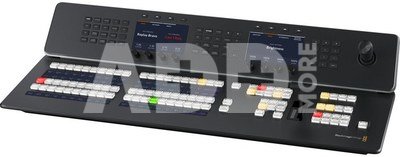
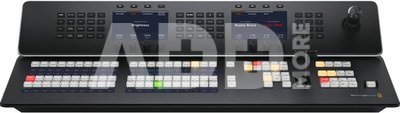
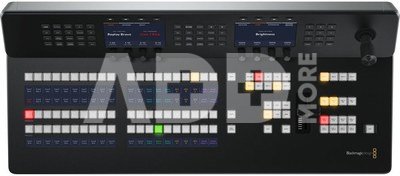
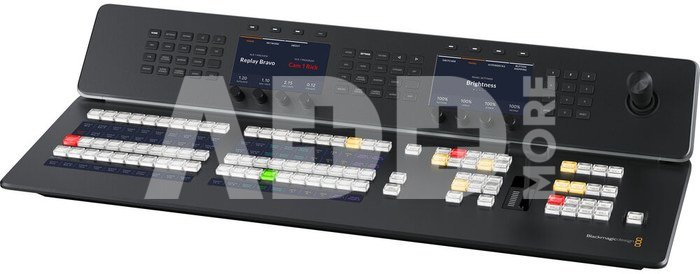
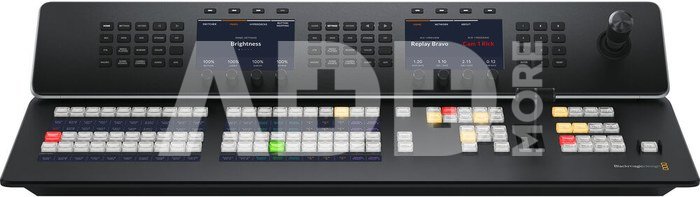
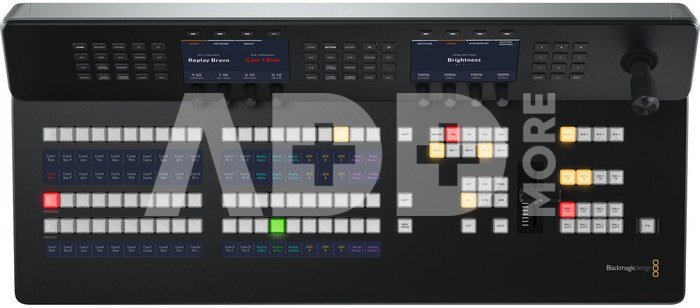
Introducing Blackmagic ATEM 1 M/E Advanced Panel 20. Although you can use ATEM Constellation with the software control panel, using an ATEM Advanced Panel is so much faster! ATEM Advanced Panels open up the power of your ATEM Constellation because they give you more control so you can setup more complex effects. It's also a nicer way to work because you have physical broadcast quality buttons, knobs and a t-bar fader so you can access all features in the switcher, all at the same time. Blackmagic ATEM 1 M/E Advanced Panel 20 is a larger 1 M/E hardware panel with 20 input buttons and 2 system control LCDs, plus buttons for control of 4 upstream keyers, 4 downstream keyers and 4 M/E rows. Includes a joystick and T‑bar fader.
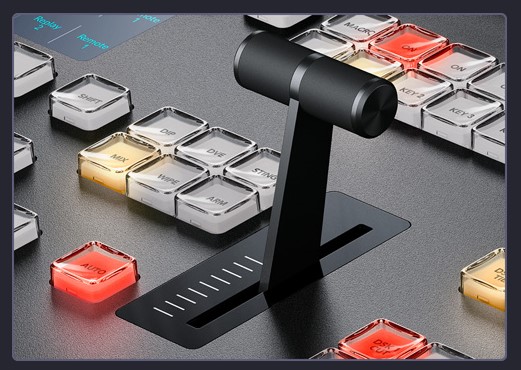
Get total control over your transitions with a dedicated hardware button for each transition type! When selecting transition types, a system control LCD screen will display the options for that transition, so you can change its parameters without navigating through complex menus. It's all instantly available! That gives you multiple ways to switch. Simply select a new source on the preview bus, then press CUT for a cut transition, or AUTO to use the selected transitions such as mix, dip, wipe or DVE! You can even cut directly on the program bus. With ATEM Advanced Panels you get all the controls you need to access all transition types fast.
ATEM switchers give you a huge range of transition styles! Mix transition will smoothly blend between sources just like an NLE cross dissolve. Standard SMPTE wipes are included and wipes can have edge softening for smooth dreamy transitions that are more exciting than simple cross dissolves. Dip transitions create a dip to color effect, however because you can dip to any video source, you could create really innovative effects! DVE transitions use the DVE to create crazy moves where the whole foreground image moves! Plus you can combine the DVE and a still image from the media pool to create graphic wipes! The t-bar fader even lets you manually position the transition for total control!
Power up your wipe transitions by accessing parameters to transform them into exciting effects. While you can select the wipe pattern directly on the LCD, you can also add lots of customization to suit your production style. You can adjust parameters such as symmetry and softness, but there are also adjustments for colored borders with variable width and softness, as well as the position of the centre of the wipe. You can even use the dedicated joystick to set precise wipe pattern positioning!
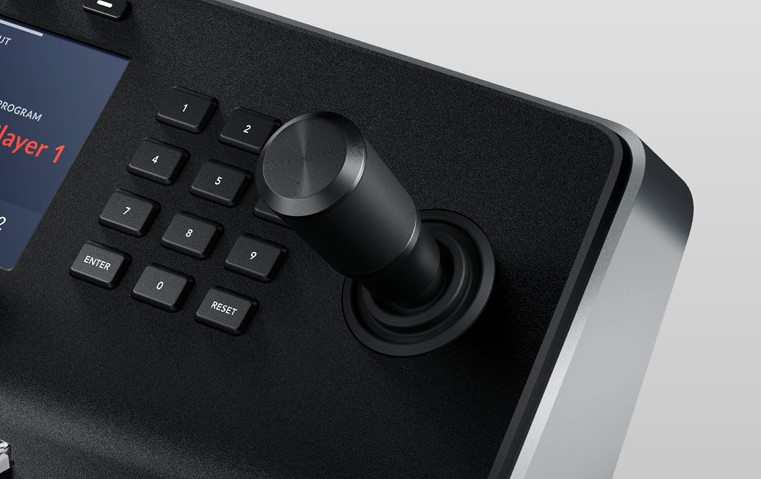
ATEM Advanced Panels are perfect for positioning the DVE for custom picture in picture effects because they include a joystick. The joystick allows the position to be set precisely and rotating the knob will change DVE size. You can also use the soft knobs and menus on the LCD to adjust the DVE position, size and other DVE features such as lighting and drop shadow effects. The DVE can be setup to fly graphics into frame or select any of the pre programmed push and squeeze transitions.
Amazing live performances often require transitions that need to be controlled manually. The ergonomically designed t‑bar control lets you ride transitions perfectly as part of the live performance! Sometimes the emotion of a live event means you need to feel a transition to get it perfectly in sync with the camera operators and talent. Like a conductor, your ATEM Constellation is part of the performance and drives the mood as the production unfolds.
Just below the panel fader bar is the auto transition button. Selecting auto will instantly perform the transition type you have set. This ensures you can accurately select your source and transition type before triggering the action, so you always know what is going to happen and there's much less chance of mistakes going to air. Auto transitions can be programmed for durations from 1 to 250 frames and the benefit is each transition is consistent through your program.
Move elements around the screen using the Joystick! With full 3 Axis control you can adjust X, Y and Z positions of wipe patterns and position the ATEM Constellation DVEs. The joystick control with the DVE is ideal to position live video over video. Scale the size, position up down or left and right for the perfect picture in picture effect. You can also use the joystick to move the DVE and enter start and end keyframe screen positions for your own customized animated DVE moves.
You get full control right from the panel using the system control LCDs. Each system control LCD has a direct access keypad with a button for each function, and LCD and soft knobs and buttons. Simply push a keypad button to see the parameters displayed in the large LCD so you can use the soft buttons and knobs to change each setting. It’s incredibly easy and very fast! There are hundreds of switcher parameters available for keyers, transition selection, DVE, color generators as well as switcher video standard, multiview setup and even input button remapping! You can even save and recall 10 individual panel set ups and store them in the panel! Plus the 2 M/E model as 2 totally independent system control menus, while the 4 M/E model has a massive 4 independent system control LCDs!
Number of Mix Effects Rows: 1
Direct Cross Points: 20
Shifted Cross Points: 40
Crosspoint Button Type: Tri-Color LED
Preview Transition: 1
Transition Rate Displays: Via main menu
LCD Menu Displays: 2
Menu Control: 2 x 20 buttons
Dedicated Macro Buttons: 1 x 20
Transport Control Buttons: 8
Destination Bus: 1
Source Select Bus: 1
Fader Bar: 1
3 Axis Joystick: 1
Numeric Keypad: 1
Software Applications: ATEM Software Control Panel
Operating Systems: Mac 13.0 Ventura, Mac 14.0 Sonoma or later, Windows 10 and 11
Input Voltage: 2 x Internal 100 - 240V AC.
Power Usage: 75W
Redundant Power: Yes
Operating Temperature: 0° to 40° C
Warranty 24 months
Delivery time 8-25 w.d.
| Producer(?) | Blackmagic |
|---|---|
| Warranty | 24 months |
| Delivery time | 8-25 w.d. |
| Product codes |
03358AVX SWPANELADV1ME20 9338716008593 |
ProducerHollyland
ProducerAVMATRIX
ProducerLogicKeyboard
ProducerHollyland
ProducerFeelworld
Colorjuoda
ProducerRoland
ProducerHollyland
ProducerBlackmagic
E-mail: [email protected]














Reviews
0 average rating (0 votes)