Baseus USB cable for USB-C Baseus Glimmer Series, 100W, 1m (Black)
Kodas: 02682ITP
Gamintojo kodas: CADH000401
Įsiminti
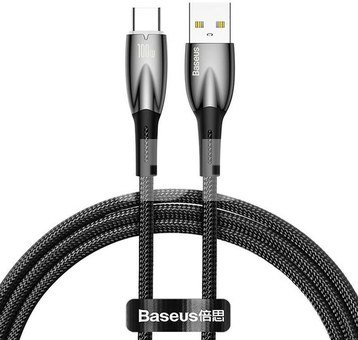
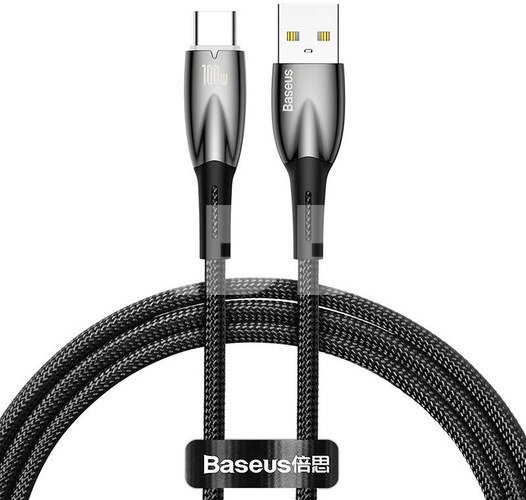
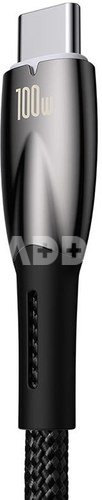
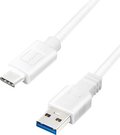
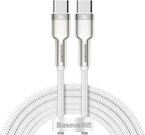
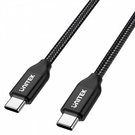
Baseus Glimmer USB to USB-C cable, 100 W, 1 m (black)
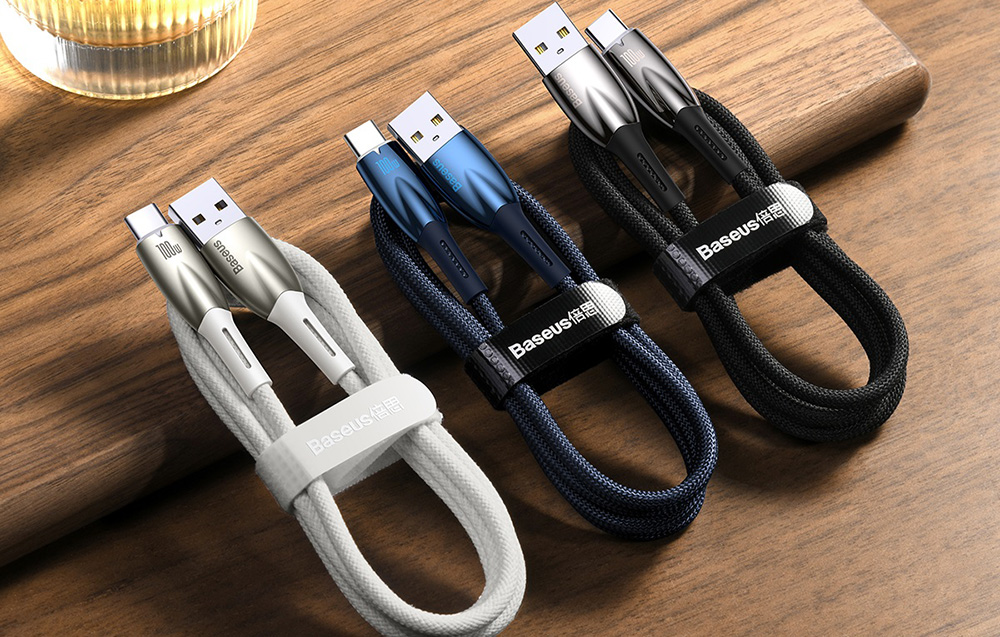
Charging devices and transferring files has never been faster! The Baseus Glimmer cable allows you to charge smartphones with up to 100 watts and 6A, as well as transfer data at up to 480 Mbps. It automatically cuts off access to power when the battery is fully charged. It also features exceptional durability and damage resistance. In addition, it also has an illuminated connector for easy operation.
Extremely fast charging
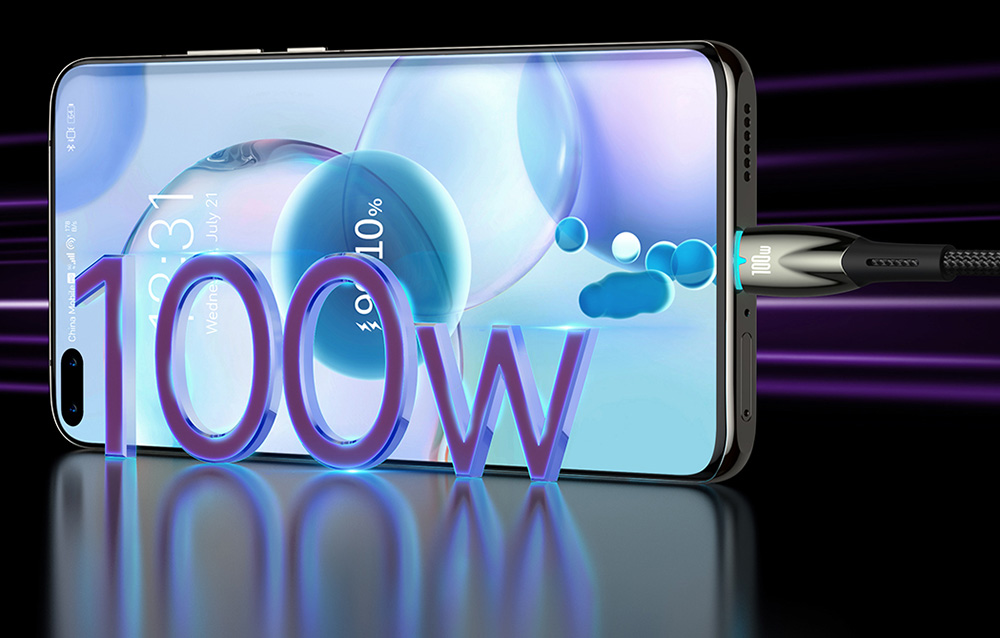
The Baseus Glimmer cable allows you to instantly charge smartphones including Huawei and Honor with an output power of up to 100W and a stable 6A. As a result, you will renew the energy in your devices in just a few moments.
Transfer files in the blink of an eye
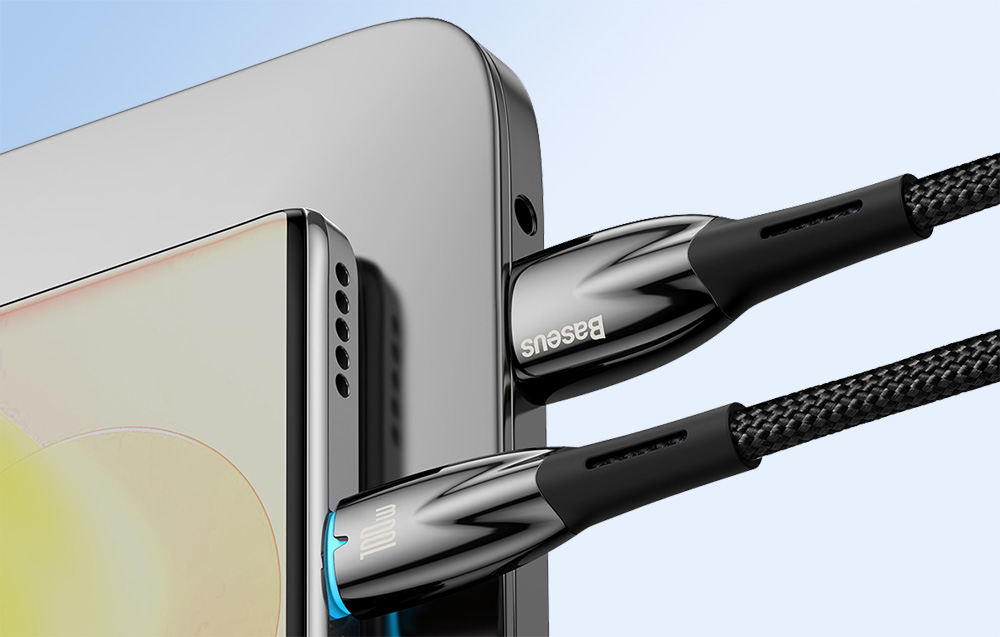
The accessory not only allows you to charge your equipment quickly, but also to transfer data in no time. The cable offers file transfer speeds of up to 480 Mbps, so you don't have to wait indefinitely to transfer photos or music between devices.
Safe and durable
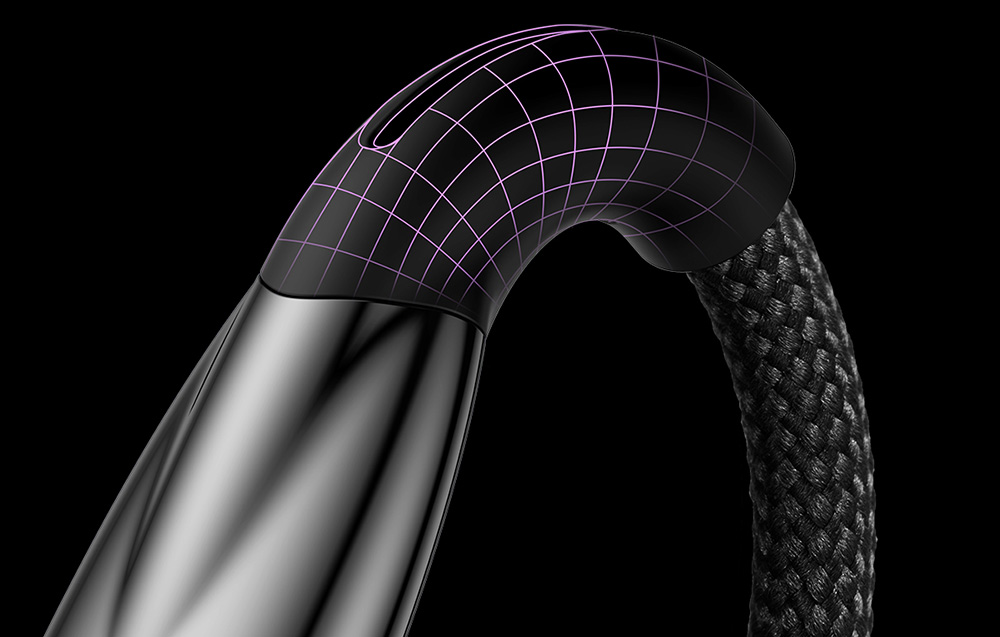
The cable is made of extra-strong nylon braid, which is resistant to bending and breaking. The section of the cable at the plug has been additionally reinforced, so you can be sure that it will not be damaged after repeated bending. In addition, you do not have to worry about overcharging - the cable automatically cuts off access to energy when the device is fully charged, while ensuring maximum safety. So you can plug in your phone to charge overnight without any problems.
Practical extras
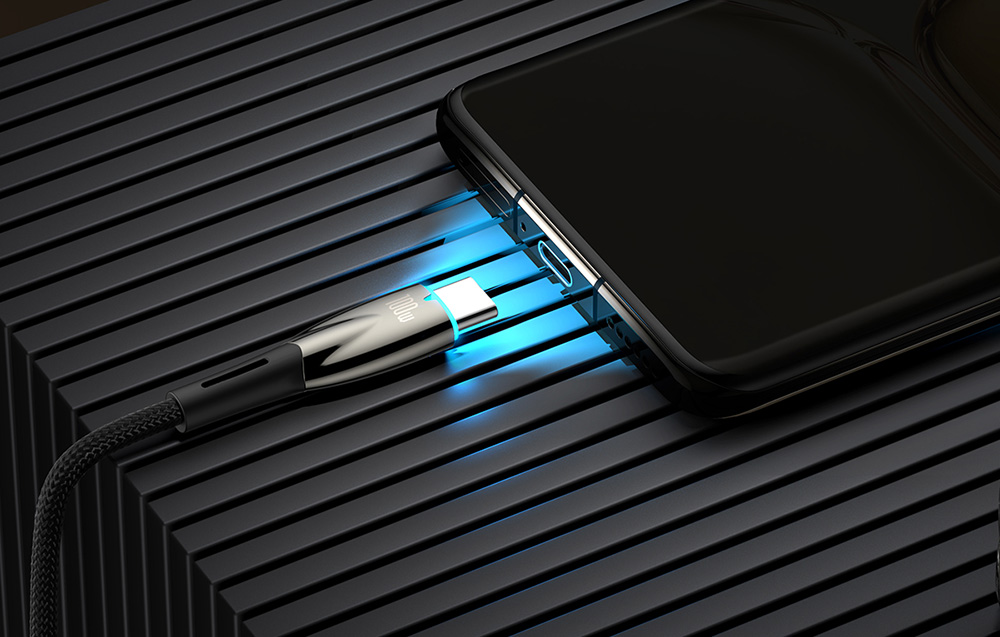
The cable is equipped with a subtle blue illumination of the USB-C connector. This makes it easy to find the cable in the dark and connect your phone for charging without any trouble. What's more, you'll find a special Velcro fastener included, which will make it easy to store and transport - not only will you prevent it from getting tangled, but you'll also keep it tidy!
Specification:
| Manufacturer |
Baeus |
| Model |
CADH000401 |
| Color |
Black |
| Power |
100 W |
| Amperage |
6 A |
| Transmission speed |
480 Mbps |
| Length |
1 m |
| Material |
Zinc alloy + nylon |
Laido ilgis (m)
1
Jungtis 1
USB
Jungtis 2
USB-C
Aptarkite su konsultantu Kaune
Neturime
Kaunas Adresas: Birželio 23-iosios g. 23g Darbo laikas: I-V 09:00 - 18:00 VI-VII nedirba Telefonas: +370 674 59488
Aptarkite su konsultantu Klaipėdoje
Neturime
Klaipėda Adresas: Taikos pr. 17 Darbo laikas: I-V 10:00 - 19:00 VI 10:00 - 14:00 VII nedirba Telefonas: +370 604 43972
1. Kokio tipo laido reikia norint greitai įkrauti telefoną?
Norint greitai įkrauti telefoną, reikiamo laido tipas priklauso nuo jūsų įrenginio. USB-C laidai tapo daugelio „Android“ išmaniųjų telefonų standartu, palaikydami įvairius greito įkrovimo standartus, tokius kaip „Quick Charge“ ir „Power Delivery“. „iPhone“ paprastai naudoja „Lightning“ kabelius, o naujesni modeliai palaiko greitą įkrovimą per USB-C į „Lightning“. Įsitikinkite, kad laidas suderinamas su jūsų telefonu ir įkrovimo adapteriu. USB-C laidai pasižymi universalumu ir didesniu energijos tiekimu, todėl puikiai tinka daugeliui šiuolaikinių įrenginių. Visada patikrinkite savo telefono specifikacijas ir rinkitės sertifikuotus laidus, kad užtikrintumėte suderinamumą ir saugų bei efektyvų greitą įkrovimą.
2. Kodėl susidėvi telefono laidai ir kaip to išvengti?
Telefono laidai susidėvi dėl lenkimo, sukimosi ir bendro kasdienio naudojimo susidėvėjimo. Tokie veiksniai kaip prastas valdymas, staigūs posūkiai ir dažnas prijungimas bei atjungimas prisideda prie kabelio pažeidimo. Kad nesusidėvėtų, su kabeliais elkitės švelniai, venkite staigių lenkimų ir ištraukite kištuką suimdami už jungties, o ne už laido. Naudokite kabelių tvarkykles, kad sumažintumėte prijungimo taškų įtampą saugojimo metu. Investuokite į aukštos kokybės sustiprintus kabelius, sukurtus ilgaamžiškumui. Apsvarstykite galimybę įkrauti belaidžiu ryšiu, kad sumažintumėte fizinę kabelių apkrovą. Be to, atjungimas traukiant tiesiai, o ne kampu, prailgina kabelio tarnavimo laiką. Reguliariai tikrinkite, ar kabeliai nepažeisti, ir nedelsdami pakeiskite susidėvėjusius, kad užtikrintumėte patikimą įkrovimą ir duomenų perdavimą.

















Atsiliepimai
0 vidutinis įvertinimas (0 įvertinimų)