
Электронная почта: [email protected]


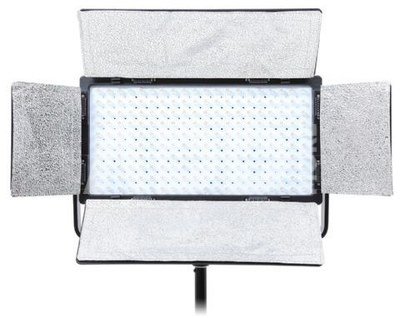
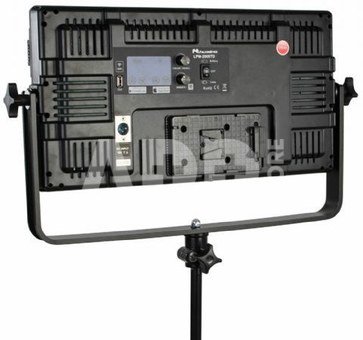
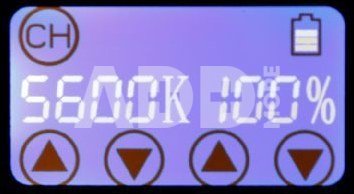
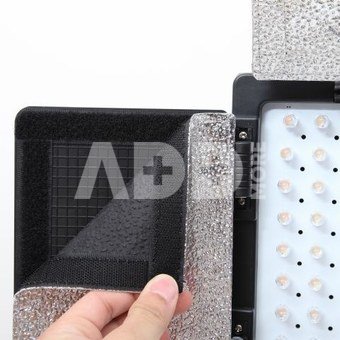
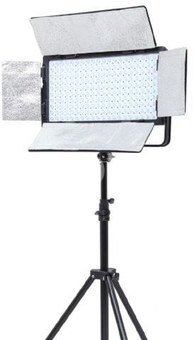
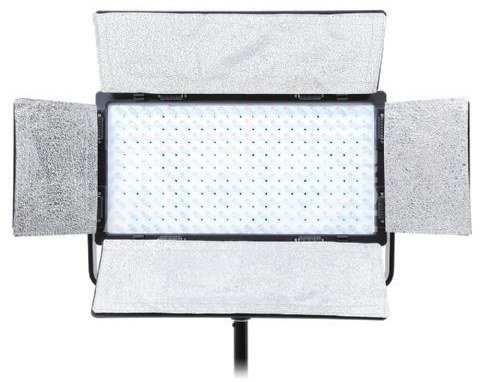
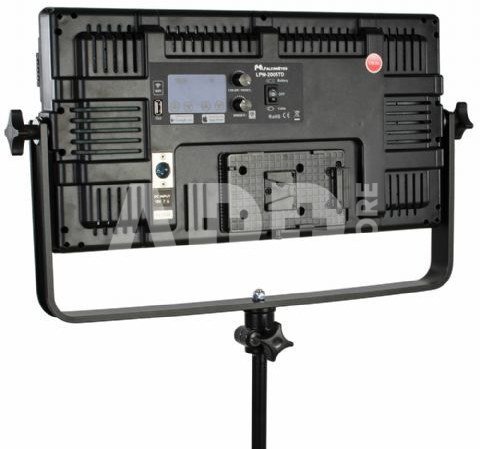
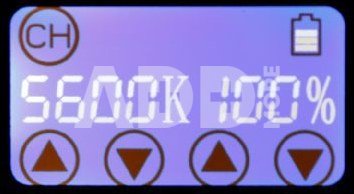
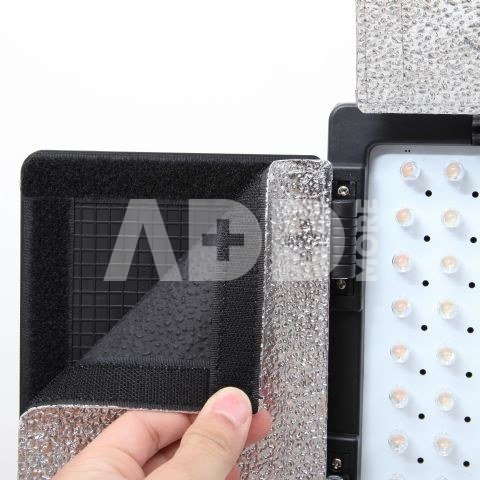
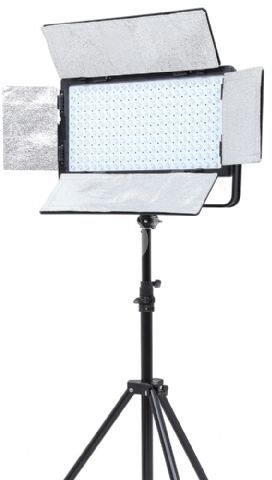
The Falcon Eyes Wi-Fi LED Lamp LPW-2005TD is a dimmable LED lamp (100W). The panel has 200 small LED lights, which generate a color temperature of 3000 up to 8000K. The lamp can be operated with the control panel at the back of the lamp. The display is provided with a touch screen, which makes the lamp easy to control. You can use the lamp via AC power, but also with an optional battery.
The lamp has a Wi-Fi connection, which you can use via the USB Wi-Fi dongle (Optional Accessories) and the Falcon Eyes app, to control the lamp easily via your smartphone (iOS and Android).
The LPW-2005TD is suitable for all kind of photography and video purposes. Partly because the light is adjustable in power and color temperature. This makes it very suitable for making portraits of children or animals for example.
In addition to the operation via the touchscreen on the back, you can also operate the lamp with your smartphone. Free apps are available in the App Store and Play Store. Below is a manual for setting up and using the Wi-Fi function:
Single lamp
1. Download the Falcon Eyes app by clicking here with your iPhone or clicking here on your Android smartphone.
2. Go to the Wifi settings of your smartphone and connect to the network that starts with 'LEDS ...'. The password is 'candlehome'.
3. Open the Falcon Eyes app and press 'Click me'.
4. Click on the section containing the IP address, starting with 192.
5. You can now adjust the brightness with the slider bar at the bottom. You can also adjust the color temperature by sweeping over the round disc in the middle.
Multiple lamps
If you want to control several lamps at the same time, you need a Wi-Fi router for this. Follow the steps below:
1. Download the Falcon Eyes app by clicking here with your iPhone or clicking here on your Android smartphone.
2. Connect the Wi-Fi router to a power outlet and make sure the network name and password are available. An internet connection is not required.
3. Connect to the Wi-Fi network with your smartphone.
4. Press and hold the color / reset button of the lamps until the red light flashes multiple times.
5. Open the Falcon Eyes app and press 'Click me'.
6. Press the gear wheel at the top right. Then enter the password of your Wi-Fi router.
7. The app is connecting. This can take up to 30 seconds. Wait until the red lights of all LED lights are solid red.
8. Tap on a lamp of your choice.
9. You can now adjust the brightness with the slider bar at the bottom. You can also adjust the color temperature by sweeping over the round disc in the middle.

Время доставки 14-17 р.д.
| Производитель(?) | Falcon eyes |
|---|---|
| Время доставки | 14-17 р.д. |
| Коды продуктa |
01058BNL 871812707636 8718127076366 |
ПроизводительOmega

ПроизводительK&F

ПроизводительLedlenser
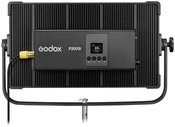
Bulb typeLED
ПроизводительGodox
ПроизводительBlaupunkt
ПроизводительLeduro
ПроизводительYongnuo
Электронная почта: [email protected]













Отзывы
0 средний рейтинг (0 рейтинги)