Aim with surgical precision
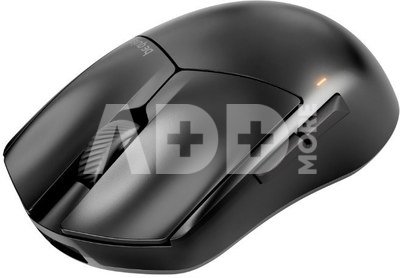
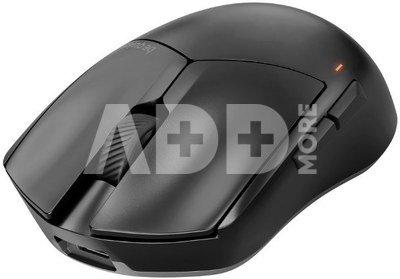
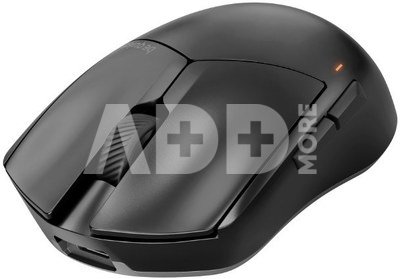
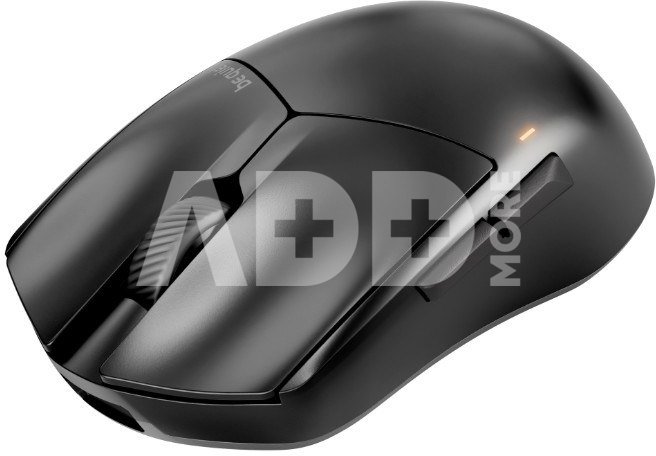
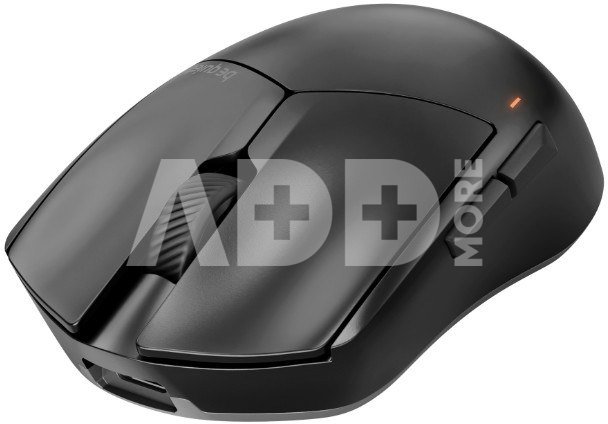
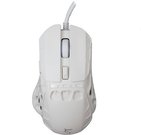
Enjoy up to 110 hours of wireless freedom with the flagship PixArt PAW3950 and a lightweight design weighing just 55g. Dark Perk Sym is the key to unleashing your full potential.
- Lightweight design for competitive gaming
- Extremely long wireless battery life of up to 110 hours
- Polling rate up to 8000 Hz, even in wireless mode
- PixArt PAW3950 sensor with up to 32,000 DPI
- Fast and precise Omron optical switches for responsiveness and soft clicks
- 100% PTFE glides with rounded edges for exceptionally smooth aiming
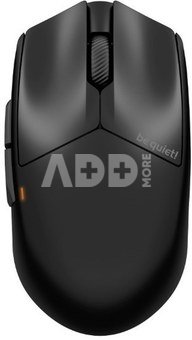
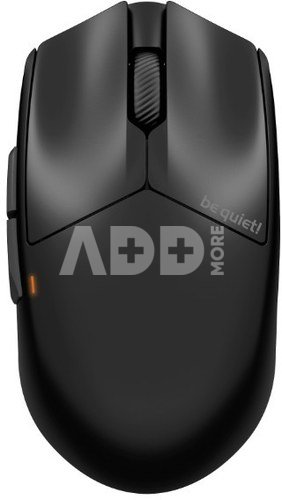
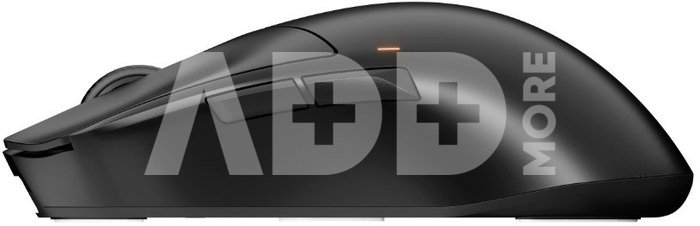
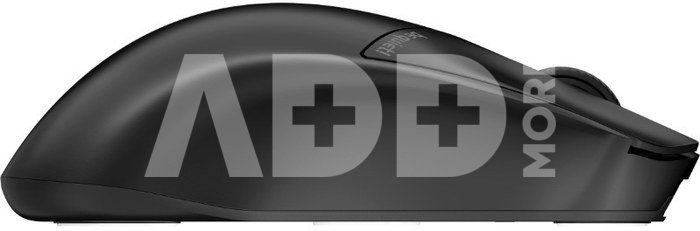
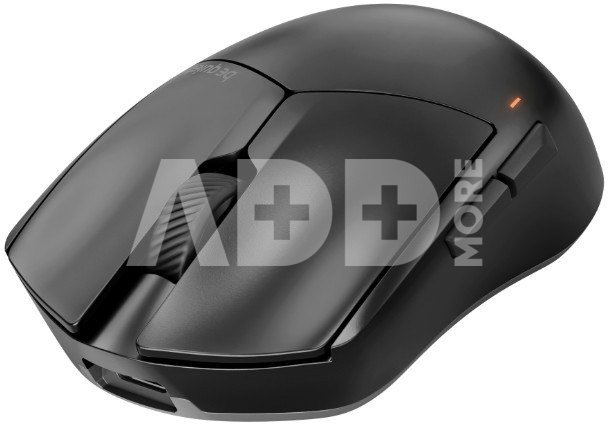
- Symmetrical shape
- Customize your Dark Perk Sym mouse with be quiet! software IO Center
Sting Like a Bee
The Dark Perk Sym is ultra-light, weighing just 55g, making it the perfect extension of your hand. It's easy to use and provides perfect aim. The Dark Perk Sym will let you hone your game for hours with minimal fatigue.
Up to 110 Hours
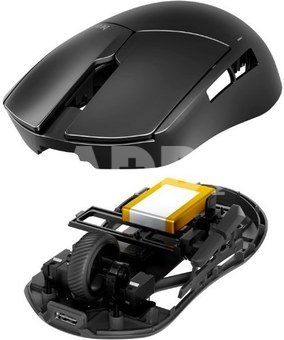
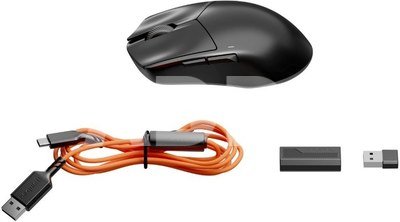
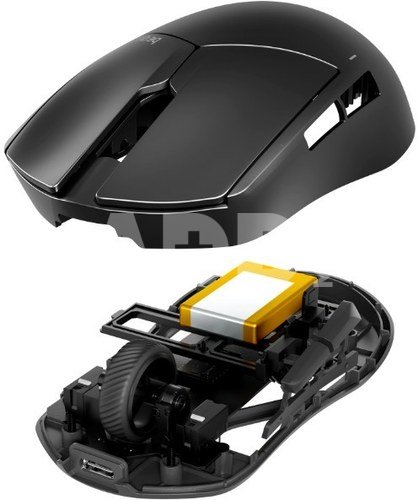
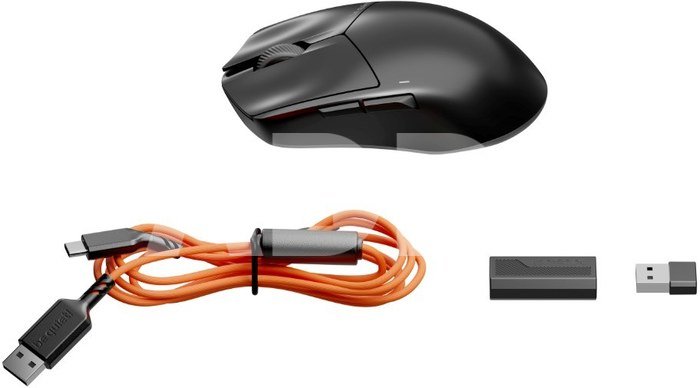
No need to replace AA batteries! The built-in battery lasts for 110 hours at a polling rate of 1000Hz (or a response time of 1ms). To achieve such long battery life in a lightweight mouse, a large battery isn't enough. The carefully selected Nordic Semiconductor nRF54H20 microcontroller and PixArt sensor, combined with sustainable firmware development, provide the perfect blend of performance and battery life. You don't even have to pause your game while charging; you can also use the Dark Perk Sym with a 1.8m USB A to C cable.
State-of-the-art PixArt Sensor
The PixArt PAW3950 is widely considered the best mouse sensor in the world. In the case of Dark Perk Sym, only the best was good enough. With a resolution of up to 32,000 DPI, you can tune to incredible levels and enjoy incredibly stable and smooth tracking. Furthermore, with a polling rate of up to 8,000 Hz in both wireless and wired modes, response times are lightning fast.
5 Customizable Buttons
- Omron D2FP-FN2 optical switches for the left and right mouse buttons are super fast, responsive, easy to spam, and have a muted sound profile.
- You can reprogram all 5 buttons to perfectly suit your needs. Create multiple profiles and configurations for your games in the be quiet! IO Center.
- The bottom of the mouse also features a switch for switching between 5 customizable DPI levels and a slider for turning the device on or off to conserve battery life.
Sculpted to Perfection
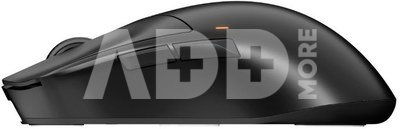
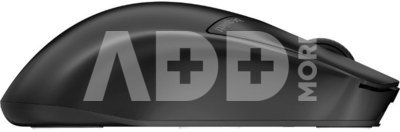
- The symmetrical shape makes the Dark Perk Sym easy to grip, making it a perfect fit for any grip style. The two buttons are conveniently placed within thumb reach for right-handed gamers, while left-handed players can reach them with their ring finger.
- With the be quiet! IO Center, be quiet! IO Center gives you complete control over your Dark Perk Sym mouse and other be quiet! devices, such as keyboards.
- You can adjust the mouse's DPI, distance from the surface, and polling rate. You can also remap buttons and configure macros in different profiles.
- You can configure multiple profiles and save your favorites to the mouse's onboard memory, allowing you to use it on another computer and retain familiar settings. The software uses very few system resources when active.
- Don't want to install additional software on your PC? Simply use IO Center Web to conveniently configure your Dark Perk Ergo mouse via your browser.
Pristatymo laikas
10-14 d.d.
Aptarkite su konsultantu Kaune
Neturime
Kaunas Adresas: Birželio 23-iosios g. 23g Darbo laikas: I-V 09:00 - 18:00 VI-VII nedirba Telefonas: +370 674 59488
Aptarkite su konsultantu Klaipėdoje
Neturime
Klaipėda Adresas: Taikos pr. 17 Darbo laikas: I-V 10:00 - 19:00 VI 10:00 - 14:00 VII nedirba Telefonas: +370 604 43972
1. Kaip pasirinkti tinkamą kompiuterinę pelę pagal savo poreikius?
Tinkamos kompiuterinės pelės pasirinkimas priklauso nuo individualių poreikių ir naudojimo įpročių. Keletas svarbių aspektų, kuriuos turėtumėte įvertinti: 1) Pelės tipas: Egzistuoja įvairių tipų pelės, įskaitant optinę, lazerinę ir žemėlapių peles. Lazerinės pelės tinka skirtingiems paviršiams, o žemėlapių pelės gali būti naudingos žaidimams. 2) Pelės jautrumas: Jautrumas nusako, kaip greitai pelė reaguoja į judėjimą. Žaidimams dažnai geriau tinka pelės su reguliuojamu jautrumu, leidžiančiu prisitaikyti prie skirtingų poreikių. 3) Dizainas ir forma: Ergonominis dizainas yra svarbus, ypač jei ilgai naudojate pelę. Rinkitės pelę, kuri gerai tinka jūsų rankai ir leidžia patogiai judėti. 4) Papildomos funkcijos: Kai kurios pelės turi papildomas funkcijas, tokias kaip programuojami mygtukai, RGB apšvietimas arba daugiafunkciniai elementai. Šios funkcijos gali pagerinti naudojimo patirtį. 5) Belaidė ar laidinė: Belaidės pelės suteikia didesnę judrumo laisvę, tačiau laidinės pelės dažnai nereikalauja baterijų keitimo ir turi mažesnį delsimo laiką. Atsižvelgiant į šiuos veiksnius, galėsite pasirinkti kompiuterinę pelę, kuri atitinka jūsų poreikius ir užtikrina patogią naudojimo patirtį.
2. Kokie yra skirtingi pelių tipai ir kokie yra jų privalumai?
Yra kelios pagrindinės pelių kategorijos, įskaitant optines, lazerines, ir šiuolaikines bevieles peles. Optinės pelės yra geresnės ant lygaus paviršiaus, o lazerinės daugiau tinka nelygiems paviršiams ir yra jautresnės judesio sekimui. Bevielinės pelės siūlo didesnę judumo laisvę, kurios dažnai reikalingos žaidėjams arba žmonėms, dirbantiems nuotoliniu būdu. Optinės pelės naudoja šviesos diodą (LED) arba infraraudoną šaltinį, kad nustatytų judėjimą ant paviršiaus. Optinės pelės veikia gerai įvairiose aplinkose ir yra ekonominės. Lazerinė pelė yra panaši į optinę, tačiau naudoja lazerį judėjimui nustatyti. Gali dirbti ant daugiau paviršių ir tinka žaidimams, kur reikalingas didesnis jautrumas. Kiekvienas pelės tipas turi savo privalumus. Optinės pelės yra pigios ir tinka įprastam naudojimui, lazerinės pelės yra daugiafunkcinės. Pasirinkimas priklauso nuo individualių poreikių ir naudojimo scenarijaus.

















Atsiliepimai
0 vidutinis įvertinimas (0 įvertinimų)