




+370 462 46444
I-V 10:00-19:00
VI 10:00-14:00

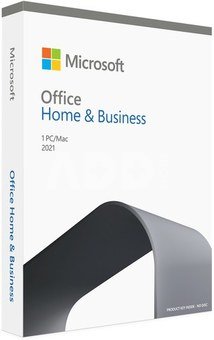
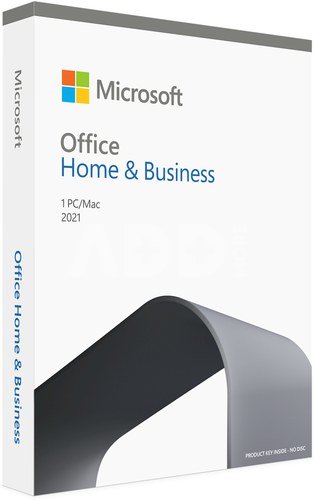
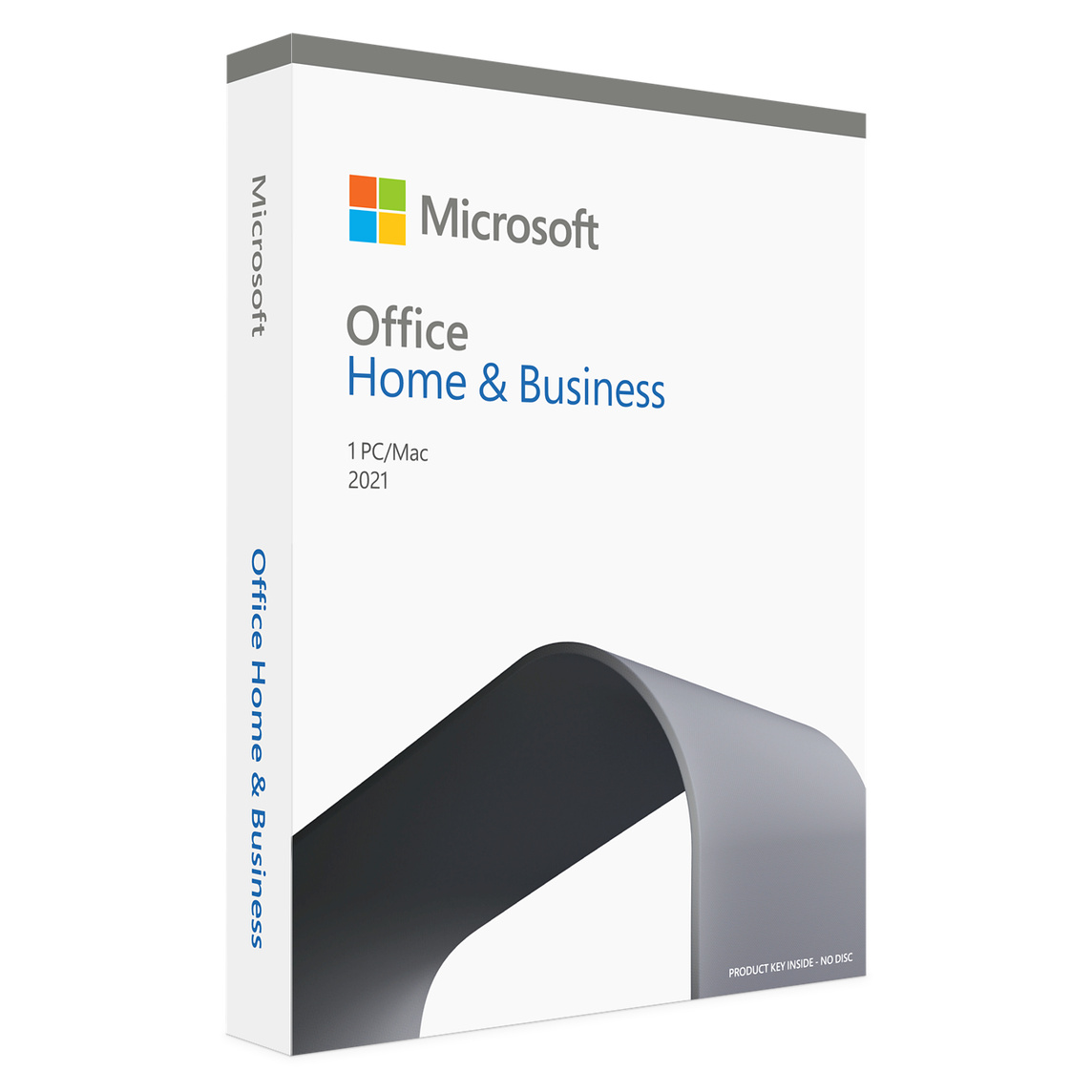
Microsoft Office Home & Student 2021 (Windows / Mac)

Microsoft Office Home & Student 2021 (Windows / Mac)
Code: 09773KVG
Manufacturer code: -
Add to wishlist
EU warehouse
Delivery 5-19 w.d.
Choose properties
Color
149.99
Extended warranty
Product insurance

Pick up for free in the store in Kaunas (Birželios 23-iosios str. 23g) Liepos 15 d.

Pick up for free in Klaipėda, in the store (Taikos pr. 17) Liepos 15 d.

We will deliver to your home via courier service Liepos 17 d.

Turite klausimų? +370 462 46444 Send request

DescriptionMicrosoft Office Home & Student 2021 (Windows / Mac) description

BŪTINIAUSIOS PROGRAMOS JŪSŲ STUDIJOMS ARBA KASDIENAI

„Office Home and Student 2021“ skirta studentams ir šeimoms, norinčioms klasikinių „Office“ programų, įskaitant „Word“, „Excel“ ir „PowerPoint“, skirtą „Windows 11“ ir „Windows 10“. Vienkartinis pirkinys, įdiegtas 1 asmeniniame kompiuteryje arba „Mac“, skirtas naudoti namuose ar mokykloje.


YPATYBĖS

- Vienkartinis pirkimas 1 asmeniniam kompiuteriui arba „Mac“.
- Klasikinės 2021 m. „Word“, „Excel“ ir „PowerPoint“ versijos.
- Įtrauktos konsultacijos su „Microsoft“ klientų aptarnavimu pirmąsias 60 dienų be papildomo mokesčio.


PROGRAMOS

Word: tekstinių dokumentų kūrimas ir redagavimas.
 
Exel: informacijos kaupimas, funkcijų ir skaičiavimų atlikimas bei vizualizavimas.
 
PowerPoint: skaidrių, prezentacijų kūrimas.
 
Outlook: profesionalus paštas ir kalendorius.
 
OneDrive: leidžia saugoti asmeninius ir kitus failus vienoje vietoje.
 

REIKALAVIMAI

Procesorius: 1,6 GHz, 2 branduolių procesorius
 
Operacinė sistema: „Windows 11“ arba „Windows 10“.
 
Atmintis: 4 GB (64 bitų), 2 GB (23 bitų) RAM
 
Talpa: 4 GB laisvos vietos diske
 
Ekranas: 1024x768 raiška
 
Grafika: „DirectX 10“ vaizdo plokštė, skirta grafikos aparatūros pagreitinimui
 
Papildomi sistemos reikalavimai: Interneto ryšys
 

Discuss with a consultant in Kaunas

We don't have Klaipėda Address: Birželio 23-iosios g. 23g Working hours: I-V 09:00 - 18:00 VI-VII not working Phone: +370 674 59488
Kaunas

Discuss with a consultant in Klaipėda

We don't have Klaipėda Address: Taikos pr. 17 Working hours: I-V 10:00 - 19:00 VI 10:00 - 14:00 VII not working Phone: +370 604 43972
Klaipėda
Specification
Producer(?) Microsoft
Product codes

09773KVG

Reviews

0 average rating (0 votes)

 0
 0
 0
 0
 0

Leave a comment

Only registered users can rate.

Customer reviews (0)

There are no reviews. Be first!

1. What are the best photo editing programs for professional use and why?

The best photo editing programs may vary depending on the user's needs and experience level. For professional use, the following programs are often recommended. Adobe Photoshop: This is one of the most popular and powerful photo editing programs. Photoshop provides comprehensive features that allow users to create professional-level photos, perform retouching, adjust colors, and more. It also has many plugins and capabilities. Adobe Lightroom: Great for organizing photos and performing basic editing tasks. This program is highly effective when managing large photo collections, and its features include color corrections, tone adjustments, and more. Capture One: This program is also frequently used by professional photographers. It offers more detailed color corrections and works with RAW format photos. DxO PhotoLab: This is an excellent photo editing program that produces outstanding results, especially because it automatically corrects lens distortions and other defects. Affinity Photo: Many professional users choose Affinity Photo as an alternative to Photoshop, as it offers powerful editing capabilities at an affordable price. All of these programs have many features that allow users to create high-quality photos and properly edit their aesthetics. However, it is important to consider which program best matches your individual needs and skills.

2. What is the difference between Adobe Premiere Pro and Adobe Premiere Elements video editing programs?

Adobe Premiere Pro is a professional-grade video editing program designed for experienced users and professionals, offering advanced capabilities, multi-layer editing, and top-quality video. It is a professional-level video editing program often used for creating films, TV shows, and other professional projects. Adobe Premiere Pro offers broad capabilities, including a professional workflow, many tools for effects, transitions, and color correction, as well as various audio editing options. Adobe Premiere Elements is a lighter version designed for beginners and intermediate users. It provides simpler tools but remains efficient and can meet most users' needs. Adobe Premiere Elements is more often used for non-commercial purposes, especially for those who do not require high levels of professionalism.










