


+370 462 46444
I-V 10:00-19:00
VI 10:00-14:00

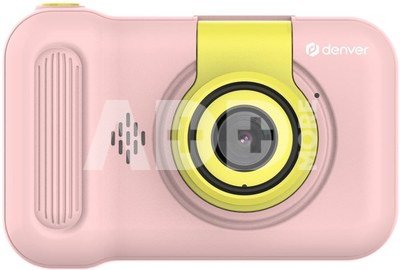
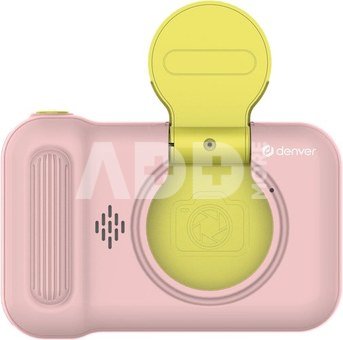
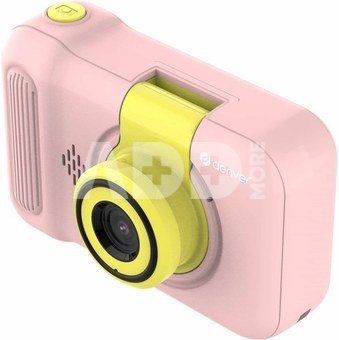
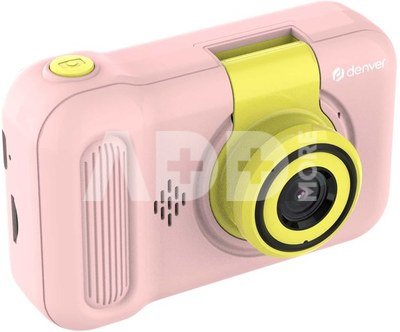
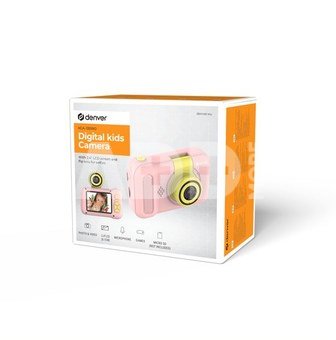
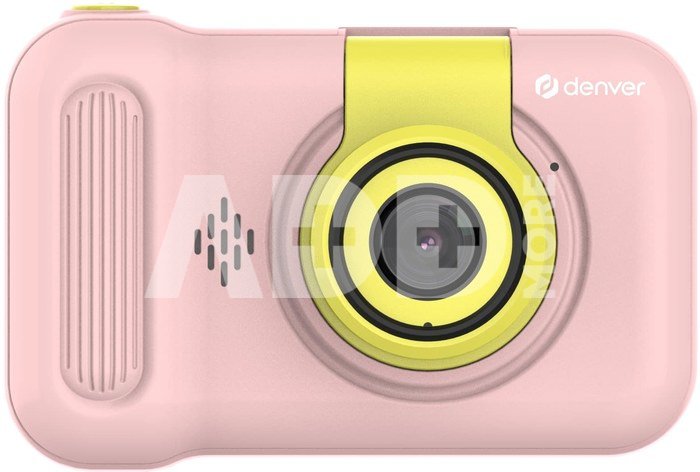
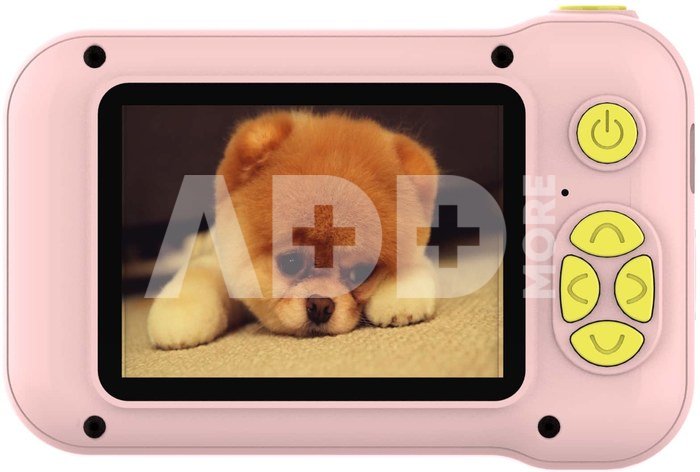
Denver KCA-1351 Rose

Denver KCA-1351 Rose
Code: 03831MCF
Manufacturer code: KCA-1351RO
Add to wishlist
EU warehouse
Delivery 11-14 w.d.
Choose properties
Color
17.99
Extended warranty
Product insurance

Pick up for free in the store in Kaunas (Birželios 23-iosios str. 23g) Liepos 06 d.

Pick up for free in Klaipėda, in the store (Taikos pr. 17) Liepos 06 d.

We will deliver to your home via courier service Liepos 08 d.

Turite klausimų? +370 462 46444 Send request

DescriptionDenver KCA-1351 Rose description

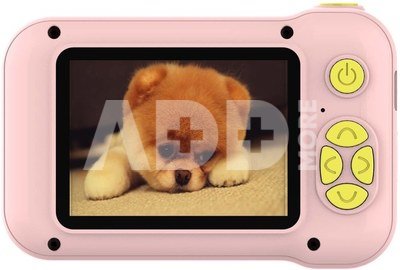
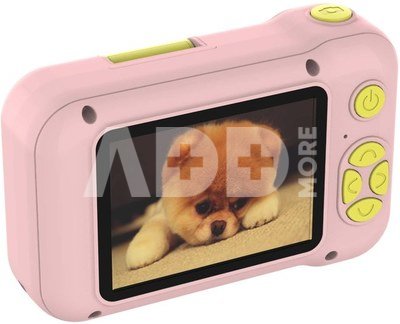
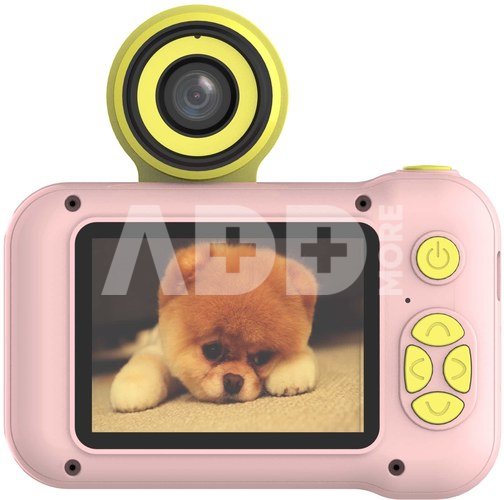
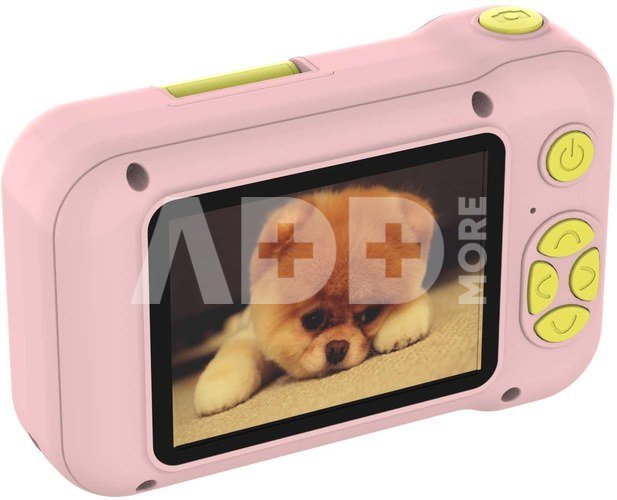
2" LCD screen on back

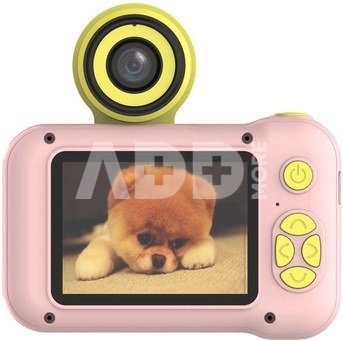
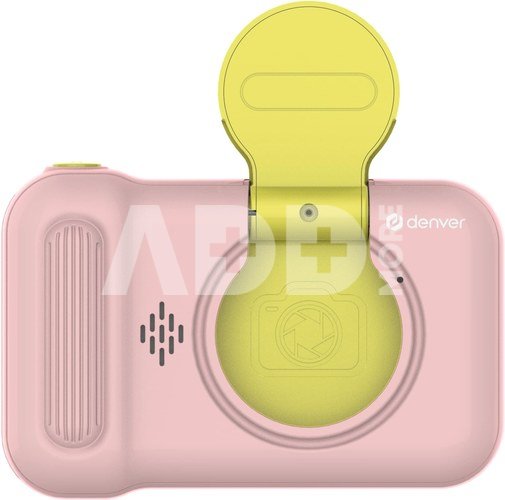
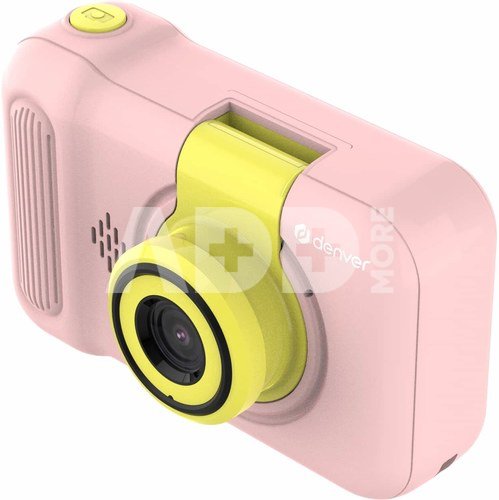
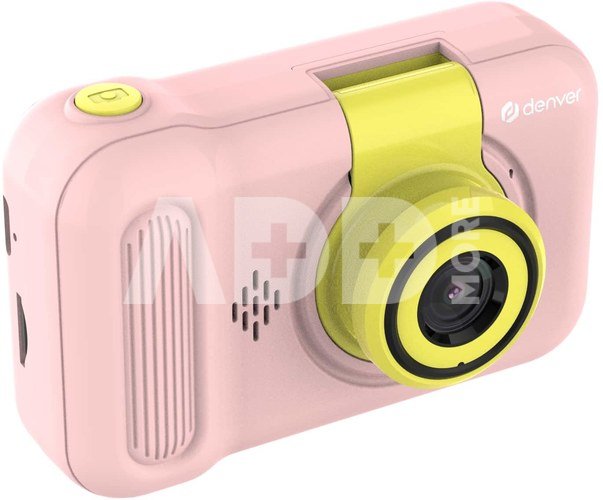
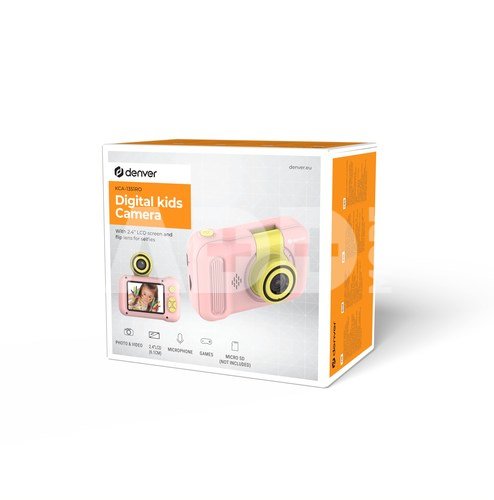
Flip lens for taking selfies
Record video in 1920*1080 interpolated resolution
Photos up to 40 megapixels (interpolated)
4x zoom function
15 cartoons frames, 10 photo effects and 7 color filters
5 built in games
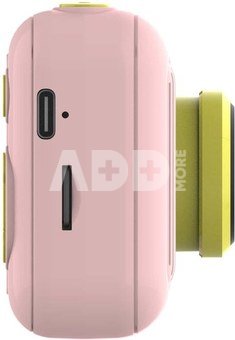
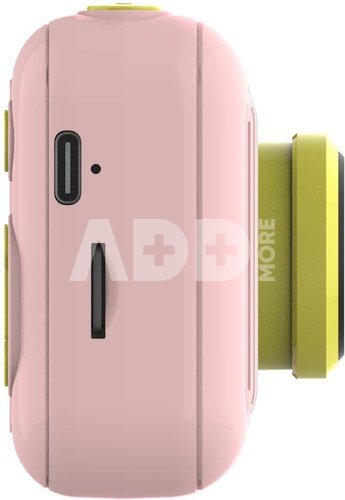
Built in rechargeable battery - charged by included USB-A <-> USB-C cable
Needs MicroSD card up to 64GB for video recording (not incl.)
Technical data
Power supply: Built-in 600mAh rechargeable lithium ion battery
Storage: MicroSD card slot - up to 64GB (not incl.)
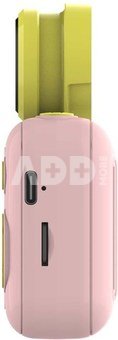
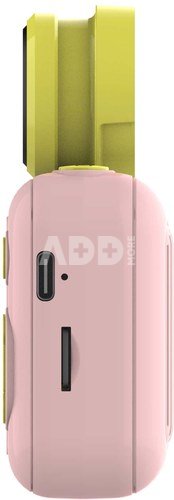
Connections: MicroSD card slot, USB-C input
Size: 9.30 (w) x 4.50 (d) x 6.20 (h)

Megapixel count 40
Digital zoom 4x
LCD screen, inches 2
Video 1920*1080
Memory card type microSD
Battery type Li-ion
USB interface +
Color Pink
Size, mm 93 x 45 x 62

Delivery time 11-14 w.d.

Discuss with a consultant in Kaunas

We don't have Klaipėda Address: Birželio 23-iosios g. 23g Working hours: I-V 09:00 - 18:00 VI-VII not working Phone: +370 674 59488
Kaunas

Discuss with a consultant in Klaipėda

We don't have Klaipėda Address: Taikos pr. 17 Working hours: I-V 10:00 - 19:00 VI 10:00 - 14:00 VII not working Phone: +370 604 43972
Klaipėda
Specification
Performance
  Producer(?) Denver
  Color
  Delivery time 11-14 w.d.
Product codes

03831MCF KCA-1351RO 5706751072703

Reviews

0 average rating (0 votes)

 0
 0
 0
 0
 0

Leave a comment

Only registered users can rate.

Customer reviews (0)

There are no reviews. Be first!

1. What are the main features to consider when choosing a digital camera?

When choosing a digital camera, it's important to consider several key features to ensure it meets your needs. First, define your goals: will it be for everyday photos, professional photography, or a compact travel camera? Choose the appropriate sensor size, which directly affects photo quality and performance in low light conditions. Consider the number of megapixels – more doesn’t necessarily mean better quality. Select the right lens based on your needs. It's also essential to take into account the camera’s size, weight, ease of control, battery life, recording formats, flash capabilities, and connectivity with other devices. Don’t forget your budget – choose something within your means. Before purchasing, it's important to read reviews and do thorough research to ensure you’ll be satisfied with your choice.

2. How to understand and use the digital camera's menu system and settings?

The digital camera's menu system may initially seem complicated, but it's important to understand the basic settings. Experienced photographers often experiment with different settings, but beginners are recommended to familiarize themselves with the main settings such as ISO and aperture. Most cameras come with a user manual, and there are plenty of online tutorials that can help you quickly grasp the menu systems and settings. The key is to experiment, as this will help you better understand how different settings work and how to use them optimally in different shooting conditions.










