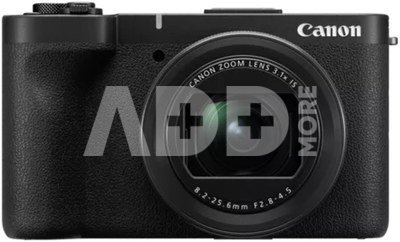
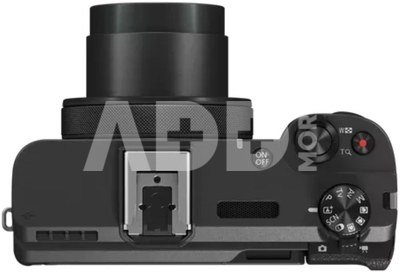
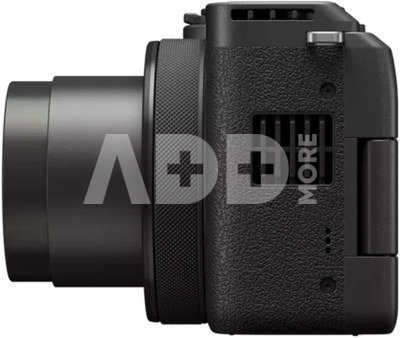
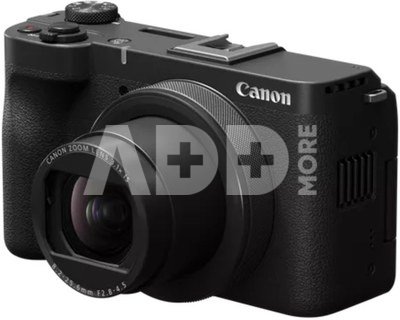
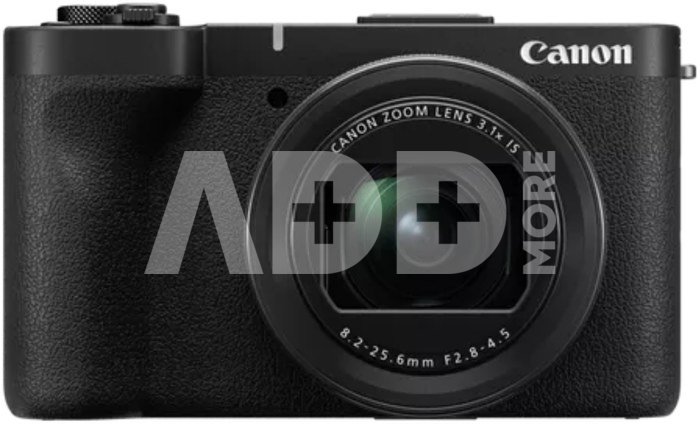
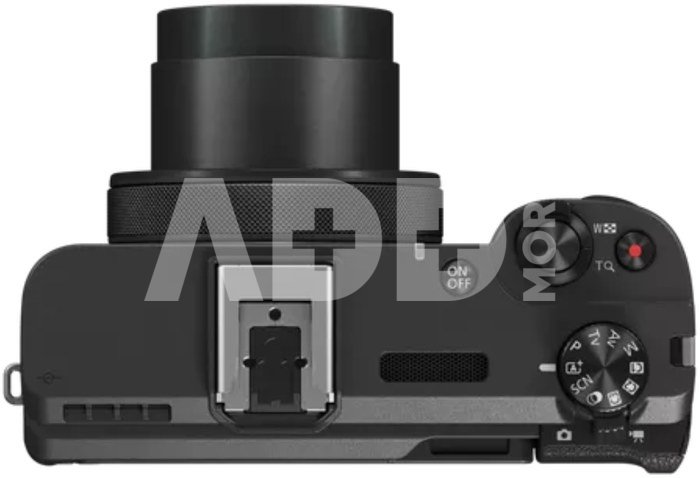
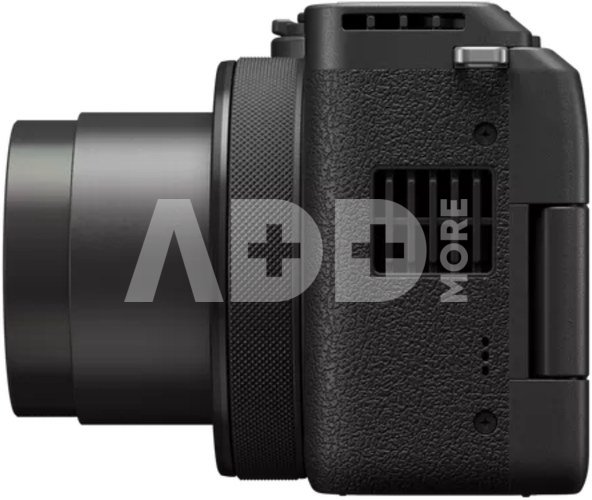
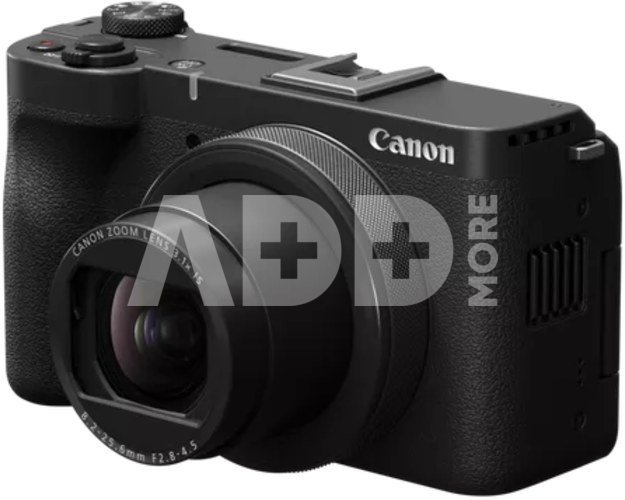
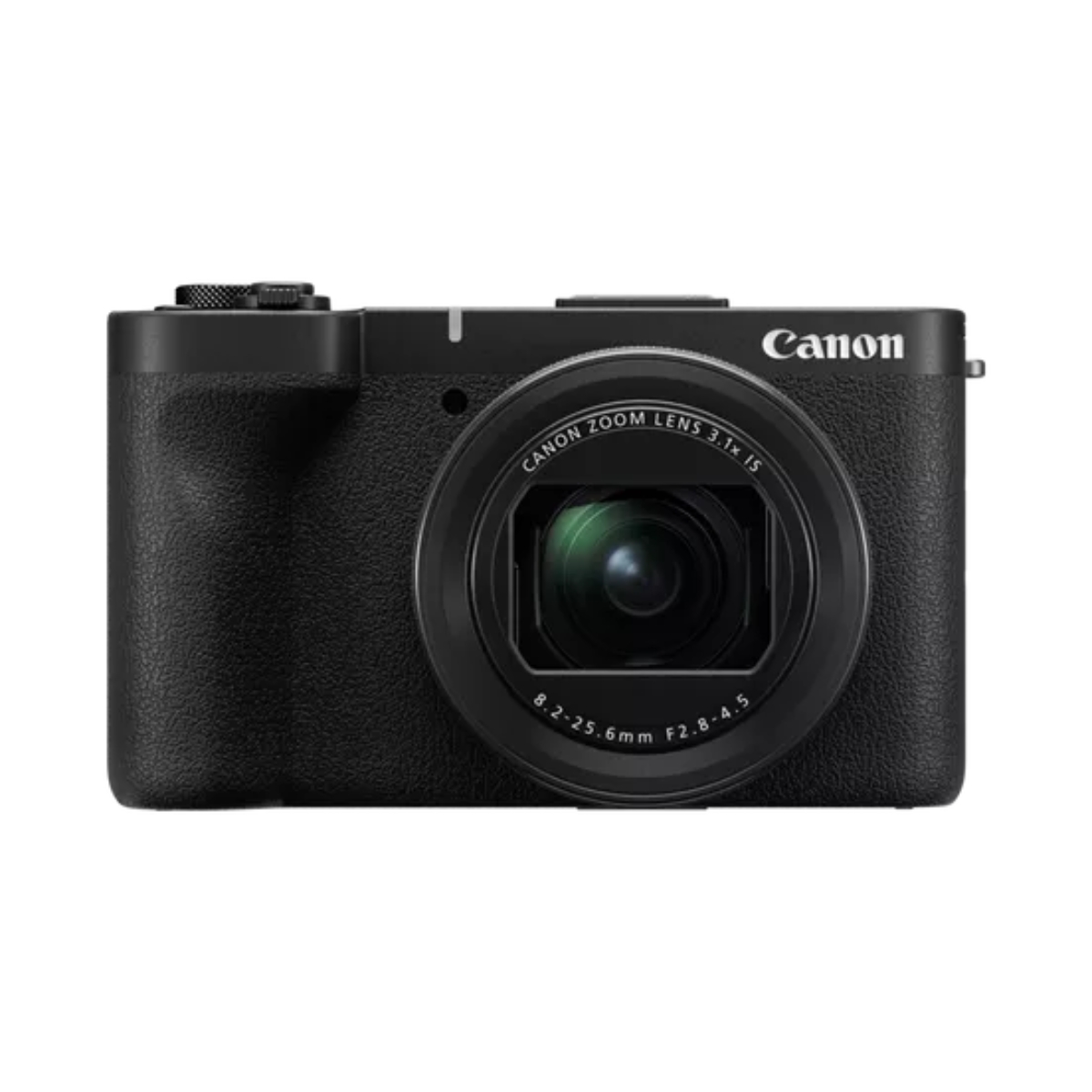
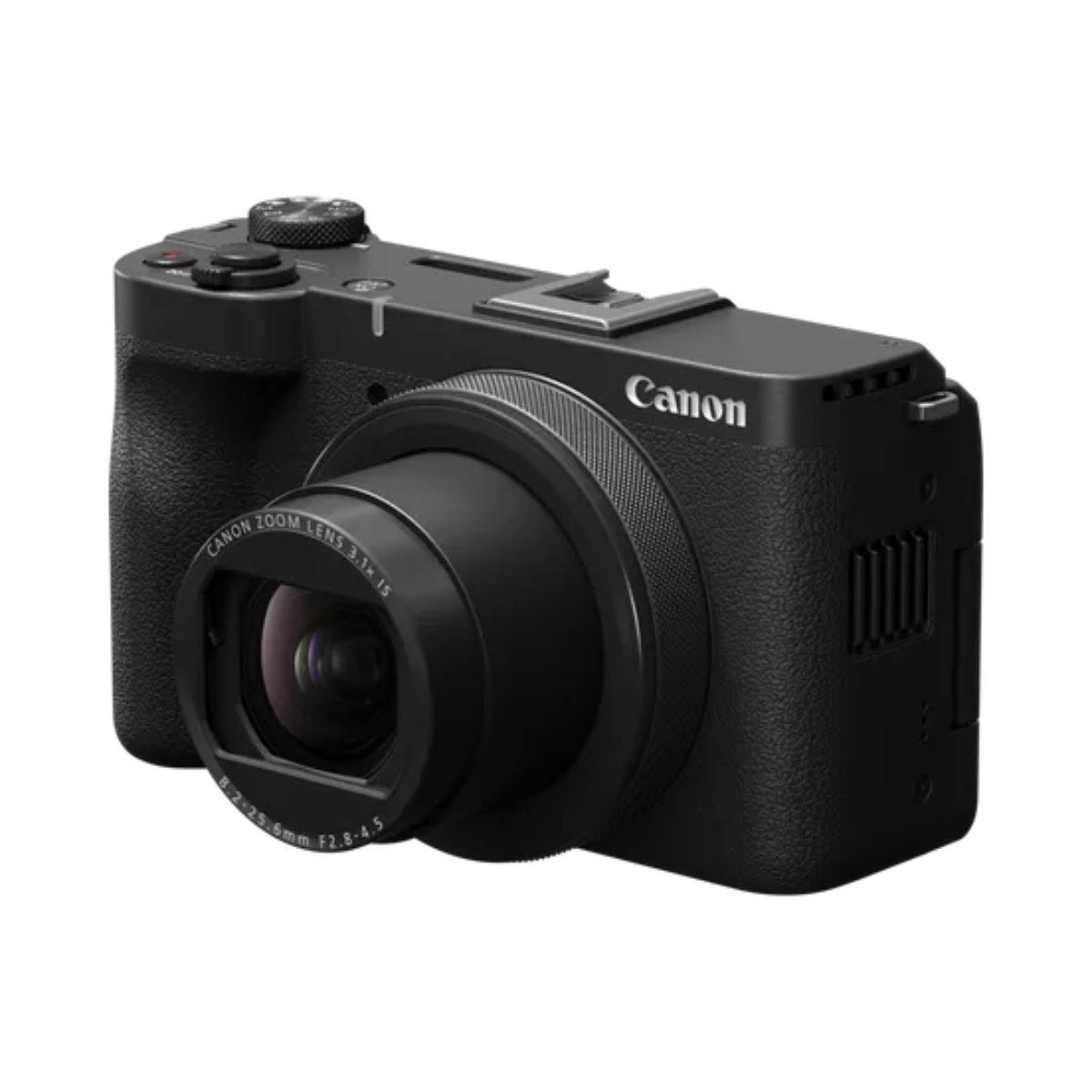
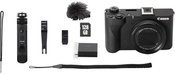
Canon PowerShot V1 - for creators on the move, this compact camera delivers advanced video features like extended 4K recording, a large sensor and intelligent autofocus. Powerful and pocketable, the Canon PowerShot V1 is a video-first compact camera packed with advanced features. It has a large 1.4 inch sensor, a built-in ultra-wide f/2.8 lens, and delivers high-quality audio – an ideal all-round camera to capture your content on the move.
BUILT FOR CREATORS
PowerShot V1 is a compact camera for creating on the go. Light and easy to use, it’s ready to record high-quality content whenever inspiration strikes.
VLOGGING
Upgrade your vlogs with unlimited 4K recording, advanced audio control, and plenty more video-first features like a large sensor, front-facing record button, wide-angle lens.
SHORT-FILM CONTENT
Make scroll-stopping content for TikTok and Instagram, and instantly transfer it to your device via WiFi or USB.
SELFIE MODE
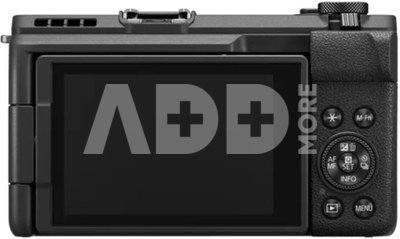
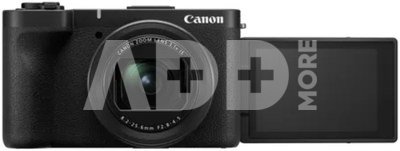
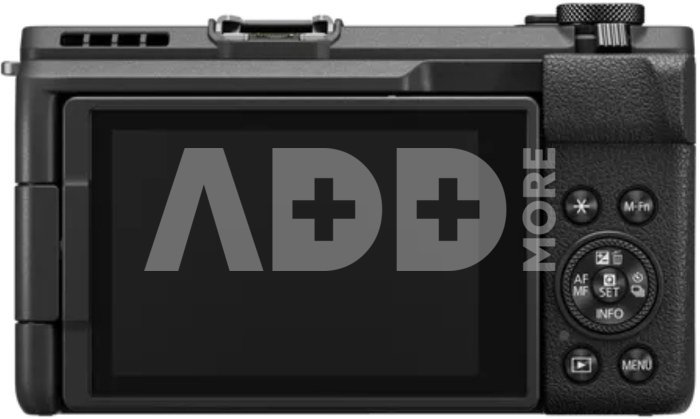
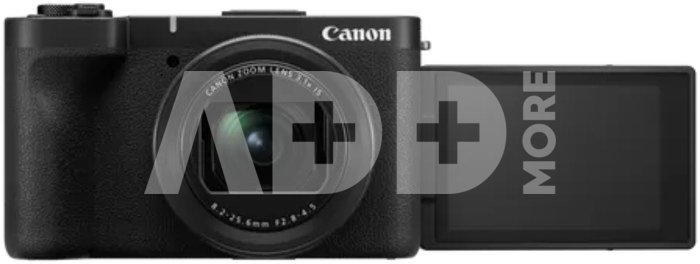
Flip the touchscreen to capture personal moments with professional quality.
LIVESTREAMING
Go live with plug-and-play functionality for seamless and professional streams.
CONTROL IN EVERY SHOT
See how Canon Log 3 maximises dynamic range, preserving highlights and shadows for cinematic content and providing greater flexibility in post-production.
SCROLL-STOPPING QUALITY
Create standout content with unlimited 4K recording and 4K 60p for high-res motion capture. Switch it up with smooth slow-motion shots, thanks to full HD120p, and shoot for longer with active cooling.
SHOOT WITH CONFIDENCE
Rely on a sharp and accurate autofocus, with intelligent subject recognition that can detect both people and animals. A large 1.4-inch sensor ensures 4K quality even in low-light, plus a built-in wide-angle lens for an easy and reliable vlogging experience.
COMPACT AND SIMPLE
Shoot whenever inspiration strikes with a lightweight 374 g camera that fits in your pocket. PowerShot V1 makes it easy to elevate your social media content, with a taller aspect ratio for vertical shooting and smooth, handheld video thanks to advanced image stabilisation.
CRYSTAL CLEAR SOUND
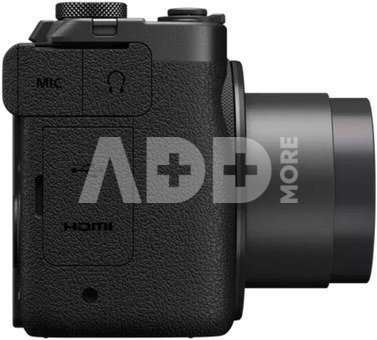
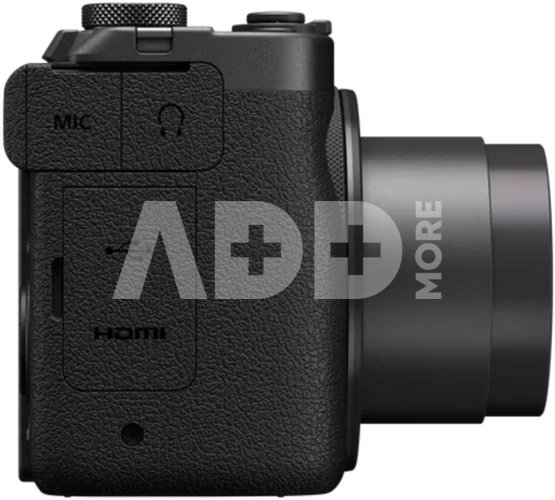
Control your audio with the built-in microphone with noise reduction, delivering high quality sound wherever you are. For enhanced audio, plug in an external mic and monitor the quality in real-time through your headphones.
SHOOT AND SHARE ON THE GO
Hit the record button for a quick-start to shooting, then connect your smartphone via WiFi or USB for fast content uploads. Livestream with simple plug-and-play functionality, and flip the vari-angle screen to make sure you’re always in frame.
NO MORE SHAKY SHOTS
Canon’s image stabilisation technology keeps your handheld shots smooth and steady.
SPECIFICATIONS
Image Sensor Type: CMOS
Effective Sensor Size: 3.556 cm
Effective Pixels: approx. 22.3 megapixels
Total Pixels: approx. 23.9 megapixels
Colour Filter Type: RGB primary colour filters
Image Processor Type: DIGIC X
Focal Length (lens): 8.2 - 25.6 mm
Zoom: 3.1x optical zoom
Maximum Aperture: f/2.8
Angle of View (Horizontal, Vertical, Diagonal): Still photo shooting: 107-46.8°; Movie shooting (4K, 16:9): 104.4-44.9°
Construction: 9 elements in 8 groups
Image Stabilisation: Optical IS Provided
Focusing Type: Dual Pixel CMOS AF
AF Operation (Stills): One-Shot AF, AI Focus AF, Servo AF
AF Operation (Movie): Movie Servo AF
AF System / Points: approx. 100% vertical and horizontal coverage
Closest Focusing Distance: 0.05 m
Exposure Compensation: +/- 3 stops in 1/3 stop increments
ISO Sensitivity: Auto: 100-32000, Manual: 100-H (51200)
LDC Monitor Type: Approx. 3 inch (7.5cm), 1.04M dot vari-angle
Flash Modes: E-TTL II, Manuak, MULTI, Auto external metering, Manual external metering
Shooting Modes: Still image recording: Scene Inteligent Auto, SCENE, Creative Filters, Program AE, Shutter Priority, Aperture Priority, Manual; Movie recording: Scene Inteligent Auto, Program AE, Shutter Priority, Aperture Priority, Manual
HDMI Display: Auto (up to 4K), 1080p
HDMI Output: Type D Micro
GPS: Available via Camera Connect
Self Timer: approx. 2, 10 s
Wired Connectivity: Not supported
Wireless Connectivity: Wireless LAN (IEEE802.11b/g/n) (2.4 GHz), with Bluetooth 4.2 support Features supported - Smartphone, Upload to image.canon, Live Streaming
Apps: Canon Camera Connect app (iOS/Android)
Storage Type: 1x UHS-II SD card slot
Batteries: 1x LP-E17
Dimensions (width x height x depth): 118.3 x 68.0 x 52.5 mm
Weight: 426 g
Effective pixels
22.3 mln. pixels
Optical zoom
3.1 x
Focal length (wide)
8.2 mm
Discuss with a consultant in Kaunas
We don't haveKlaipėdaAddress: Birželio 23-iosios g. 23gWorking hours: I-V 09:00 - 18:00VI-VII not workingPhone: +370 674 59488
Try it in Klaipėda
HaveKlaipėdaAddress: Taikos pr. 17Working hours: I-V 10:00 - 19:00VI 10:00 - 14:00VII not workingPhone: +370 604 43972
1. What are the main features to consider when choosing a digital camera?
When choosing a digital camera, it's important to consider several key features to ensure it meets your needs. First, define your goals: will it be for everyday photos, professional photography, or a compact travel camera? Choose the appropriate sensor size, which directly affects photo quality and performance in low light conditions. Consider the number of megapixels – more doesn’t necessarily mean better quality. Select the right lens based on your needs. It's also essential to take into account the camera’s size, weight, ease of control, battery life, recording formats, flash capabilities, and connectivity with other devices. Don’t forget your budget – choose something within your means. Before purchasing, it's important to read reviews and do thorough research to ensure you’ll be satisfied with your choice.
2. How to understand and use the digital camera's menu system and settings?
The digital camera's menu system may initially seem complicated, but it's important to understand the basic settings. Experienced photographers often experiment with different settings, but beginners are recommended to familiarize themselves with the main settings such as ISO and aperture. Most cameras come with a user manual, and there are plenty of online tutorials that can help you quickly grasp the menu systems and settings. The key is to experiment, as this will help you better understand how different settings work and how to use them optimally in different shooting conditions.
The website uses cookies, which help you ensure quality of service. Continuing browsing, you agree with fotoaparatas.eu cookies policy.Agree




















Reviews
0 average rating (0 votes)