

+370 462 46444
I-V 10:00-19:00
VI 10:00-14:00

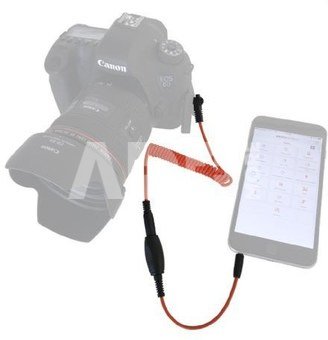
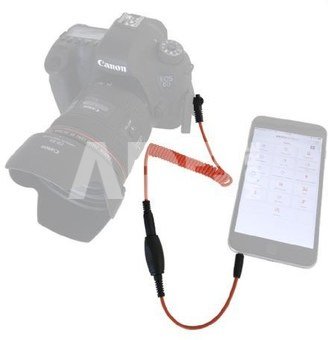
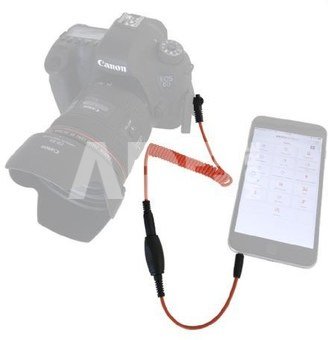
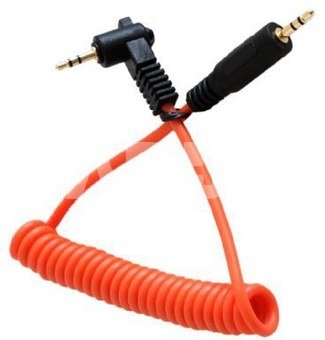
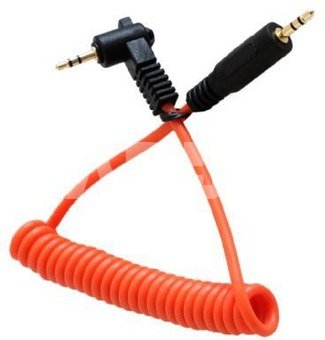
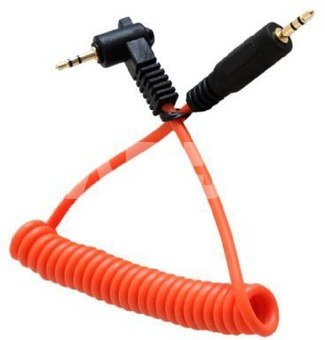
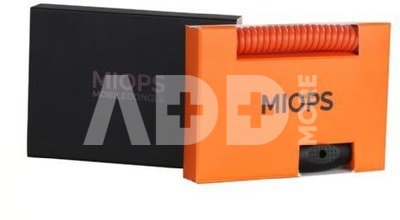
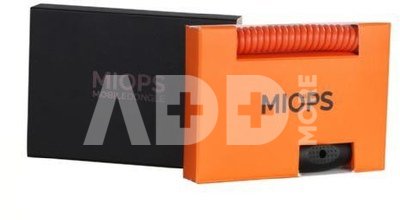
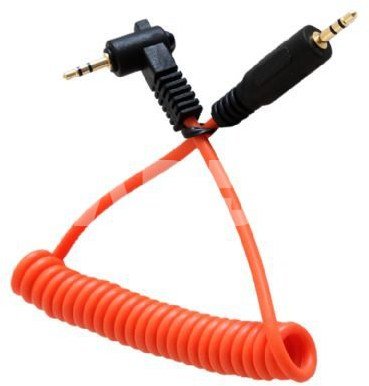
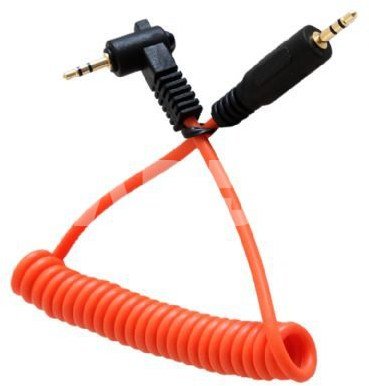
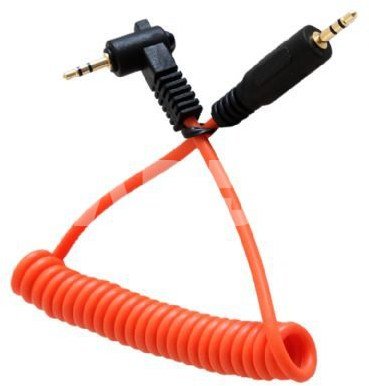
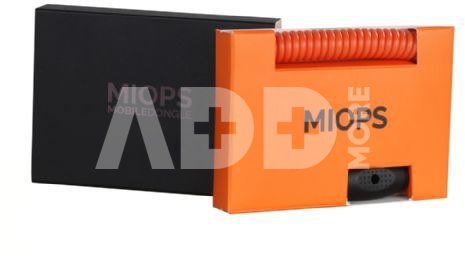
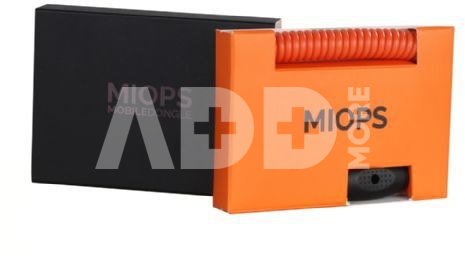
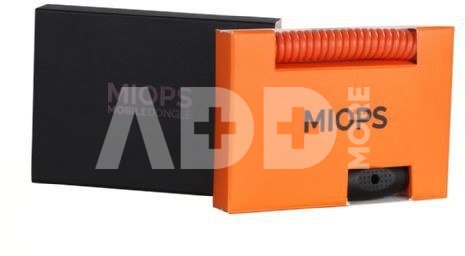
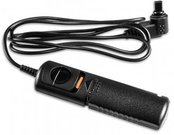
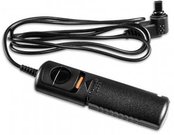
Miops Smartphone Shutter Release MD-C2 with C2 cable for Canon

Miops Smartphone Shutter Release MD-C2 with C2 cable for Canon
Code: 03126KVG
Manufacturer code: -
Add to wishlist
EU warehouse
Delivery 14-17 w.d.
Choose properties
Color
46.38
Extended warranty
Product insurance

Pick up for free in the store in Kaunas (Birželios 23-iosios str. 23g) Birželio 27 d.

Pick up for free in Klaipėda, in the store (Taikos pr. 17) Birželio 27 d.

We will deliver to your home via courier service Birželio 29 d.

Turite klausimų? +370 462 46444 Send request

DescriptionMiops Smartphone Shutter Release MD-C2 with C2 cable for Canon description

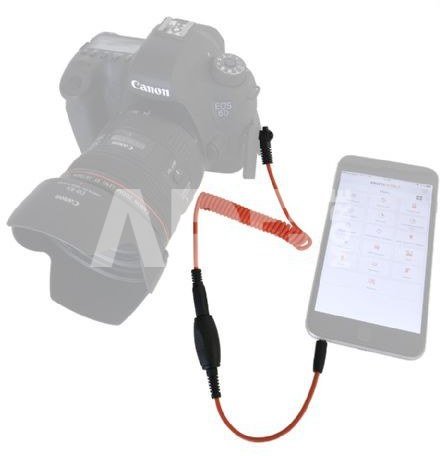
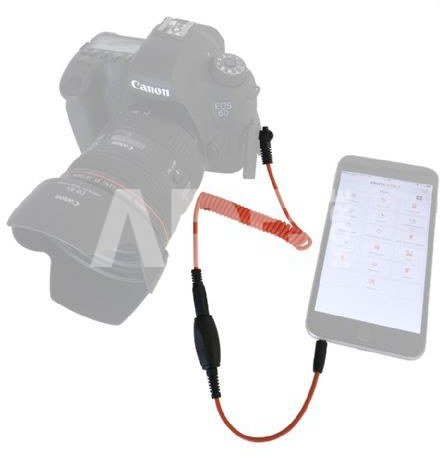
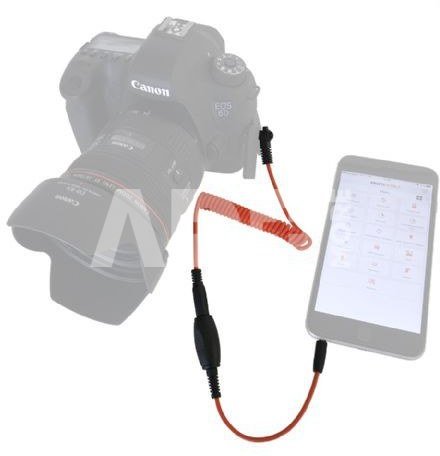
The Mobile Dongle from Miops is a cable to connect your iOS/ Android smartphone and tablet to your DSLR or mirrorless camera. The Miops Mobile application utilizes the smartphone's capabilities to offer creative modes like vibration, sound, motion and distance or even various timelapse modes to trigger your camera. It also provides basic shutter release modes like press & hold, press & lock, timed release, self timer and HDR. The most extra ordinary feature is the 'Scenario' mode which combines any of the available trigger options to create magic. Moreover, you can schedule your desired mode or sequence to fire at any time.

Combi C2-cable

This combi includes, next to the Mobile Dongle cable, a C2-cable. This combination makes it possible to connect your smartphone with, for example Canon cameras. There are also other cables available, for almost every Canon, Nikon, Sony, Panasonic, Olympus, Samsung and Fujifilm camera. To view all available cables, search for ‘Miops connecting cable’.

Compatible cameras Mobile Dongle

When you want to connect your camera with your smartphone or tablet, you need the Mobile Dongle cable and an extra cable which is compatible with your camera. We offer multiple cables for almost every Canon, Nikon, Sony, Panasonic, Olympus, Samsung and Fujifilm camera. You can view all available cables at the optional accessories.

  • Cable Release
  • Press&Hold
  • Press&Lock
  • Timed Release
  • Self Timer
  • Timed Release&Self Timer
  • Basic Timelapse
  • Long Exposure Timelapse
  • Bulb Ramping Timelapse
  • Road Lapse
  • HDR Timelapse
  • HDR Mode
  • Sound Mode
  • Vibration Mode
  • Motion Mode
  • Scenario (Includes Scheduling)

Suitable for the following cameras:

Canon:
Digital Rebel, EOS 1000D, EOS 100D, EOS 1100D, EOS 300D, EOS 350D, EOS 400D, EOS 450D, EOS 500D, EOS 550D, EOS 600D, EOS 60D, EOS 60Da, EOS 650D, EOS 700D, EOS 70D, Kiss Digital, Kiss F Digital, Kiss N, Kiss X2, Kiss X2, Kiss X3, Kiss X4, Kiss X5, Kiss X50, Kiss X6, PowerShot G1 X, PowerShot G10, PowerShot G11, PowerShot G12, PowerShot G15, PowerShot G16, PowerShot SX50 HS, Rebel SL1, Rebel T1i, Rebel T2i, Rebel T3, Rebel T3i, Rebel T4i, Rebel T5i, Rebel XS, Rebel XSi, Rebel XT, and Rebel XTi 

Hasselblad:
H, H3D, H4D-200MS, H4D-31, H4D-40, H4D-50, H4D-50MS, H4D-60

Pentax:
645D, ist D, ist DL, ist DL2, ist DS, ist DCable-S2, K-3, K-30, K-5, K-5 II, K-5 IIs, K-50, K-500, K-7, K10 Grand Prix, K100D, K100D Super, K10D, K110D, K200D, K20D, MZ-6, MZ-L, ZX-L

Samsung:
GX-1L, GX-1S, NX-10, NX-100, NX-11, GX-20, NX-5

Fujifilm:
X-E1, X-E2

The following cameras are not supported:

Canon:
EOS M, PowerShot G9, Powershot N, PowerShot S100, PowerShot S110, PowerShot S120, PowerShot S90, PowerShot S95, PowerShot SX510 HS

Pentax:
K-01, K-m, K-r, K-x, MX-1, Q


Delivery time 14-17 days

Discuss with a consultant in Kaunas

We don't have Klaipėda Address: Birželio 23-iosios g. 23g Working hours: I-V 09:00 - 18:00 VI-VII not working Phone: +370 674 59488
Kaunas

Discuss with a consultant in Klaipėda

We don't have Klaipėda Address: Taikos pr. 17 Working hours: I-V 10:00 - 19:00 VI 10:00 - 14:00 VII not working Phone: +370 604 43972
Klaipėda
Specification
Producer(?) Miops
Delivery time 14-17 days
Product codes

03126KVG 791154017647

Reviews

0 average rating (0 votes)

 0
 0
 0
 0
 0

Leave a comment

Only registered users can rate.

Customer reviews (0)

There are no reviews. Be first!

1. How can a remote control improve the photography experience?

Remote controls provide photographers with more flexibility and control during the photography process. They allow remote functions such as video recording and help prevent camera movement, ensuring stability and the best framing. This is especially useful when taking selfies, group photos, or shooting from a distance. The remote control is particularly beneficial when photographing groups or yourself, allowing you to take pictures without help. It also reduces camera shake, helping avoid blurry images during long exposure times or poor lighting conditions. By using a remote control, you can easily adjust the frame, change settings, and even record videos—all from a comfortable distance. All these factors contribute to a more convenient and creative photography experience.
2. How can a remote control help when shooting with multiple cameras or complex photo compositions?

A remote control is an indispensable tool when shooting with multiple cameras or complex compositions. It allows you to control the camera remotely, enabling the photographer to quickly and conveniently adjust the frame or focus. This is especially useful when creating group or scene photos, where precise control is necessary. Using a remote control reduces camera vibration, ensuring high-quality images. Additionally, the remote control allows the photographer to be more flexible in their creative decisions, making it easier to experiment with different frames. Not only does it save time, but it also enhances the overall photography experience.










