


+370 462 46444
I-V 10:00-19:00
VI 10:00-14:00

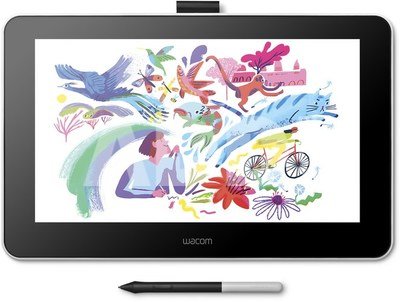
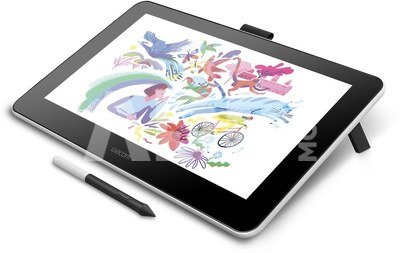
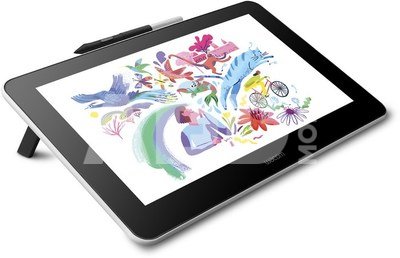
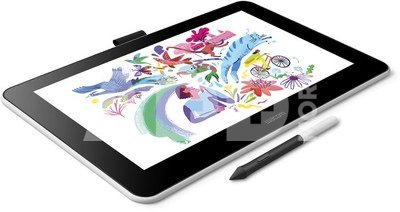
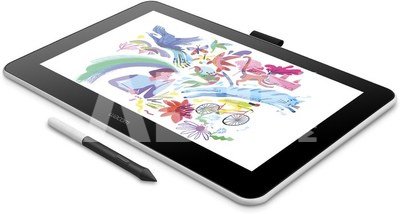
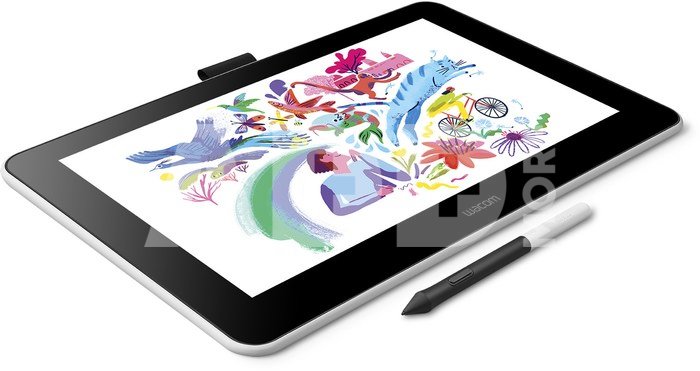
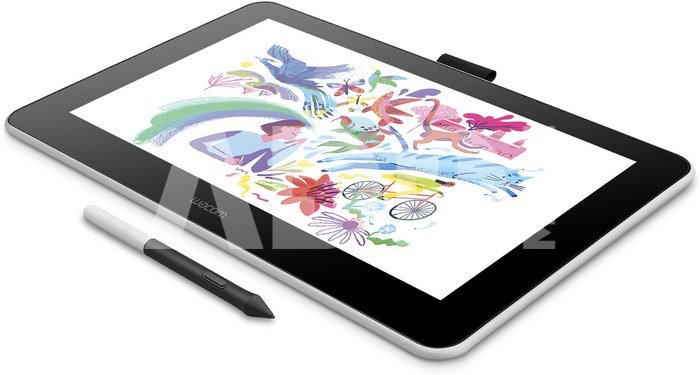
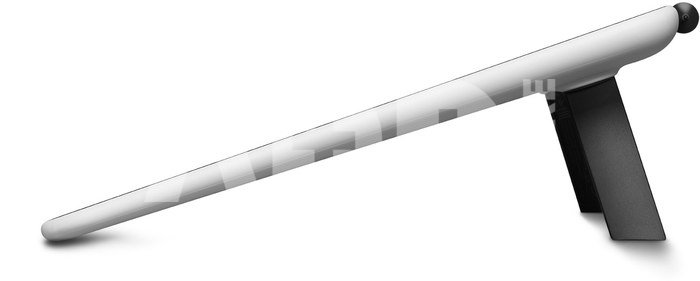
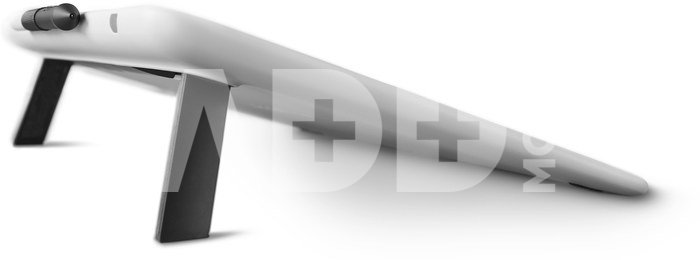
Wacom One 13 Pen Display

Wacom One 13 Pen Display
Kodas: 02778NRD
Gamintojo kodas: DTC133W0B
Įsiminti
EU sandėlyje
Pristatymas 5-19 d.d.
Pasirinkite savybes
Spalva
341.99
Nuomoti(nuo €/diena)
Pratęsta garantija
Prekės draudimas

Nemokamai atsiimkite Kaune, parduotuvėje (Birželio 23-iosios g. 23g) Liepos 08 d.

Nemokamai atsiimkite Klaipėdoje, parduotuvėje (Taikos pr. 17) Liepos 08 d.

Pristatysime į namus per kurjerių tarnybą Liepos 10 d.

Turite klausimų? +370 462 46444 Siųskite užklausą

AprašymasWacom One 13 Pen Display aprašymas

A world of new possibilities
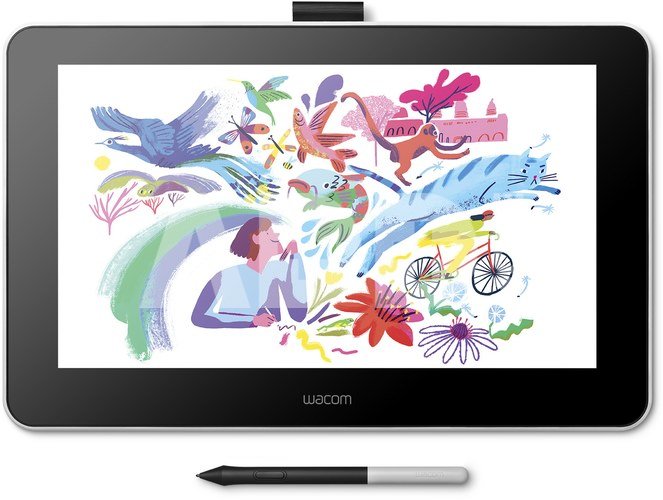
Whether you’re just starting in digital creation, want to add a twist to your visual thinking or looking to improve your digital expression, Wacom One delivers a great experience. It comes with all the essentials to spice up your digital life. There’s the natural pen feel on the 13.3” screen, the included creative software – even the ability to connect to certain Android devices. And it’s compatible with leading pen brands too. Open up new possibilities with Wacom One.

Discover Wacom One
Feels like pen and paper. Works like magic. You can draw, edit photos and videos, or brainstorm in a way that’s so familiar, you’ll forget you’re doing it digitally.

Drawing
Sketch, draw and paint directly on screen and enjoy natural surface friction with minimal reflection. Imagine a pen that uses software to make it the tool you want it to be: paintbrush, pen, marker, pencil, chalk or eraser. The only limit is your imagination.

Visual thinking
With the familiar feeling of pen on paper, Wacom One lets you capture ideas, create mind-maps, draw diagrams and more, before sharing them easily with friends and colleagues.

Photo and video enhancing
Impress your social media fans and followers alike. The precise Wacom One Pen and the nearly A4/Letter-sized canvas let you comfortably personalize your images or videos, boosting your editing skills in the process.

Annotating
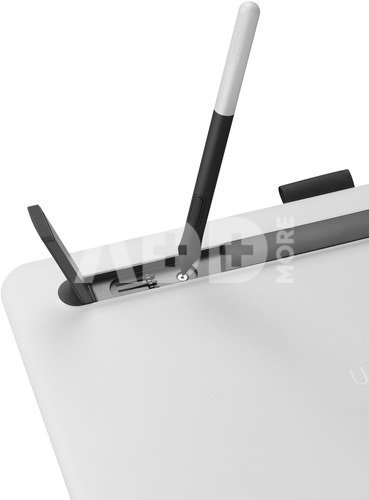
The light, battery-free, ergonomically designed pen means you can tweak or sign documents and jot down notes just as you would with pen and paper.

Just like a standard pen
With no need for batteries, it’s a pen that feels and looks just right in your hand. And, it’s so accurate, what you do is what you see.

Paper-like canvas
With natural surface friction and minimal reflection, it feels like you’re drawing or writing on paper, not glass.

Space to play
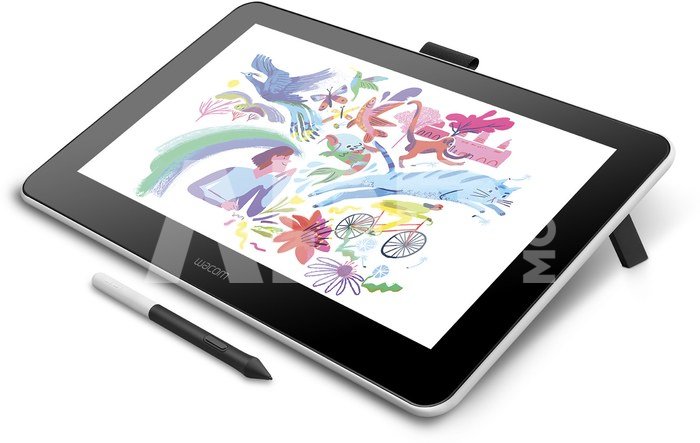
See your imagination come to life in full color on a display that’s nearly A4/Letter in size.

The full Wacom One picture
With Wacom One, you get more than just a creative pen display. You have everything you need to get off to a flying start. Our included Bonus Pack is ready and waiting for you. And conveniently, Wacom One is compatible with your computer, as well as certain Android tablets and phones.

Software at the ready
Brilliant applications are waiting to be explored. The included Bamboo Paper* app for example transforms your creative pen display into a sketchpad.
*Comes with premium features with Wacom One. For Windows 10 only.

Pick your pen
You’re bound to love the included Wacom One pen. But a pen is a very personal thing. Several top brands have made pens that are compatible with Wacom One, so you’re sure to find the right pen option for you.

Connect your way
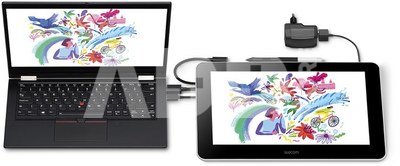
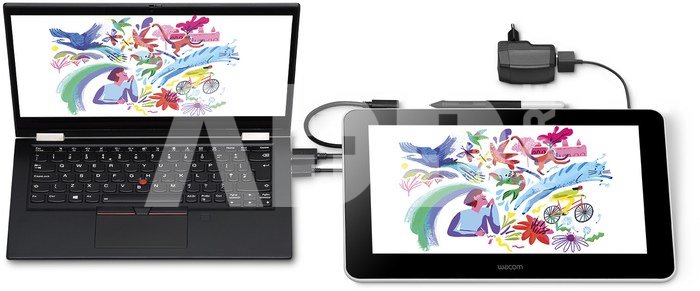
Wacom One isn’t choosy when it comes to operating systems. So, you can link up to Mac or PC, and certain Android tablets or smartphones.

Gain new perspectives
When creativity hits, you don’t want anything to get in your way. Whether you need an intuitive and precise digital tool, or a bigger digital canvas to connect to your smartphone or simply need a second screen, you can add Wacom One easily to whatever ecosystem you’ve got going on with your devices.

Tech built on years of experience
The Wacom world is a playground for the creative and the curious. Film-makers, animators, special effects artists and designers around the globe keep on choosing Wacom as their favorite creative brand.

There are more than 35 years of learning and innovation behind Wacom One, each one working towards the vision of enabling digital creativity. It’s here, and it’s for everyone. Switch on.

Aptarkite su konsultantu Kaune

Neturime Kaunas Adresas: Birželio 23-iosios g. 23g Darbo laikas: I-V 09:00 - 18:00 VI-VII nedirba Telefonas: +370 674 59488
Kaunas

Aptarkite su konsultantu Klaipėdoje

Neturime Klaipėda Adresas: Taikos pr. 17 Darbo laikas: I-V 10:00 - 19:00 VI 10:00 - 14:00 VII nedirba Telefonas: +370 604 43972
Klaipėda
Specifikacija
Gamintojas(?) Wacom
Prekės kodai

02778NRD DTC133W0B 494926862259 4949268622592

Atsiliepimai

0 vidutinis įvertinimas (0 įvertinimų)

 0
 0
 0
 0
 0

Palikite atsiliepimą

Vertinti gali tik prisijungę vartotojai.

Palikti pirkėjų atsiliepimai (0)

Atsiliepimų kol kas nėra. Būk pirmas!

1. Kaip pasirinkti tinkamą planšetinį kompiuterį pagal asmeninius poreikius?

Tinkamo planšetinio kompiuterio pasirinkimas priklauso nuo individualių poreikių ir naudojimo scenarijaus. Kai renkatės planšetinį kompiuterį, atkreipkite dėmesį į šiuos veiksnius: 1) Naudojimo tikslas: Jei norite planšetę naudoti darbui, rinkitės modelį su galingu procesoriumi ir pakankama atmintimi. Jei jums reikia planšetės daugiau pramogoms ir naršymui internete, galite pasirinkti lengvesnį ir plonesnį variantą. 2) Operacinė sistema: Pasirinkite planšetę su operacine sistema, kuri jums yra pati patogi – Android, iOS (iPad) arba Windows. Kiekviena turi savo privalumų ir trūkumų. 3) Ekrano dydis ir raiška: Jei jums svarbus didelis ir aiškus ekranas, rinkitės planšetę su didele raiška ir kokybišku ekranu. Tai svarbu, ypač jei planšetę naudosite žiūrėdami filmus arba redaguodami nuotraukas. 4) Baterijos tarnavimo laikas: Atkreipkite dėmesį į baterijos tarnavimo laiką, ypač jei planšetę ketinate naudoti ilgai kelionėse arba darbe. 5) Priedai ir funkcijos: Kai kurios planšetės turi platus priedų pasirinkimą – nuotolinį rašiklį, klaviatūrą, dėklą ir kt. Patikrinkite, ar pasirinktas modelis turi norimas funkcijas. Analizuokite savo poreikius ir vykdykite kruopštų tyrimą apie rinkoje esančius variantus, kad pasirinktumėte planšetinį kompiuterį, atitinkantį jūsų lūkesčius.

2. Kaip planšetiniai kompiuteriai skiriasi pagal operacinę sistemą?

Planšetiniai kompiuteriai skiriasi pagal operacinę sistemą, kuri yra esminis jų veikimo elementas. Pagrindinės planšetinių kompiuterių operacinės sistemos yra Android, iOS (naudojama „iPad“) ir Windows. Android operacinė sistema, sukurta „Google“, naudoja dauguma ne „Google“ kompanijos gaminamų planšetinių kompiuterių. Ši sistema yra atvira, taip pat palaiko gausybę programų iš „Google Play“ parduotuvės. iOS yra „Apple“ operacinė sistema, kuri naudojama „iPad“ planšetiniuose kompiuteriuose. Tai uždara operacinė sistema, sukurta specifiškai „Apple“ produktams, suteikianti didelę našumo ir vartotojo patirties integraciją. Kai kurie planšetiniai kompiuteriai naudoja „Windows“ operacinę sistemą, suteikiančią daugiau funkcionalumo ir suderinamumo su „Windows“ darbalaukio aplikacijomis. Tai yra tinkamas pasirinkimas, jei jums reikia darbo su daugeliu standartinių programų ir norite planšetinio kompiuterio, kuris gali veikti kaip nešiojamas kompiuteris. Skirtingos operacinės sistemos pasiūlo unikalų programų prieinamumą ir funkcijas, todėl vartotojai turėtų pasirinkti pagal asmeninius poreikius ir prioritetus.










