




+370 462 46444
I-V 10:00-19:00
VI 10:00-14:00

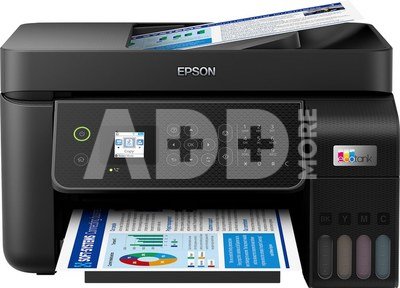
Epson EcoTank L5310, 4-in-1, Print, Scan, Copy, Fax | Epson

Epson EcoTank L5310, 4-in-1, Print, Scan, Copy, Fax | Epson
-0.0%
Kodas: 58009RME
Gamintojo kodas: C11CJ65412
Įsiminti
EU sandėlyje
Pristatymas 10-19 d.d.
Pasirinkite savybes
Spalva
278.99 279.00
Nuomoti(nuo €/diena)
Pratęsta garantija
Prekės draudimas

Nemokamai atsiimkite Kaune, parduotuvėje (Birželio 23-iosios g. 23g) Liepos 17 d.

Nemokamai atsiimkite Klaipėdoje, parduotuvėje (Taikos pr. 17) Liepos 17 d.

Pristatysime į namus per kurjerių tarnybą Liepos 19 d.

Turite klausimų? +370 462 46444 Siųskite užklausą

AprašymasEpson EcoTank L5310, 4-in-1, Print, Scan, Copy, Fax | Epson aprašymas

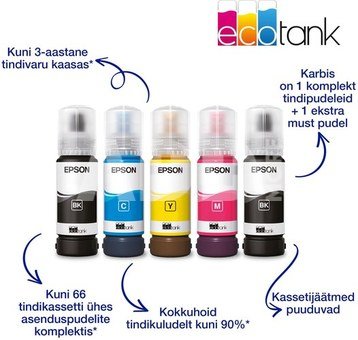
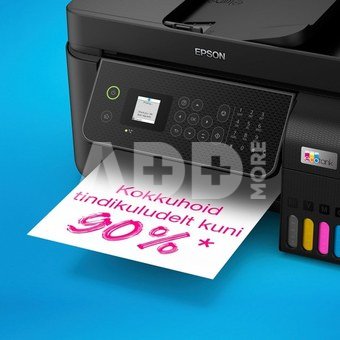
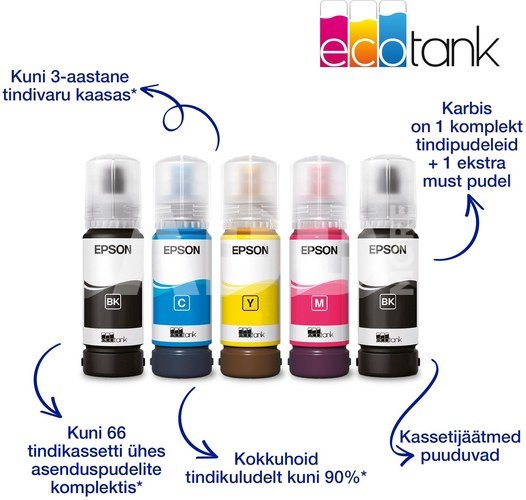
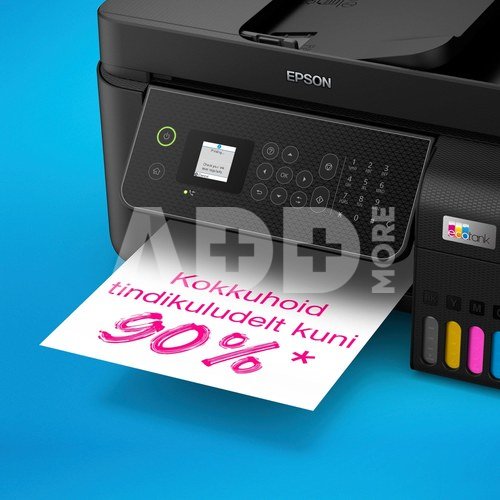
  • Stress-free, convenient printing with up to 66 cartridges worth of ink in one set of bottles – save up to 90% on printing costs with refillable ink tanks
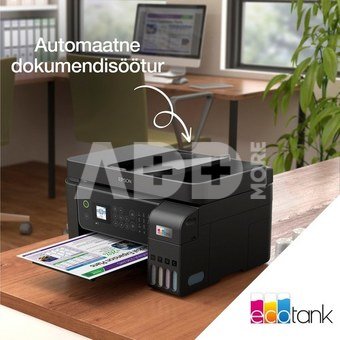
  • A4 multifunction printer with ADF and fax High quality print, copy, scan and fax in one machine
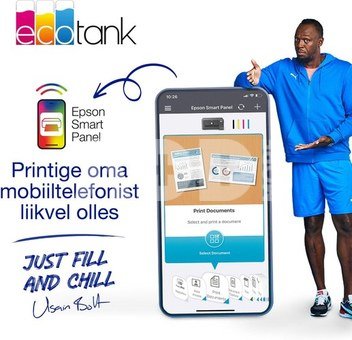
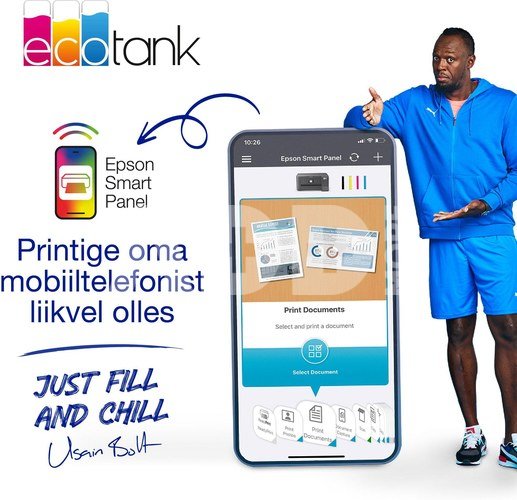
  • Multiple connectivity options let you print from anywhere with ease – use the Epson Smart Panel app to set up, monitor, print and more from your smart device
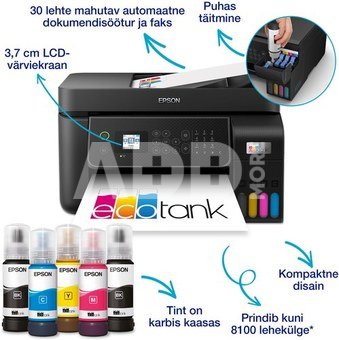
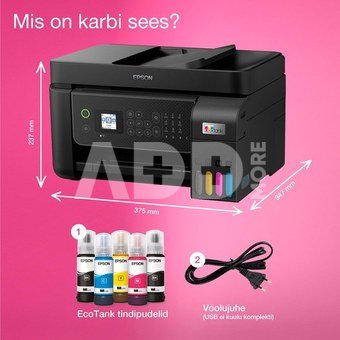
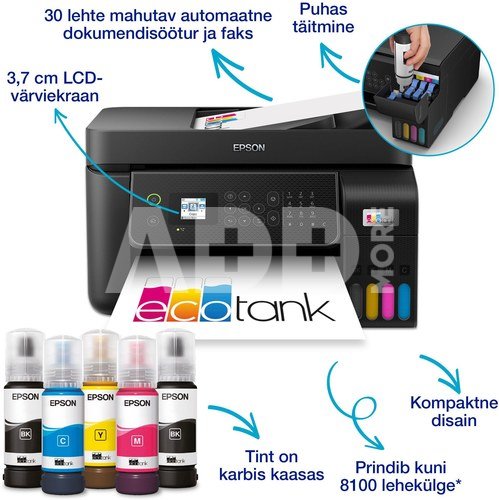
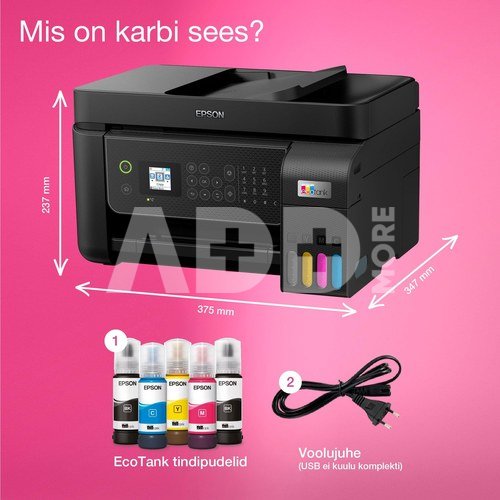
  • Prints up to 8100 pages with black ink and 6500 pages with color ink – everything is included in the box, just add paper
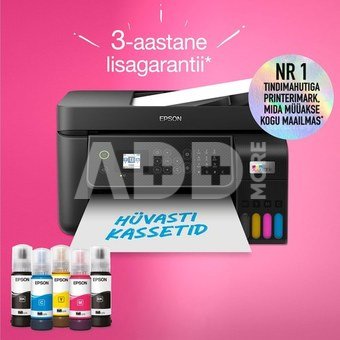
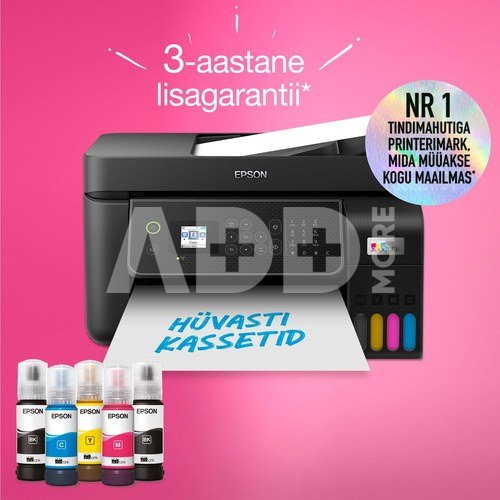
  • Number 1 ink tank printer brand worldwide – 80 million EcoTank printers sold worldwide as of March 2023
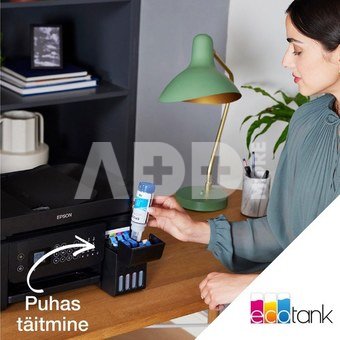
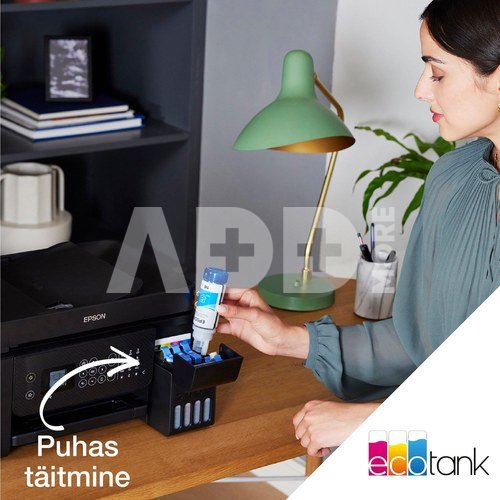
  • A simple hassle-free ink tank system allows refilling from bottles. In addition, EcoTank's key-lock bottle system ensures that the process is smear-free.

Say goodbye to cartridges
EcoTank provides hassle-free printing for homes and small offices - the ultra-high capacity ink tanks allow mess-free refills and the key-lock bottles are designed so only the correct colour can be inserted.

Keep on saving
Keep on saving This economical printer saves you up to 90% on printing costs* and comes with up to 3 years' worth of ink included in the box*. Print up to 8,100 pages in black and 6,500 in colour* with the included ink, and a replacement set of ink bottles delivers the equivalent of up to 66 cartridges worth of ink*.

Epson Smart Panel app
This app enables you to control your printer from your smart device*. You can print documents and photos, set up, monitor and troubleshoot your printer, all from your phone or tablet.

Packed with features
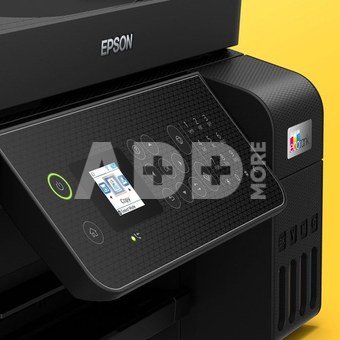
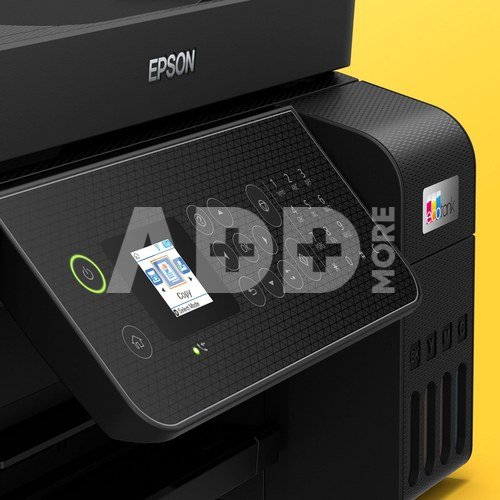
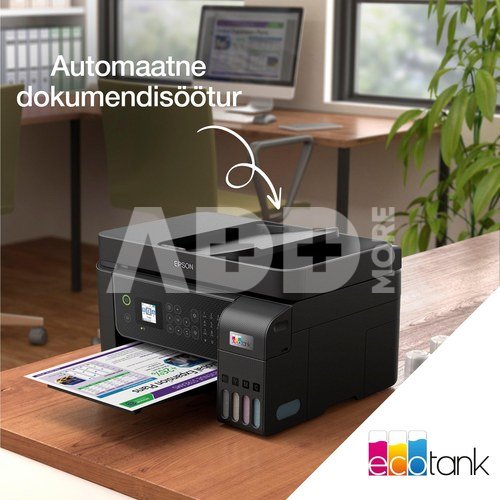
Featuring a 3.7cm colour LCD screen, 30-page automatic document feeder and fax, 100-sheet rear paper tray and print speeds of up to 10 pages per minute*, you can speed through a variety of tasks with ease.

Modern flexibility
Featuring a compact design and full Wi-Fi, Wi-Fi Direct and Ethernet connectivity, you can easily integrate this printer with your existing home or office set-up and print from mobiles, tablets and laptops.

Heat-Free Technology
Heat-Free Technology With Micro Piezo Heat-Free Technology you can enjoy reduced energy consumption and less need for replacement parts. The printhead also comes pre-installed so setting up your printer is hassle-free.

*Based on Epson's calculations of average savings per page and the average number of inkjet cartridges required to print the same number of pages using Epson EcoTank '101' and '103' ink bottles.
**Based on a print volume of 100 A4 pages per month and taking into account the lowest yield of the first ink set.
***Print yield is an estimated value calculated using Epson's original methodology of printing test pattern simulation according to ISO/IEC 24712 or 29103 standard.
Epson

Pristatymo laikas 10-19 d.d.

Aptarkite su konsultantu Kaune

Neturime Kaunas Adresas: Birželio 23-iosios g. 23g Darbo laikas: I-V 09:00 - 18:00 VI-VII nedirba Telefonas: +370 674 59488
Kaunas

Aptarkite su konsultantu Klaipėdoje

Neturime Klaipėda Adresas: Taikos pr. 17 Darbo laikas: I-V 10:00 - 19:00 VI 10:00 - 14:00 VII nedirba Telefonas: +370 604 43972
Klaipėda
Specifikacija
Gamintojas(?) Epson
Pristatymo laikas 10-19 d.d.
Prekės kodai

58009RME C11CJ65412 871594672707 8715946727073

Atsiliepimai

0 vidutinis įvertinimas (0 įvertinimų)

 0
 0
 0
 0
 0

Palikite atsiliepimą

Vertinti gali tik prisijungę vartotojai.

Palikti pirkėjų atsiliepimai (0)

Atsiliepimų kol kas nėra. Būk pirmas!

1. Į kokius veiksnius reikėtų atsižvelgti renkantis rašalinį spausdintuvą nuotraukoms spausdinti?

Renkantis rašalinį spausdintuvą nuotraukoms spausdinti, labai svarbūs keli veiksniai. Ieškokite spausdintuvo su didele raiška, matuojama taškais colyje (dpi), nes tai turi tiesioginės įtakos nuotraukų ryškumui ir detalumui. Platesnė spalvų gama užtikrina ryškų ir tikslų spalvų atkūrimą. Atsižvelkite į rašalo kasečių skaičių; spausdintuvai su atskiromis kasetėmis skirtingoms spalvoms leidžia tiksliau valdyti spalvas. Be to, tokios funkcijos kaip spausdinimas be kraštų, suderinamumas su laikmenomis ir belaidis ryšys gali pagerinti bendrą nuotraukų spausdinimo patirtį.

2. Kaip pasirinkti tinkamą popieriaus tipą nuotraukoms spausdinti ir ar tai turi didelės įtakos spausdinimo kokybei?

Norint pasiekti optimalią spausdinimo kokybę, labai svarbu pasirinkti popierių. Nuotraukų popierius būna įvairios apdailos: blizgus, matinis ir satininis. Blizgi apdaila suteikia blizgų paviršių, kuris padidina spalvų gyvumą, o matinė apdaila sumažina atspindžius ir atspindžius. Popieriaus svoris, matuojamas gramais kvadratiniame metre (gsm), turi įtakos jo storiui ir patvarumui. Sunkesnio popieriaus atspaudai paprastai būna masyvesni ir kokybiškesni. Visada naudokite rašaliniams spausdintuvams skirtą fotopopierių, kad užtikrintumėte tinkamą rašalo sugėrimą ir atspausdintų nuotraukų ilgaamžiškumą.










