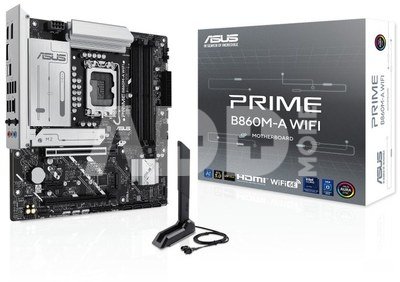
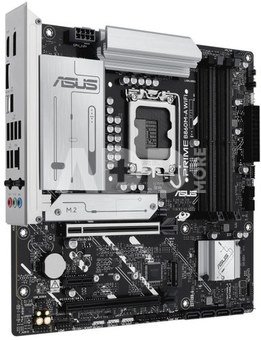
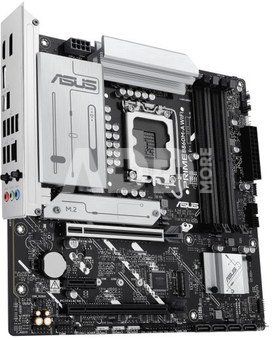
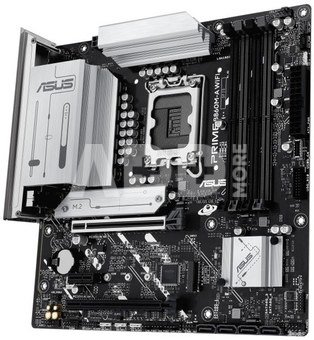
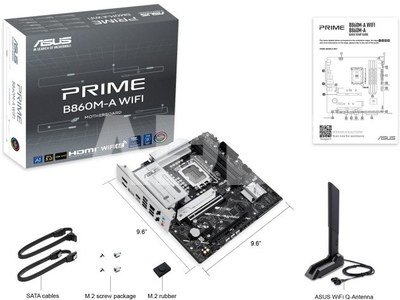
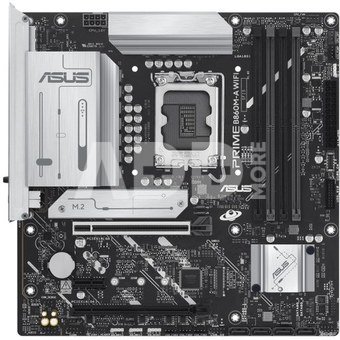
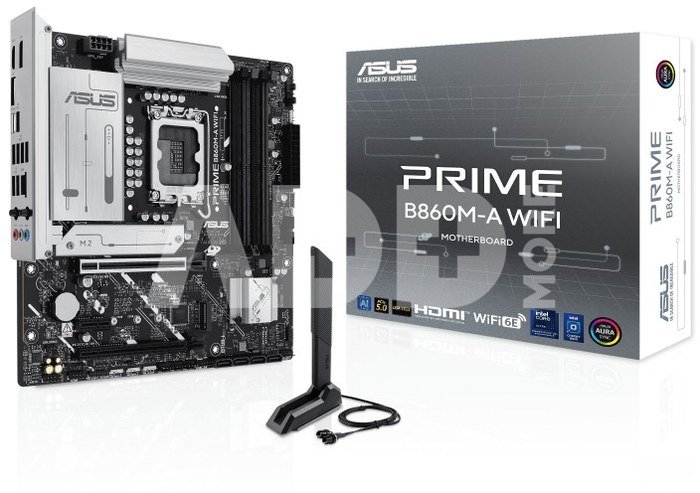
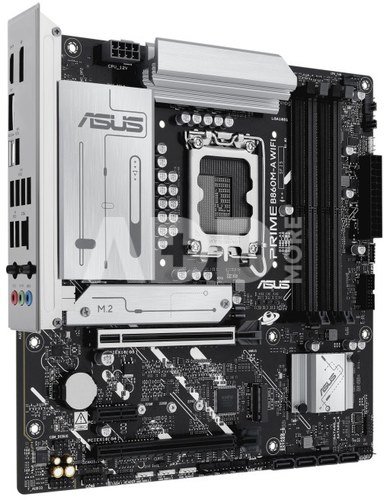
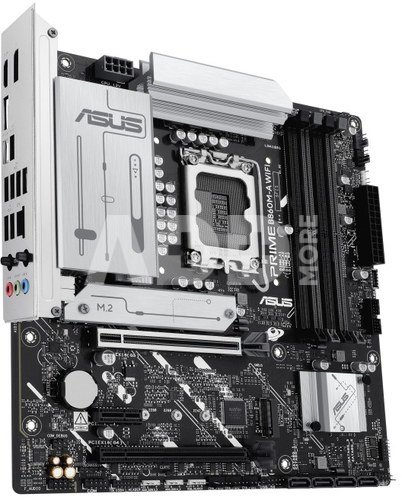
PRIME B860M-A WIFI
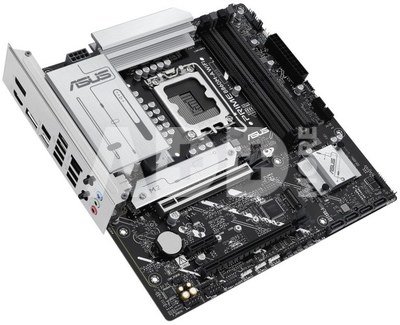
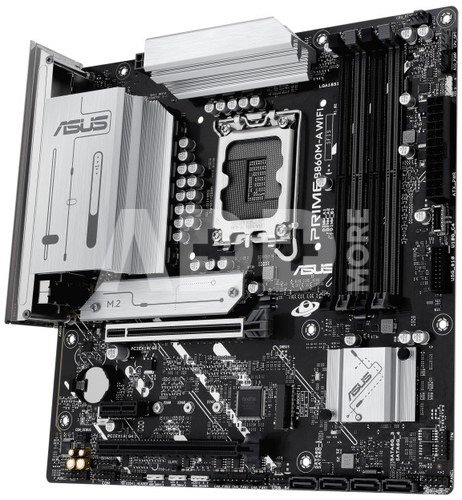
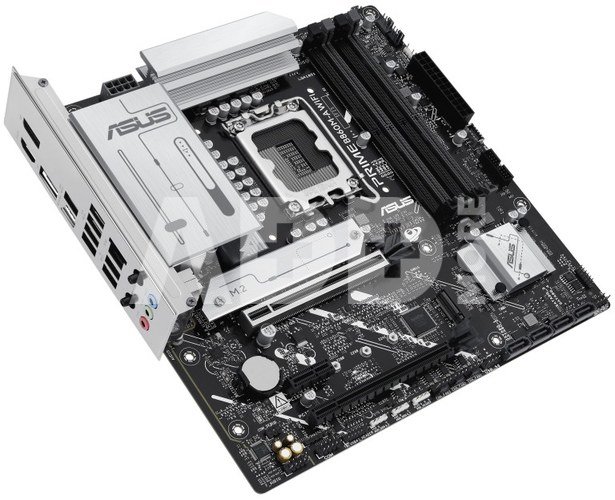
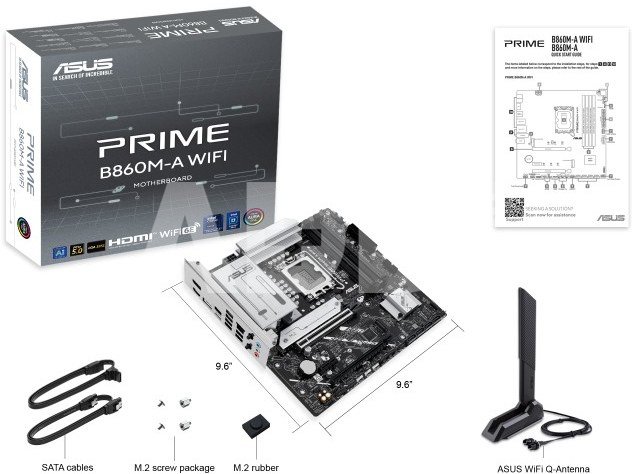
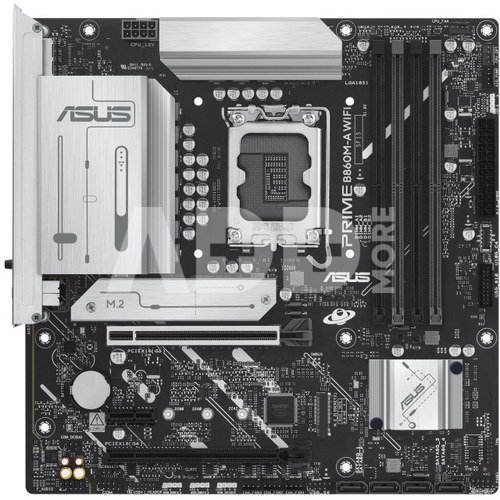
ASUS PRIME series motherboards are expertly engineered to unleash the full potential of the latest Intel Core Ultra Processors (Series 2). Boasting a robust power design, comprehensive cooling solutions and intelligent tuning options, the PRIME B860M-A WIFI motherboard provides users and PC DIY builders with a range of performance optimizations via intuitive software and firmware features. It's designed to be Advanced AI PC-ready, offering the power and connectivity needed for demanding AI applications.
AI Advisor
ASUS AI Advisor allows users to explore the functionality and advanced features of ASUS motherboards in a simple and straightforward way.
Robust power design
Stable power is crucial for maximizing the performance of Intel Core Ultra Processors (Series 2). The PRIME B860M-A WIFI is designed to meet the needs of high-core-count CPUs. It features 7(80A) + 1(80A) + 1(80A) + 1(80A) power stages that integrate high-side and low-side MOSFETs and drivers into packages rated for up to 80 amperes each. This configuration ensures optimal power delivery, efficiency, stability and performance for both current and future Intel processors.
AEMP III for Ultimate DDR5 Performance
ASUS Enhanced Memory Profile III (AEMP III) is an advanced firmware feature that empowers users to achieve unparalleled memory performance with cutting-edge CUDIMM memory. Through a two-phase comprehensive tuning process, AEMP III first optimizes the clock driver and then the memory frequency. This results in the best balance between performance and stability, even at cutting-edge speeds of DDR5-7600 or higher.
DIMM Fit
DIMM Fit is an ASUS-exclusive BIOS feature that precisely analyzes individual memory modules to optimize performance and pinpoint potential issues. This offers peak efficiency, compatibility, and system stability. Whether you are an overclocker seeking ultimate performance, a competitor pursuing the most responsive gameplay, or a content creator prioritizing rock-solid stability, DIMM Fit provides optimizations tailored to your needs and your hardware configuration.
Two M.2 slots (up to 128Gbps)
The PRIME B860M-A WIFI offers a total of two M.2 slots, including one that supports data-transfer speeds of up to 128Gbps via PCIe 5.0, one that supports 64Gbps via PCIe 4.0. This enables quicker boot-up and app load times with OS or application drives.
Cooler by design
The PRIME B860M-A WIFI motherboard is engineered with multiple onboard heatsinks and an array of hybrid fan headers to help ensure your rig stays cool and stable under intense workloads.
ASUS Fan Xpert 2+
ASUS Fan Xpert 2+ software provides comprehensive control over fans. An Auto-Tuning mode intelligently configures all parameters with a single click. There's also an Extreme Quiet mode that reduces chassis fan speeds to below the default minimum to keep your system whisper-quiet when performing light tasks. Fans can also be controlled via the UEFI BIOS.
Cooler compatibility
ASUS AIO coolers offer robust performance, high overclocking potential, bold aesthetics and customizable functionality for new motherboards, empowering you to build your dream gaming rig.
Empowering connections
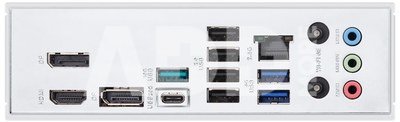
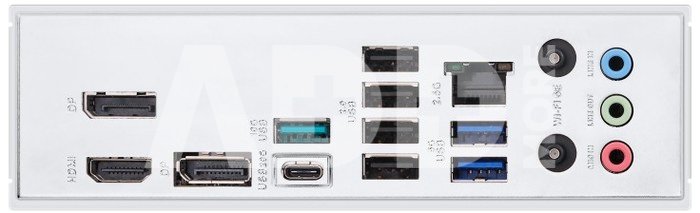
The PRIME B860M-A WIFI motherboard offers a versatile range of connectivity, including support for WiFi 6E, the latest version of PCI Express and an arsenal of USB ports which includes Type-C connections.
WiFi 6E
Built-in WiFi 6E technology takes advantage of the newly available radio spectrum in the 6 GHz band. With triple the bandwidth of the 2.4/5/6 GHz band, WiFi 6E delivers ultrafast wireless networking speeds with improved capacity and better performance in dense wireless environments.
USB 20Gbps port
A batch of USB ports supports high-end rigs loaded with peripherals, including a rear USB Type-C port with transmission speeds of up to 20Gbps.
PCIe 5.0 slot
The latest processors introduce PCIe 5.0 support, doubling data transfer speeds compared to PCIe 4.0, enhancing signal integrity, and providing backward-compatible CEM connectors and support for previous PCIe versions.
Personalization
The PRIME B860M-A WIFI enhances the user experience across the board, from simplifying BIOS setting adjustments to offering customizable RGB lighting controls for a uniquely personal system aesthetic.
UEFI BIOS
The UEFI interface delivers easy-to-use configuration options for PC beginners, and advanced features for veterans.
ASUS GlideX
Enable seamless screen sharing and control across PCs, tablets, and smartphones via wired or wireless connections, supporting multiple platforms.
ASUS DriverHub
Simplify driver management with automatic detection, one-click installation and update for smooth, efficient system performance.
Armoury Crate
Customize Aura Sync RGB and control ASUS devices. Includes product registration and updates.
Aura Sync
Complete RGB lighting control for enthusiast systems, ensuring seamless synchronization with compatible hardware.
Addressable Gen2 RGB headers
Three Addressable Gen2 headers detect LED counts on compatible RGB devices, automatically adjusting lighting effects accordingly.
DIY friendly
The PRIME B860M-A WIFI motherboard features EZ PC DIY innovations that simplify and speed up the PC building process, making DIY easy and convenient.
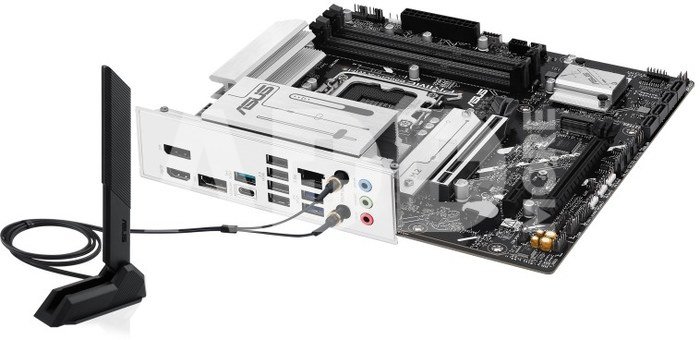
Q-Antenna
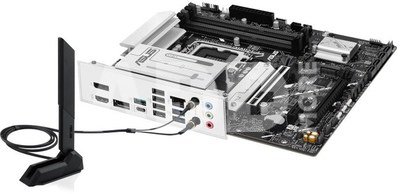
With Q-Antenna, attaching a WiFi antenna to your PC is now easy and fast. Instead of slowly rotating two fasteners until they finally lock in, they just snap into place. Less hassle, and more consistent performance.
Q-LED Core
The Q-LED Core display produces color-coded lights during the Power-On Self-Test (POST) that can help you troubleshoot potential issues.
Pre-mounted I/O shield
Our pre-installed I/O shield safeguards ports, simplifies the build process, increases functionality and enhances aesthetics for PC DIY enthusiasts.
SafeSlot
PCIe 5.0 is twice as fast as PCIe 4.0. ASUS has adapted our SMT manufacturing for the faster SafeSlot, a reinforced metal sheath that ensures secure card installation and faster data speeds.

















Atsiliepimai
0 vidutinis įvertinimas (0 įvertinimų)