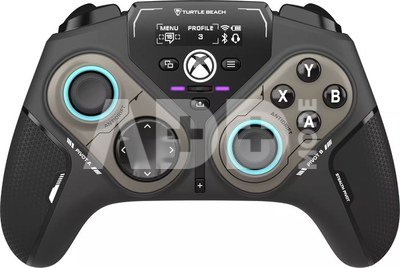
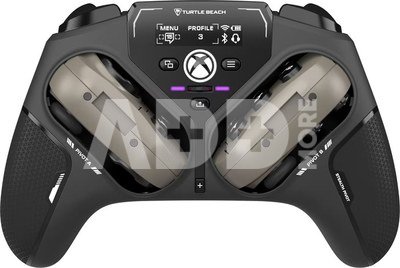
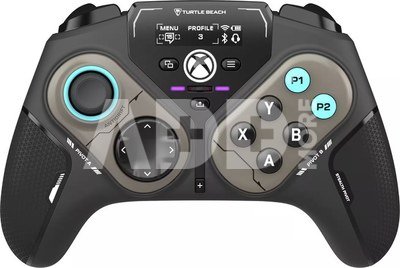
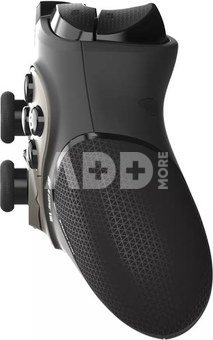
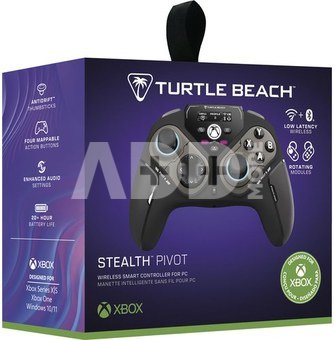
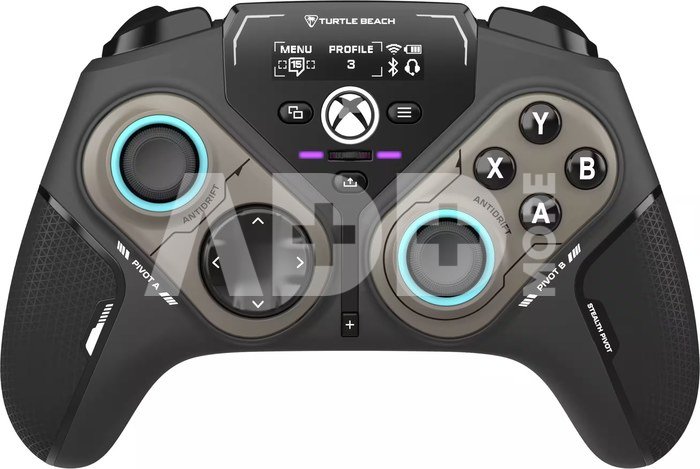
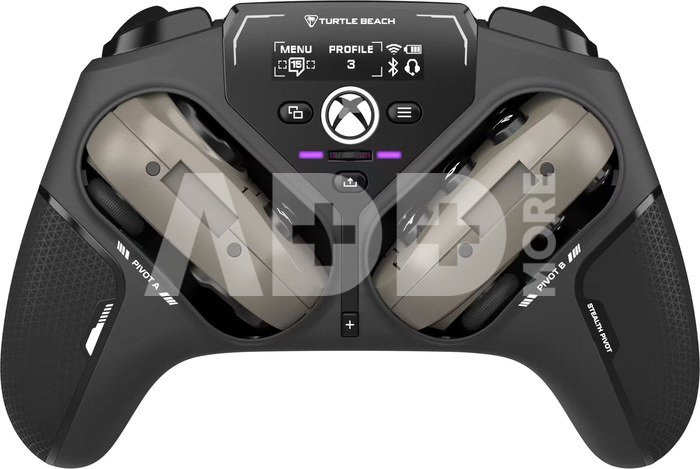
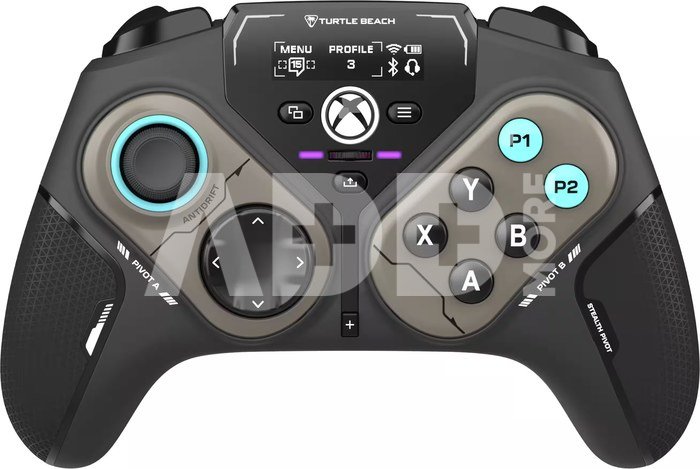
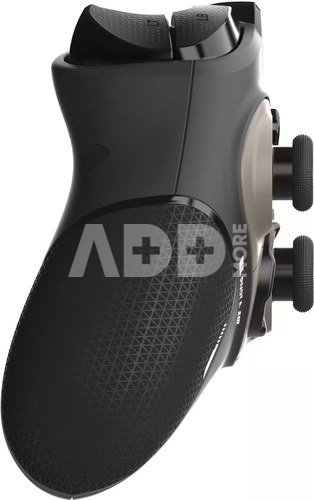
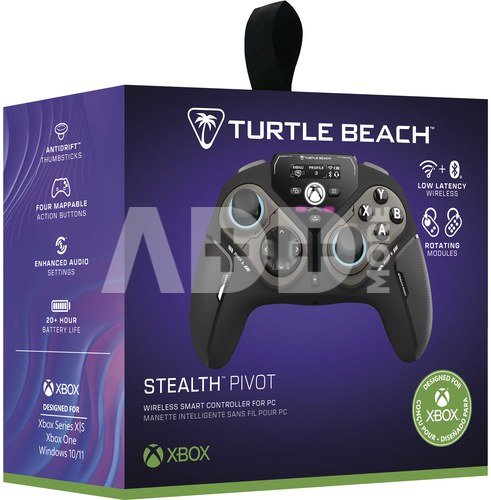
The Turtle Beach Stealth™ Pivot wireless smart controller is designed for revolutionary gameplay on Windows PCs. Stealth™ Pivot features rotating button modules to quickly switch between core button layouts designed for FPS, action & racing titles, or revolved layouts for fighter & retro games.
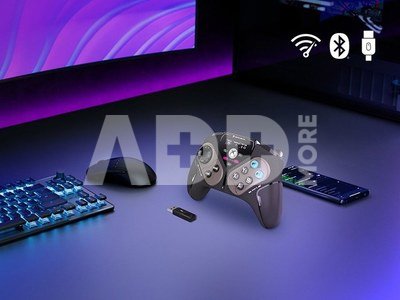
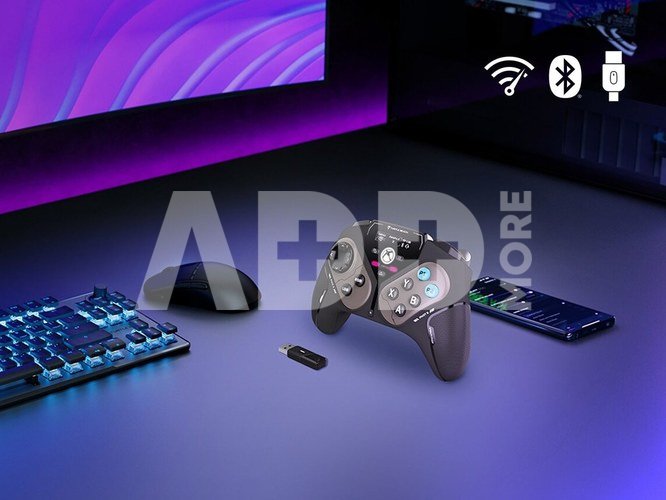
Play wirelessly on PC with the 2.4 GHz wireless transmitter, or via Bluetooth® on Android devices & Smart TVs, and even play on Xbox consoles using the wired connection. A 20-hour battery life keeps you locked in without disruptions, plus the wired cable supports play-and-charge capability. The Connected Command Display screen offers extensive customization, and hall-effect thumbsticks, adjustable triggers and mappable buttons provide smooth, long-lasting, and adjustable control for multi-genre dominance.
- Lag-Free 2.4GHz Wireless Connection to PC
- Rotating Button Modules for Multi-Genre Dominance
- Connected Command Display for On-Board Social Notifications
- 20-Hour Battery Life + Play & Charge Capability
- AntiDrift™ Thumbsticks for Long-Lasting, Smooth Control
- Adjustable Trigger Stops & Precise, Customizable D-pad
- Four Mappable Quick-Action Buttons with Pro-Aim
- Quick-Slide Switch for In-Game Adjustments
- Control Center 2 app for audio & control customization
- Immersive, Adjustable Vibration Feedback
High-Performance, Lag-Free Wireless For PCOur proprietary, lag-free 2.4 GHz wireless connection and built-in Bluetooth® technology gives you the freedom to play on Windows 10 & 11 PCs without a wired connection. Plus, you can connect to Android mobile devices and supported Smart TVs with built-in Bluetooth® or play on Xbox Series X|S & Xbox one with a wired connection.
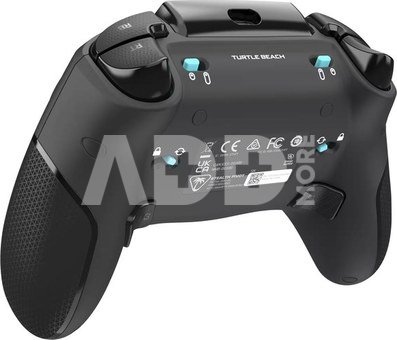
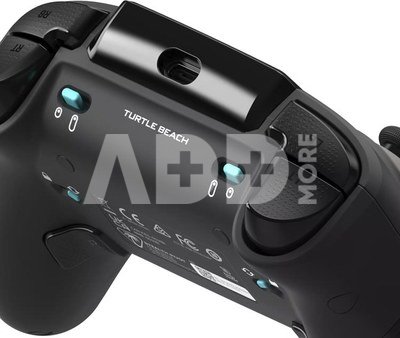
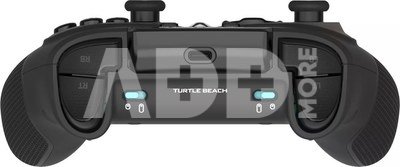
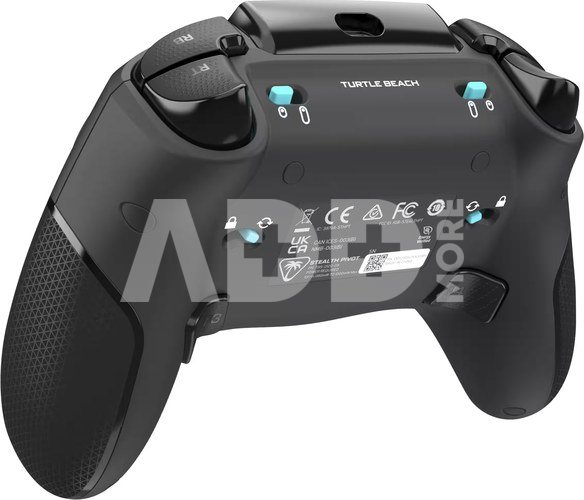
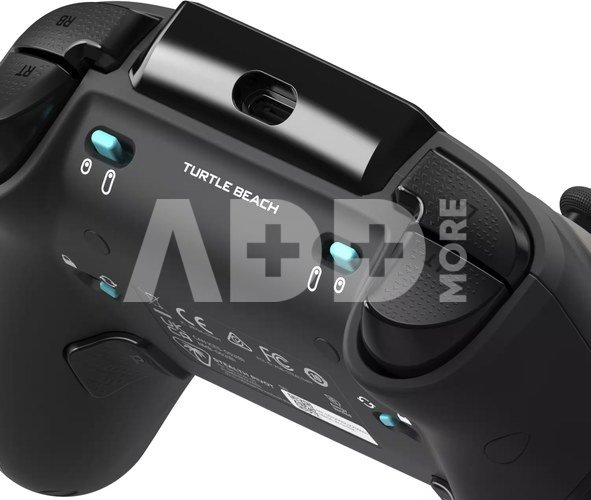
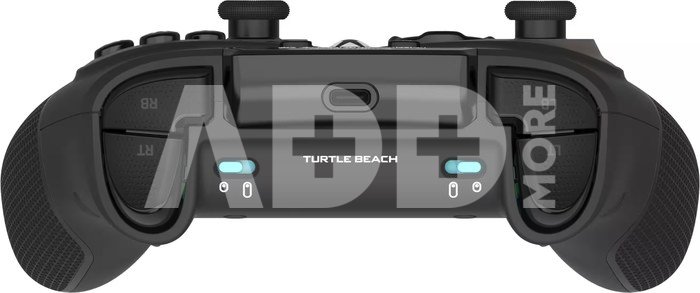
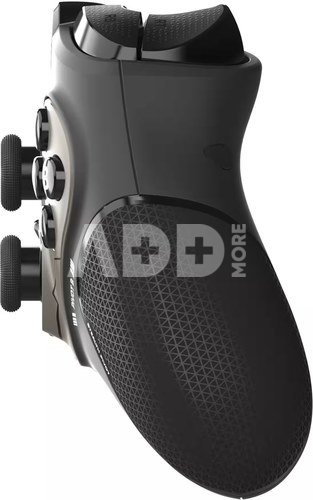
Rotating Button ModulesRotating modules give you the versatility to easily switch from a traditional core button and thumbstick layout, to a revolved layout designed for domination on fighter games. A set of release switches on the backside of the controller allow for easy rotation once unlocked, and keep the modules locked in place once set.
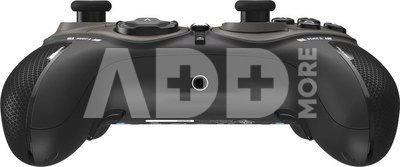
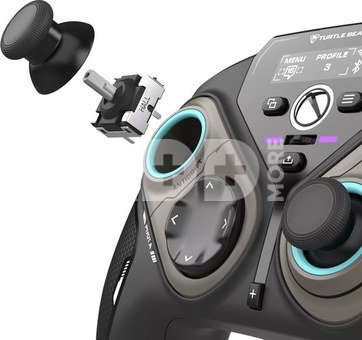
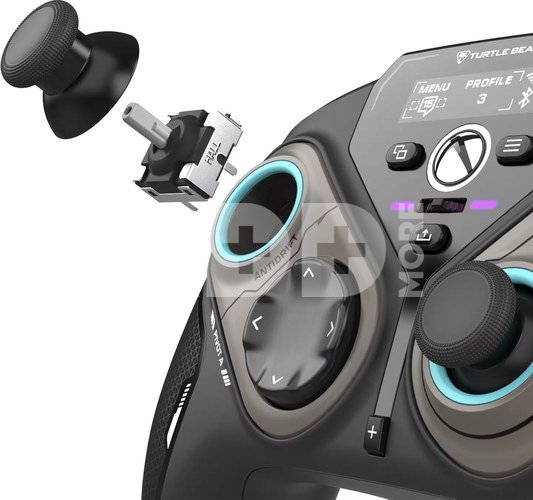
Connected Command DisplayA high-contrast display screen lets you customize your controller and stay in touch with your friends. View your social notifications feed, adjust any 3.5mm connected headset, assign mappable buttons, manage wireless connections on-the-fly and more.
Patented, On-Board Social NotificationsReceive social notifications from your phone for all your favorite social media platforms on the Connected Command Display to stay in the loop while gaming.
20-Hour Battery Life + Play & ChargeA long-lasting 20-hour wireless battery life keeps you locked in the game, and the included USB cable supports play-and-charge capability when battery life runs out.
Antidrift™ ThumbsticksContactless, hall effect thumbsticks use internal magnets instead of full contact analog-style sticks to provide high-resolution, smooth control without drift. You can even dial in stick performance to suit the exact game you’re playing with linear input for consistent steering in racing games, or precision input for pinpoint aim in action & FPS games.
Adjustable Trigger StopsModify the throw distance of the triggers on-the-fly to suit the games you play. Shorter hair trigger locks provide a faster return profile for FPS games or set to full travel for precise throttle and brake control when racing.
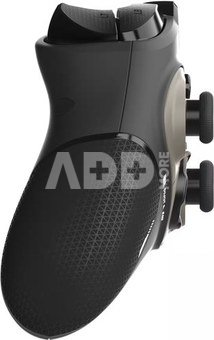
Four Mappable Quick-Action ButtonsFour mappable buttons allow you to set up the Stealth™ Pivot to your exact preferences depending on the types of games you play. Two mappable buttons on the back of the controller, and two buttons in the revolved layout keep your go-to actions in close reach. Plus, you can save up to five different onboard profiles for multiple games and loadouts.
Quick-Slide Adjustment SwitchFor split-second in-game adjustments, a return-to-center toggle, with customizable RGB lighting is in quick reach at the center of the controller and can be mapped to functions like headset volume adjustment.
Precise, Customizable D-PadD-pad response can be set to classic digital input, or analog thumbstick response and is tuned for fast actuation and reset, ideal for critical combos or platform jumps.
Pro-Aim™ Focus ModeSelectable as one of preset functions for any of the four mappable buttons, Pro-Aim™ tunes thumbstick sensitivity for enhanced long-range accuracy. Whether it’s a long-range snipe, or a daunting free kick, Pro-Aim™ is fully adjustable to dial-in the sensitivity just right.
Customization With Control Center 2 Companion AppOpen the Control Center 2 app on your Xbox console, PC, iOS, or Android smartphone to adjust settings on the controller like social notification preferences, customization of button mapping, dead zones & axis response modes, vibration intensity, audio enhancements, and RGB lighting. Plus, the Control Center 2 app lets you quickly make product updates.
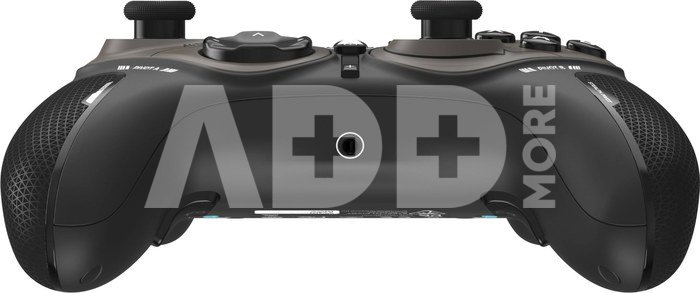
Advanced Audio TuningEnhance any 3.5mm connected headset with easy access audio features only available from Turtle Beach including four EQ presets and Superhuman Hearing®. Plus, you can set the game & chat volume mix to your exact preference, adjust mic monitoring and more, all directly from the Command Display dashboard.
Immersive Vibration FeedbackDual rumble motors in the handles and triggers provide immersive vibration feedback and are fully adjustable via the Command Display dashboard. Tune the levels of vibration to suit the games you play, from maximum vibration for intense racing games, to minimum feedback for reduced interference when precise aim control is needed.

















Atsiliepimai
0 vidutinis įvertinimas (0 įvertinimų)