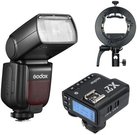
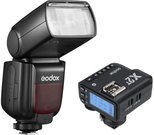
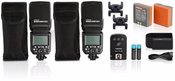
Godox flash V480 for Fujifilm
Compact Design, Complete Control
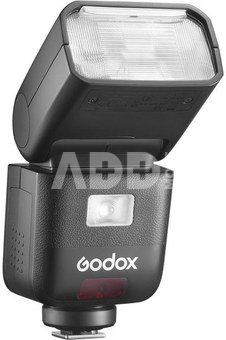
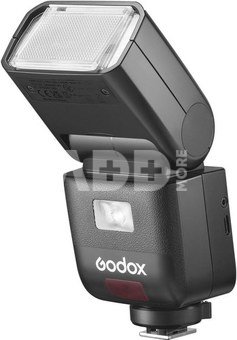
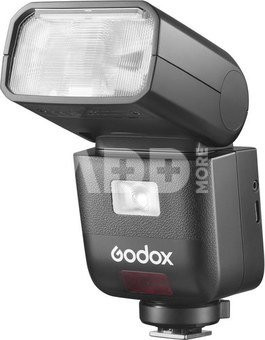
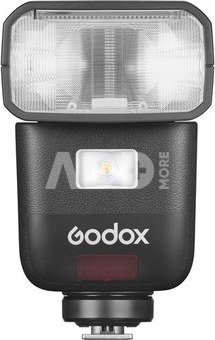
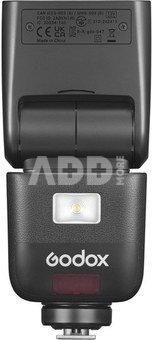
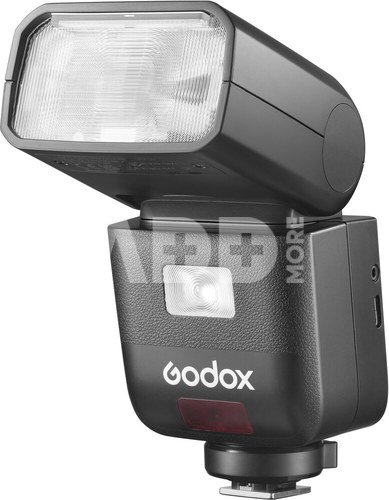
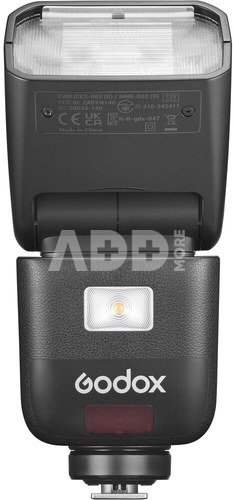
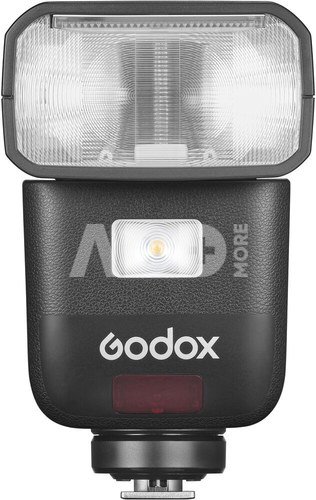
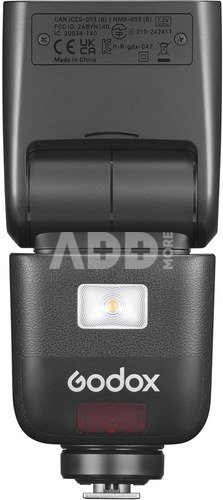
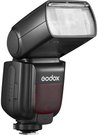
Meet the Godox V480: a sleek GN50 on camera flash that brings studio quality light wherever you shoot. Powered by a high capacity Li-ion battery delivering up to 650 fullpower flashes with a rapid 1.7s recycle, it offers both a responsive touchscreen and tactile buttons for intuitive control. With High speed sync up to 1/8000s, an integrated 2.4GHz X wireless system, and a 10 level LED modeling lamp, the V480 is the compact lighting solution for any creative pursuit.
Intuitive Touchscreen & Buttons
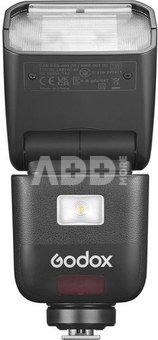
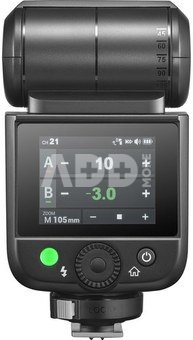
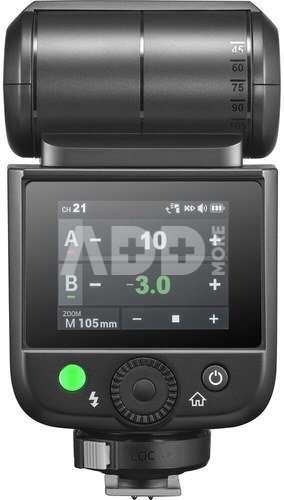
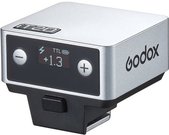
The V480’s 2.0″ color touchscreen and tactile buttons work seamlessly together to deliver fast, precise adjustments. Tap, swipe, or press buttons to navigate menus effortlessly, allowing you to change settings quickly without interrupting your workflow.
Smart Distance Readout
Say goodbye to exposure guesswork. The V480’s display shows real-time effective flash range, so you’ll know instantly if your subject is within optimal reach—ideal for tight spaces, bounce applications, or fast-paced events.
Sender & Receiver Functionality
The built-in Godox 2.4GHz X wireless system lets the V480 act as both sender and receiver across 32 channels up to 100m away. Control multiple flashes directly from the unit—no external triggers required.
Pro-Level Flash Modes
V480 gives you full creative control with TTL, Manual, Multi mode, and High-Speed Sync up to 1/8000s. Fine-tune your lighting with Flash Exposure Compensation, and choose between Front/Rear-Curtain Sync for dynamic motion effects. A versatile tool built for professional results.
Lightweight Portability
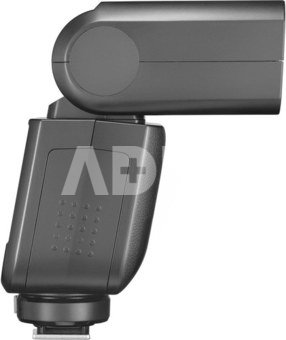
Weighing just 282g (361g with battery), the V480 fits comfortably in your hand and slips into any camera bag. Stay lightweight on location while enjoying powerful flash performance.
650 Full-Power Flashes
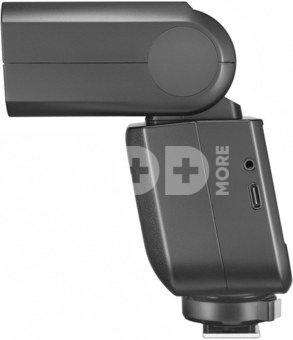
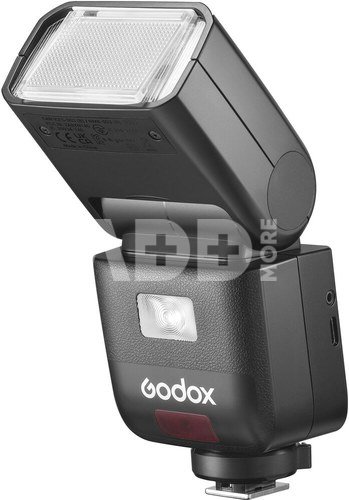
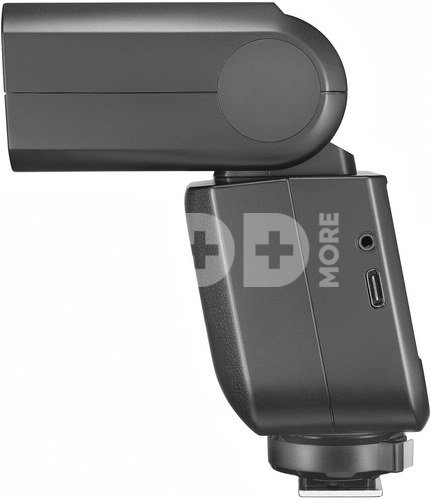
A 7.2V/2200mAh rechargeable battery delivers up to 650 full-power flashes and recycles in just 1.7s. USB-C charging lets you top up between sessions so you can keep shooting all day.
10-Level Modeling Lamp
Preview exactly how your flash will shape shadows and highlights with a built-in LED lamp offering ten brightness levels. Ideal for pre-visualizing light direction and intensity, it lets you fine-tune your setup before firing the main flash.
Flexible Bounce Head
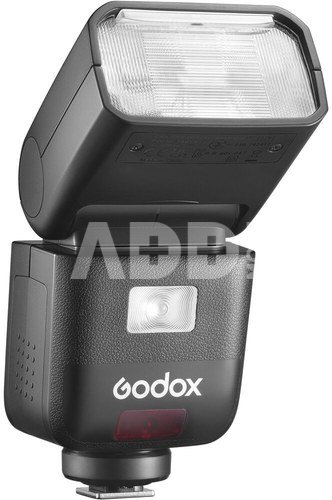
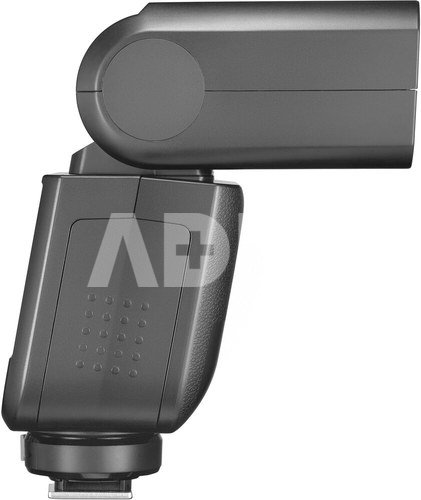
Tilt from –7° to 120° and swivel a full 330° for precise bounce angles. Use walls, ceilings, or floors to craft soft, natural fill or striking side light, adapting instantly to any shooting environment.
Creative Light Shapers
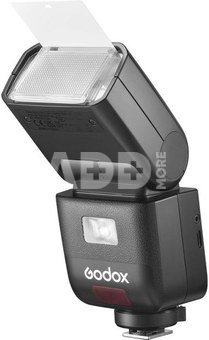
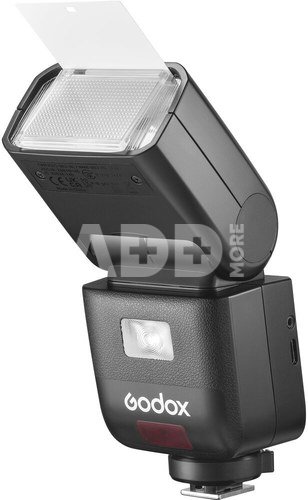
Slide in the catchlight panel for crisp, sparkling eyes or snap on the wide-angle diffuser to soften and broaden coverage for groups or environmental portraits. These built-in tools let you shape your light instantly—no extra attachments required.
Extensive Accessory Compatibility
Expand your creative toolkit with ease: attach Bowens-mount softboxes, reflectors, snoots, and more with the S2 bracket. One flash, endless possibilities.
Discuss with a consultant in Kaunas
We don't have
Klaipėda Address: Birželio 23-iosios g. 23g Working hours: I-V 09:00 - 18:00 VI-VII not working Phone: +370 674 59488
Discuss with a consultant in Klaipėda
We don't have
Klaipėda Address: Taikos pr. 17 Working hours: I-V 10:00 - 19:00 VI 10:00 - 14:00 VII not working Phone: +370 604 43972
1. How to Choose the Right Flash for Your Camera?
The choice depends on your photography needs. First, pay attention to your camera type and model, as not all flashes are compatible with all devices. Then, consider several important factors, such as power and features, like remote control. Evaluate the flash power and control functions according to your needs: for illuminating photos, portraits, or professional photography. Also, consider the importance of mobility and the power source (usually batteries). If you're a beginner, it may be worth considering simpler flashes with automatic features. Professionals may find it important to choose flashes with many adjustment options. Most importantly, choose a flash that fits your needs and allows you to expand your photography possibilities.
2. How to Avoid Too Bright or Too Shadowed Flash Effects in Photos?
Too bright or too shadowy a flash can affect the quality of your photo. To avoid overly intense light effects, adjust the flash power based on ambient lighting. If the flash is too shadowy, try using a light diffuser or bouncing the light off surfaces to reduce the contrast between light and dark areas. You can also try directing the flash toward the ceiling or other surfaces so the light bounces and spreads in the environment. Experiment with settings to achieve a balanced and natural result.


















Reviews
0 average rating (0 votes)