
E-mail: [email protected]


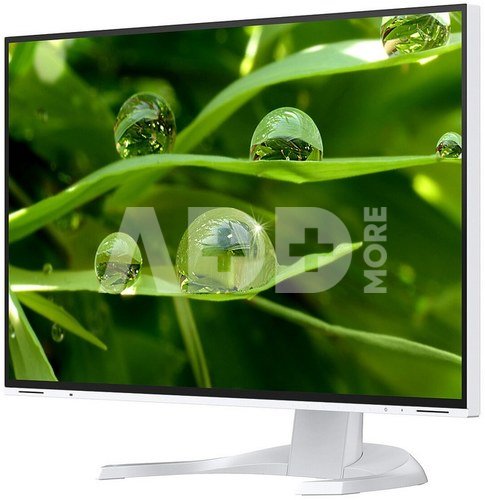
Eizo FlexScan EV3240X-WT - you can look as closely as you want, but you won't find any pixels. This ultra-sharp display makes working a dream for the eyes and simply makes everything look better. The high pixel density makes it possible. Eizo FlexScan EV3240X supports 4K (3840 x 2160 pixel) resolution, displaying four times the amount of information than standard Full HD (1920 x 1080 pixel), and more than two times the amount than WQHD (2560 x 1440 pixel) monitors. With 4K, you can display more applications simultaneously on a single screen, greatly reducing the need to scroll or switch windows frequently.
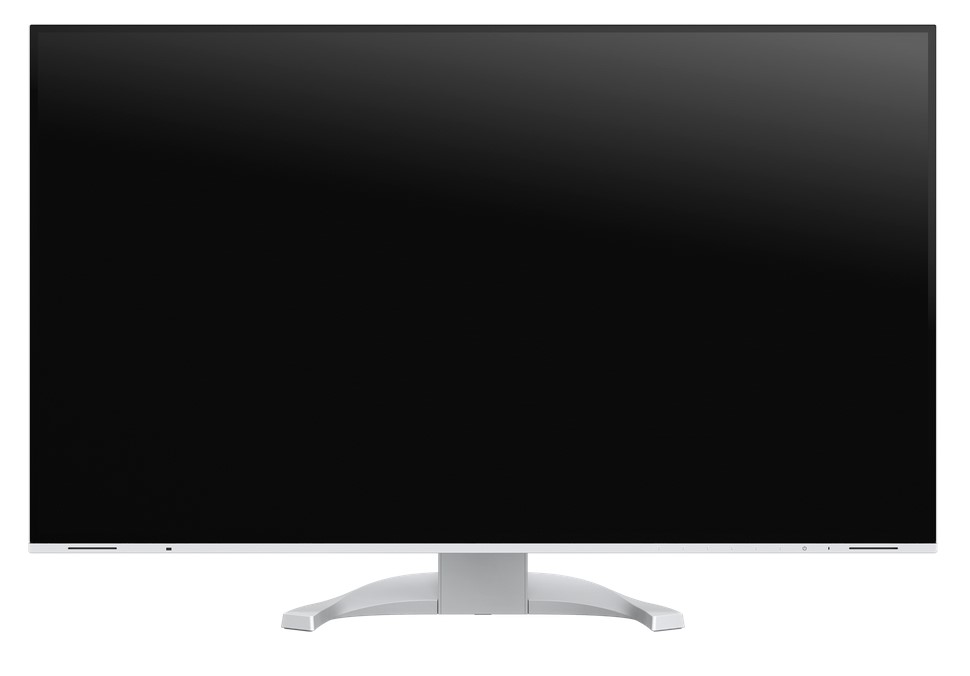
Be it CAD, office, or video applications, the FlexScan EV3240X with its 4K ultra HD resolution supports your work with its extraordinary display quality. Thanks to a native resolution of 3840 x 2160 (4K UHD) pixels and 140 ppi (pixels per inch), the 31,5 monitor presents texts and graphics clear and precise.
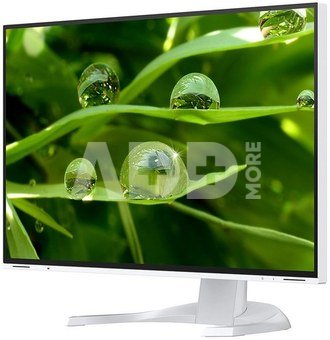
The monitor is capable of all three key elements of excellent image quality: excellent resolution of 3840 x 2160 (4K UHD) pixels, maximum contrast of 2000:1, and stable brightness of up to 350 cd/m². That means you will experience razor-sharp text contours, brilliant graphics, and clear images. Thanks to the high-quality IPS panels with LED backlight, contrasts and colours remain stable from every viewing angle.
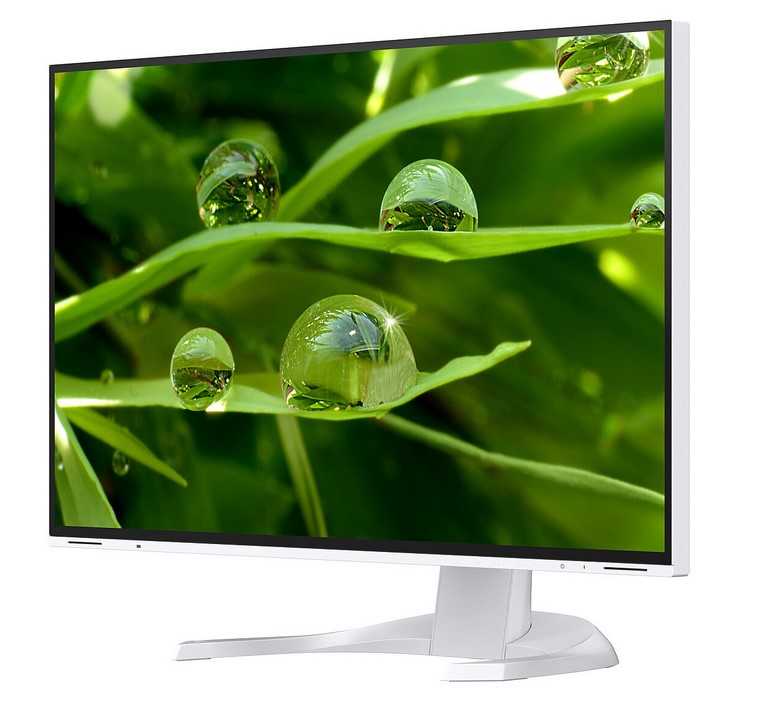
An image can only be perfect if the colors are, too. This is why EIZO monitors have a 10-bit look-up table at a minimum, which allows the color information to be assigned much more precisely than with conventional 8-bit LUTs. The finest color gradations ensure that gradients are always perfectly displayed, while also offering customised adjustment options. For example, you can adjust the white balance from 4000 K to 10 000 K in 500-K intervals.
The overdrive function accelerates the switching time so that gray-grey changes take place in just 5 ms on average. You can watch movies and fast image changes without annoying afterglow. When scrolling and positioning windows or images, the display is legible in fractions of a second - faster than it can be perceived. Power consumption and energy efficiency are always in view.
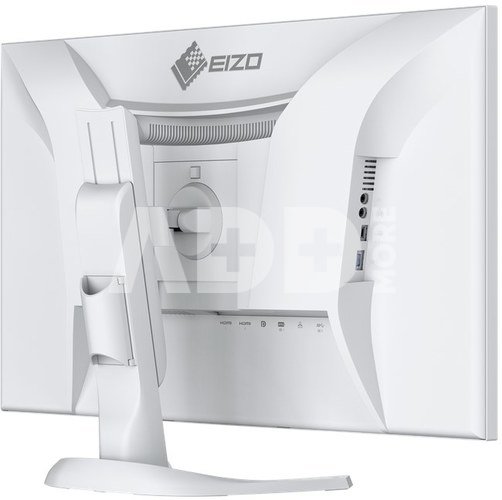
Video and audio reproduction, data transfer, including network signal and power supply for connected devices – all this and so much more is possible with a single USB-C cable. The EV3240X will become your central docking station to which you can quickly and easily connect your laptop. This is especially practical if you have multiple workstations or switch between working in an office and at home. The 94 W power supply via USB-C reliably charges small computers or laptops, giving you more desk space since an additional power supply is no longer necessary for the computer.
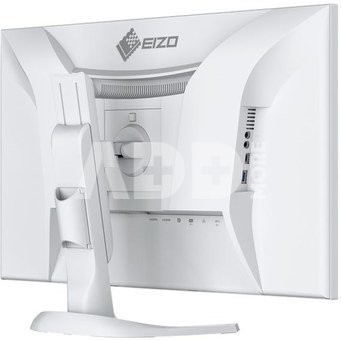
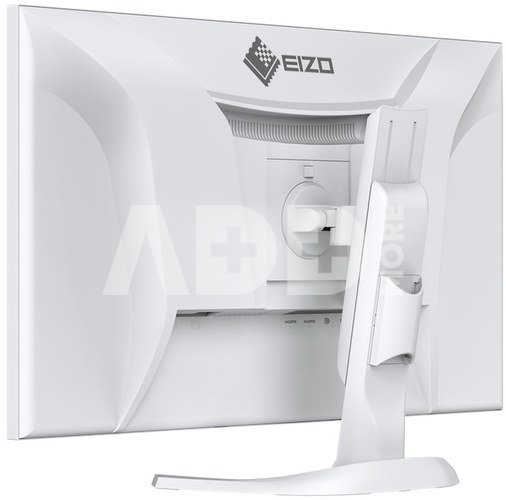
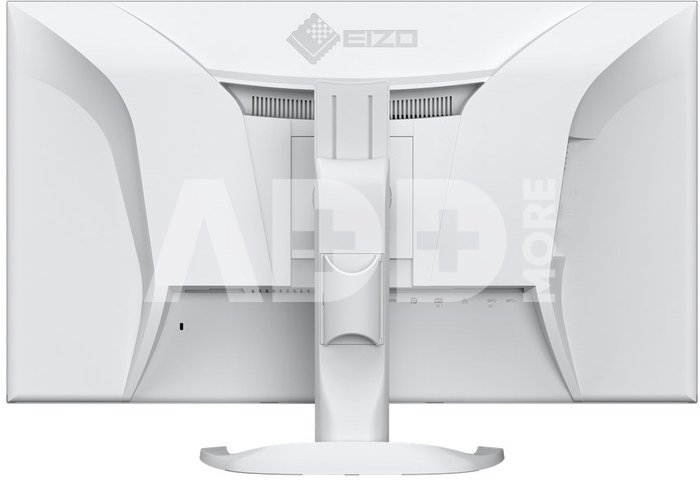
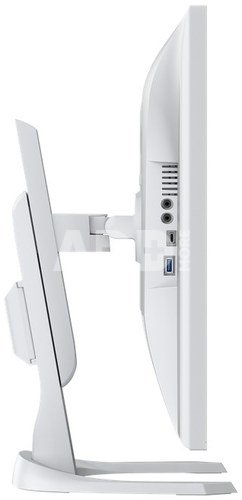
It couldn't be easier: Most end devices, such as PC, laptop, mouse, keyboard or headphones, can be connected directly to the monitor, thanks to its wide range of signal interfaces and ports. This makes your daily work easier and ensures a tidy desk.
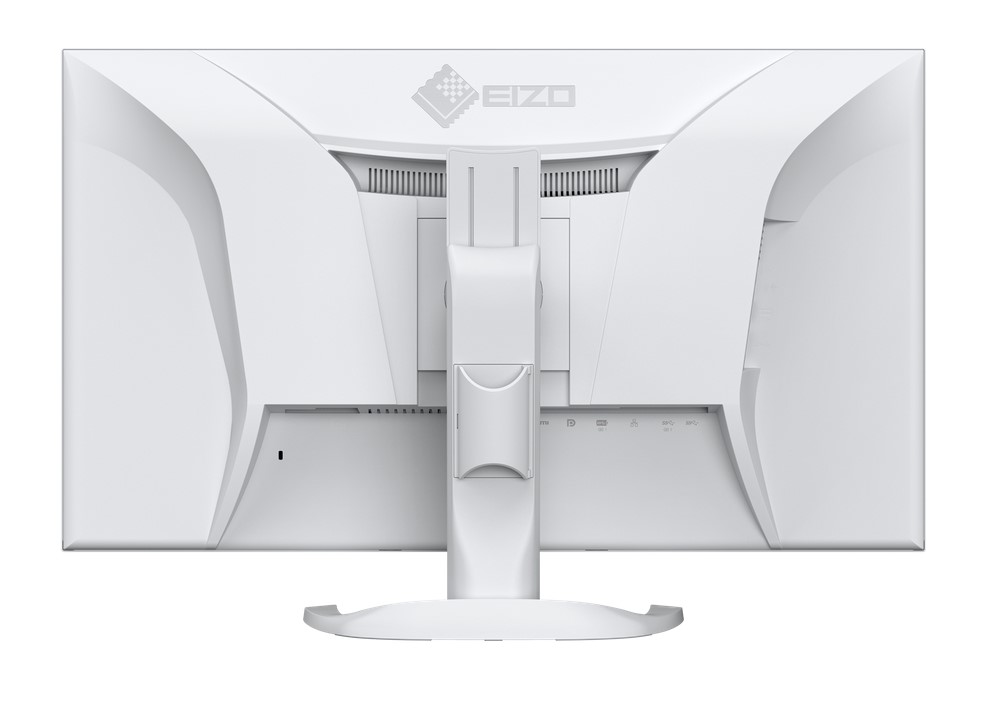
The monitor has a dedicated LAN port to ensure a stable wired network connection. Laptops and PCs require only one USB cable to be connected to the EV3240X to gain network access via the monitor. This is particularly advantageous for laptops that do not have a LAN connection and allows stable data transfer, which is required for video conferences, for example. As a network device the monitor has its own MAC address. Optionally, the "EIZO MAC Address Clone Utility" software for Windows can temporarily assign the MAC address of the connected PC to the monitor. This transparency grants authenticated PCs network access through the monitor.
It has never been easier to operate different PCs with a single mouse and keyboard. Thanks to the USB upstream ports, the EV3240X has an integrated KVM (Keyboard Video Mouse) switch. The monitor automatically links the webcam, microphone, speakers, mouse and keyboard to the currently active source computer. This means, for example, that a desktop PC and laptop or business and private PC can each be operated on the same combination of monitor USB devices. This ensures uninterrupted working and a tidy workspace.
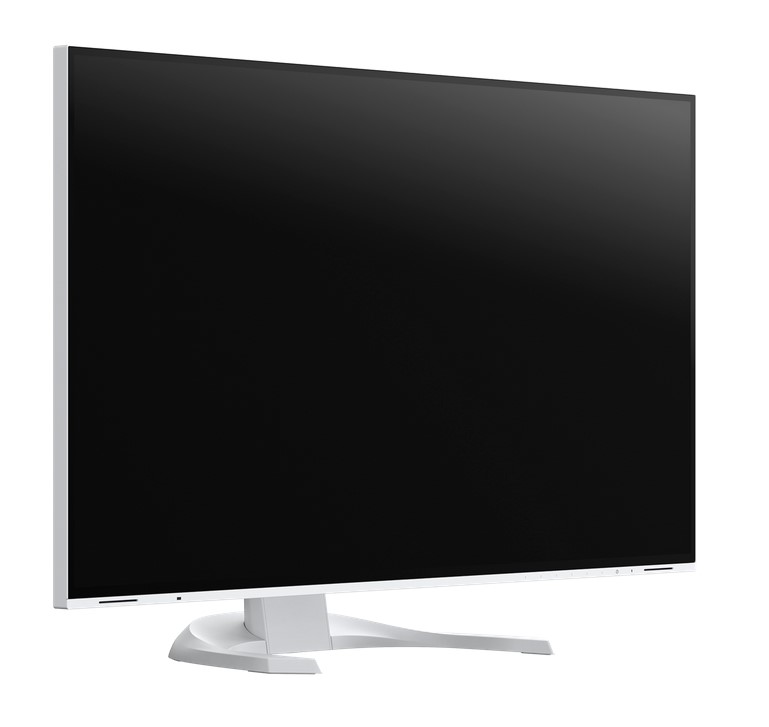
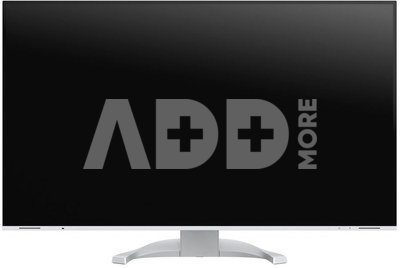
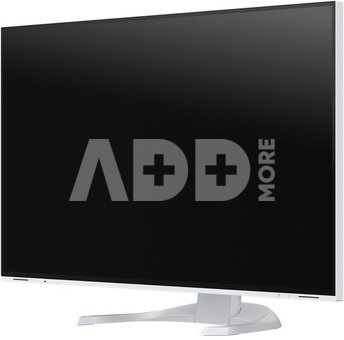
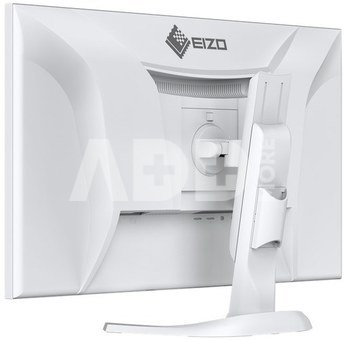
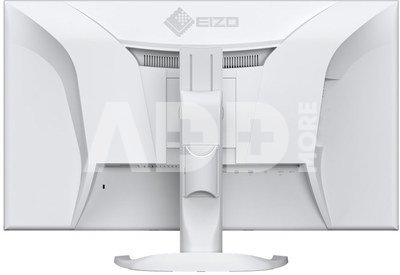
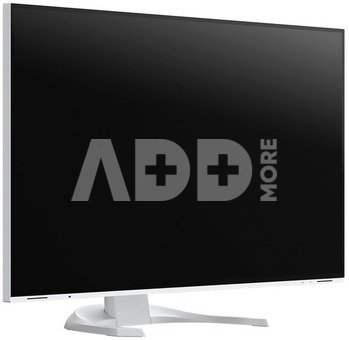
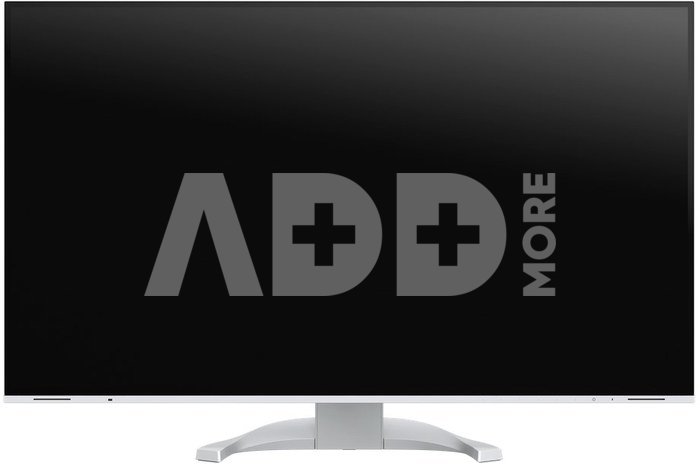
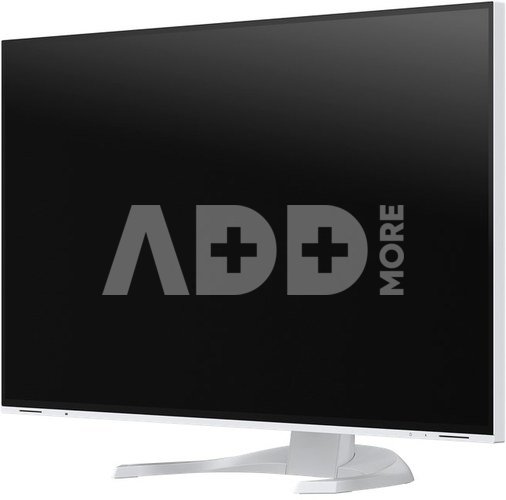
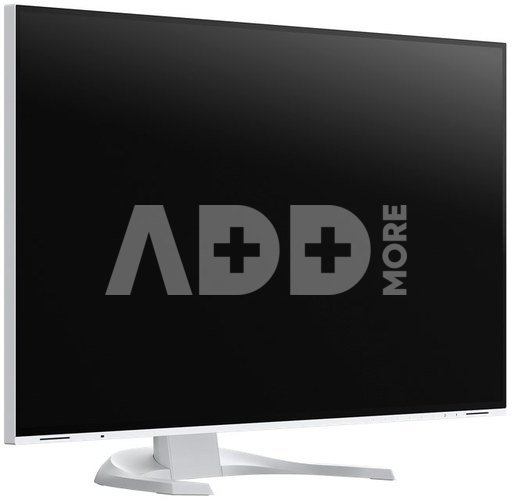
The monitor’s appearance can be the key to creating a pleasant working atmosphere. Whether you are at home or in the office, the monitor’s virtually frameless design and ergonomic functionality allows it to fit naturally into your workplace environment. The housing is available in both an elegant black and in white, with matching white cables.
At day, at night, bright, dark: No matter when and how you work, the Auto EcoView function continuously measures changes of the ambient light and optimises the monitor with ideal brightness values automatically by using a sensor. The benefits: Annoying glare is reduced, your eyes will not get tired as quickly. A special two-point control takes into account the brightest and darkest environment over the course of the day with the respectively desired screen brightness. Another plus: the automatic brightness adjustment can significantly reduce power consumption. Of course, you can also continue to configure the monitor manually. EcoView Index is used for orientation on how environmentally friendly and economical your settings are.
To help protect your eyes, EIZO has developed a hybrid technology to control the backlight. This combines the benefits of the otherwise standard PWM (pulse width modulation) and DC (direct current) control. The PWM control uses much higher frequencies than standard PWM methods. The result: a flicker-free viewing experience while maintaining picture quality and colour stability. In addition, compared to pure DC control, you can adjust the brightness to less than 1% of the maximum value in darkly lit rooms. The benefit: Your screen remains free from flicker and glare even under these conditions. The flicker-free and low blue light content of the EIZO FlexScan monitors is certified by TÜV Rheinland.
The EV3240X offers a perfect, non-glare surface. By minimising glare by diffusing the reflected light, the EV3240X effectively protects your eyes from straining. This keeps your eyes from getting as tired and allows you to sit comfortably in front of the monitor, without having to sit in a forced position to prevent glare.
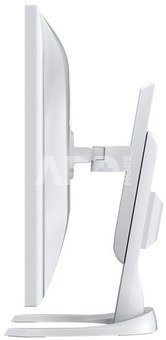
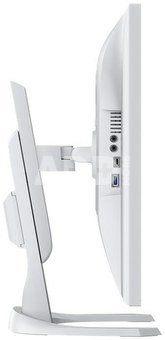
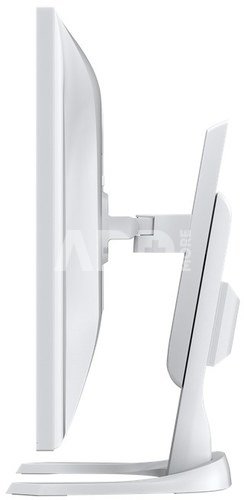
Ergonomic and stable: the adjustable stand focuses on ergonomics. You can rotate, swivel and tilt the monitor stand until you find the most comfortable setting for your back, neck and sitting posture. It features continuous height adjustment and can be lowered almost to the base plate of the stand, enabling you to position the top image line ergonomically right below your eye level.
Preset color modes optimize the viewing of images, texts or videos. Because it makes a difference whether you are watching a video, looking at a picture, surfing the net or writing texts. At the touch of a button, you can set the respective preset for brightness, gamma correction and color temperature. An example: Paper mode simulates the pleasant contrast of printed paper, making reading easier on the eyes and preventing fatigue.
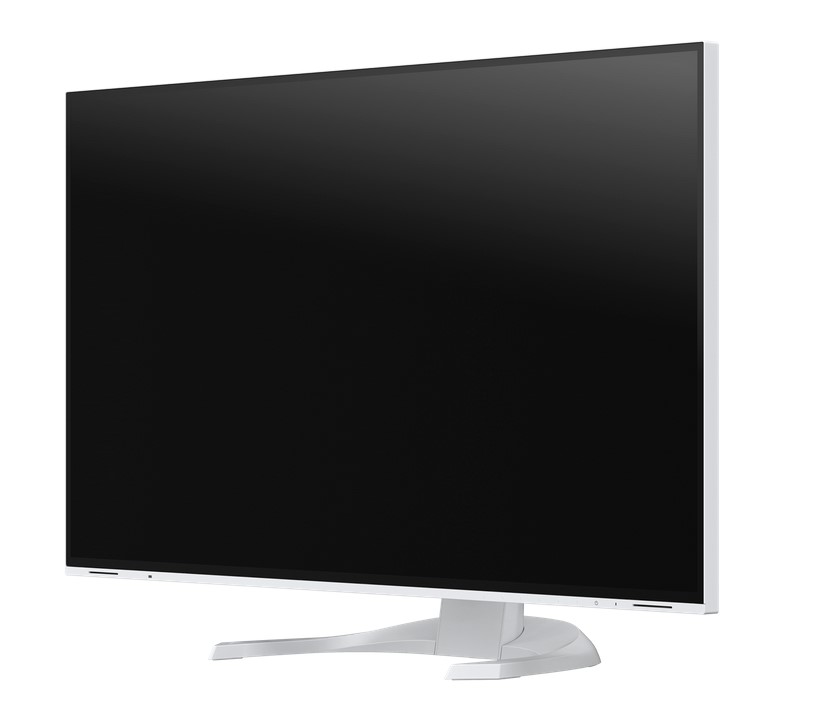
In most work environments, it is common to have several apps such as web conferencing, word processing, browsers and other programs open and visible at the same time. With the "Screen Layout" function of Screen InStyle, you can arrange the windows of the various programs clearly on the screen and thus work much more efficiently. In addition to predefined layouts, you can freely select window sizes and positions for individual layouts.
Color: white
Product line: FlexScan
Areas of application: Office, Video surveillance, Large and medium-sized companies, Private user & small business, CAD, Finance, Control rooms
Specific system requirements: None, compatible with most computers and operating systems including macOS and Windows
Screen size: 80 cm (31.5 inches)
Format: 16:9
Viewable image size (width x height): 697 x 392 mm
Ideal and recommended resolution: 3840 x 2160 (4K UHD)
Pixel pitch: 0,182 x 0,182 mm
Pixel density: 140 ppi
Supported resolutions: 3840 x 2160 (4K UHD), 2560 x 1440, 1920 x 1200, 1920 x 1080 (Full HD), 1680 x 1050, 1600 x 1200, 1280 x 1024, 1024 x 768, 800 x 600, 720 x 400, 640 x 480
Panel technology: IPS
Max. viewing angle horizontal: 178°
Max. viewing angle vertical: 178°
Number of colors or greyscale: 16.7 million colors (DisplayPort, 8 Bit), 16.7 million colors (HDMI, 8 Bit), 16.7 million colors (USB-C, 8 Bit)
Color palette/look-up table: More than 1.06 billion color tones /14-bit
Max. color space (typical): sRGB
Max. brightness (typical): 350 cd/m²
Max. dark room contrast (typical): 2000:1
Response time grey-grey alternation (typical): 5 ms
Backlight: LED
USB-C docking: yes
LAN/RJ-45: yes
KVM switch: yes
Preset color/greyscale modes: 2x manual memory locations, sRGB, Paper, Movie, DICOM
DICOM tone curve: yes
Auto EcoView: yes
EcoView Index: yes
EcoView Optimizer: yes
Overdrive: yes
No flickering: yes
HDCP Decoder: yes
Automatic signal input recognition: yes
Imagen por imagen: yes
Built-in speakers: yes (4 Watt / 2 + 2 Watt)
On-screen menu languages: de, en, fr, es, it, se
Adjustment options: Color Mode, Brightness, Contrast, Color temperature/White point, Gamma, Overdrive, Colour tone, Color saturation, Picture-by-Picture, Resolution, Scaling, Image position, Input Range, OSD language, Signal input, All EcoView functions, Volume
Button Guide: yes
Integrated power unit: yes
Signal inputs: 2x HDMI (HDCP 1.4/2.3), DisplayPort (HDCP 1.3/2.3), USB-C (DisplayPort Alt Mode, HDCP 1.3/2.3)
USB specification: USB 5Gbps (USB 3)
USB upstream ports: 1 x type C (DisplayPort Alt Mode, 94 W max.), 1 x type B
USB downstream ports: 1 x type C (15 W charging function), 3 x type A
Network connection: RJ-45
LAN standards: IEEE802.3ab (1000BASE-T)
Graphic signal: USB-C, DisplayPort, HDMI (RGB, YUV)
Audio input: USB-C, DisplayPort, HDMI
Audio / headphone output: 2x 3.5 mm stereo jack (Headphones, Line Out)
Frequency: USB-C: 31-134 kHz / 29-61 Hz; DisplayPort: 31-134 kHz / 29-61 Hz; HDMI: 31-135 kHz / 29-61 Hz
Power consumption (typical): 18 Watts
Maximum Power Consumption: 196 Watts (at maximum brightness and operation of all signal and USB ports as well as full charging power)
Max. Power consumption in stand-by mode: 0.35 Watts
Power consumption with power switch off: 0 Watts
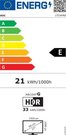
Energy efficiency class: D
Energy consumption/1000h: 21 kWh
Power supply: AC 100-240V, 50/60Hz
Max. USB-C Power Delivery: 94 Watt
Power management: yes
Dimensions (incl. stand) (width x height x depth): 712 x 427-622 x 242-251 mm
Dimensions (without stand) (width x height x depth): 712 x 415 x 59 mm
Weight (incl. stand): 9.4 kg
Weight (without stand): 6.7 kg
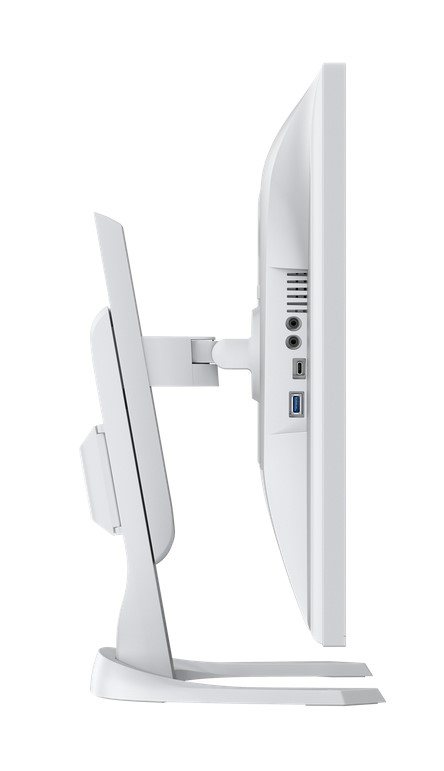
Display size (cm) 80 (cm)
Screen size 31.5 "
Brightness 350 cd/m2


| Performance | |
|---|---|
| Producer(?) | Eizo |
| Display size (cm) | 80 (cm) |
| Screen size | 31.5 " |
| Brightness | 350 cd/m2 |
| Diagonal Angle of View | 178 ° |
| Response time | 5 ms |
| Backlight | LED |
| Power consumption | 18 W |
| Standby power consumption | 0.35 W |
| Ports | |
| Audio input | USB-C, DisplayPort, HDMI |
| HDMI | HDMI |
| Contrast | 2000:1 |
| General | |
| Color | white |
| Weight | 9.4 kg |
| Dimensions (Width) | 712 mm |
| Dimensions (length) | 251 mm |
| Dimension (Height) | 622 mm |
| Warranty | 24 months |
| Delivery time | 5-19 w.d. |
| Product codes |
141377488VOK EV3240X-WT 4995047065272 |
ProducerLG
ProducerPhilips
ProducerLenovo

ProducerAsus
ProducerBenq
ProducerAOC
ProducerXiaomi
ProducerSharp
E-mail: [email protected]












Reviews
0 average rating (0 votes)