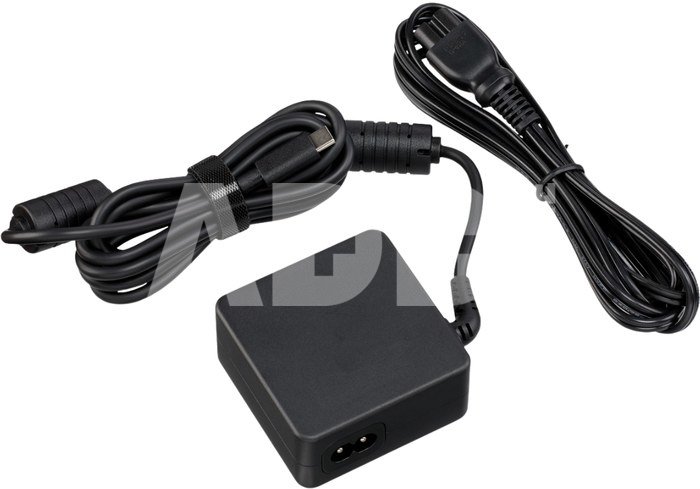
Canon PD-E2 USB Power Adapter charges your camera battery while in use, giving you more time to take photos and video without having to remove the battery. Designed to handle the extra power requirements of the EOS R5 Mark II, the PD-E2 is compatible with cameras equipped with USB Type-C® connectors. The adapter is also compatible with the Canon DR-E6P DC Coupler.
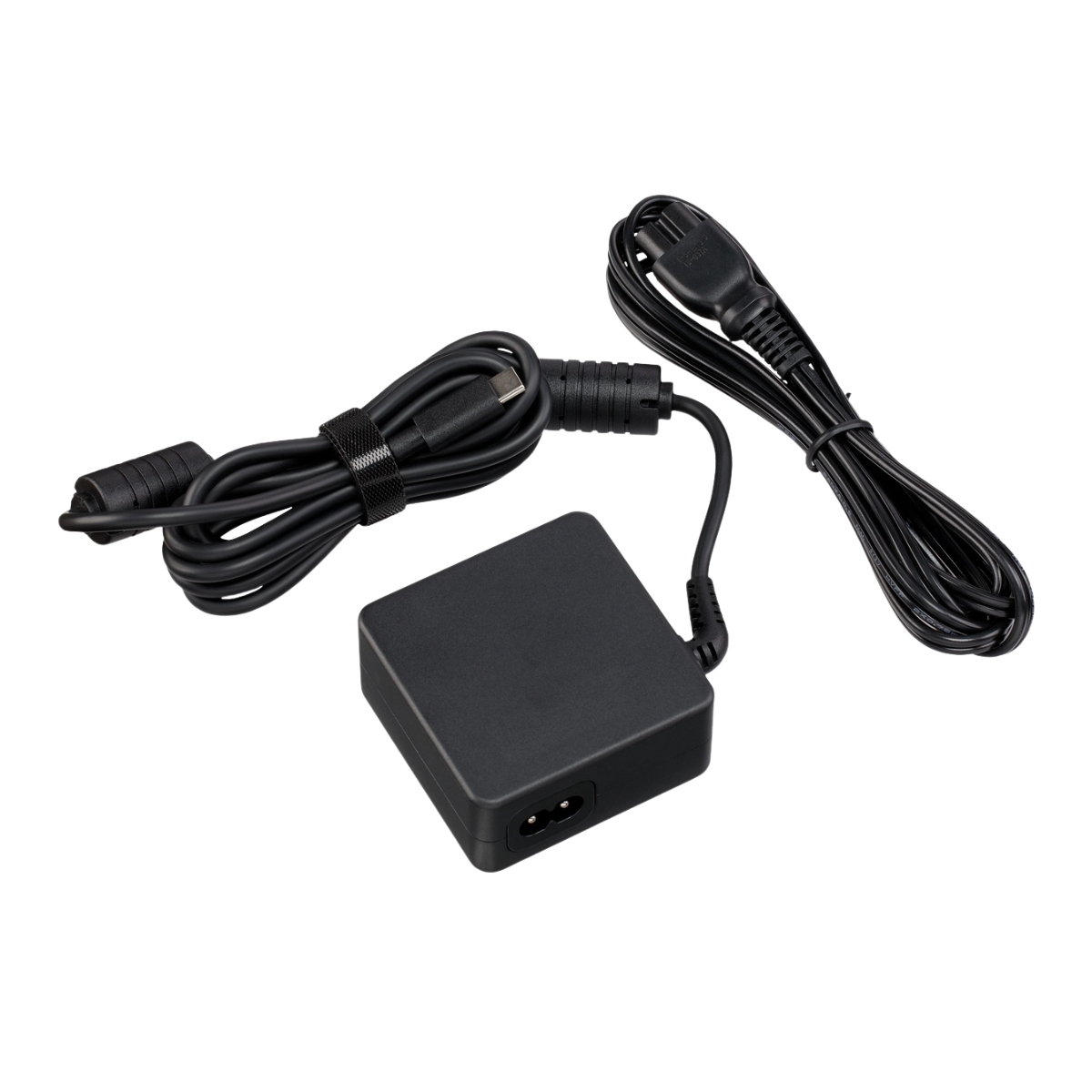
FEATURES
- Compatible with a range of cameras including EOS R1, EOS R8 and EOS R5 Mark II
- Charge your battery while continuing to use your camera
- Lightweight and easy to use and store
COMPATIBILITY
EOS R5 C
XA60
XA65
XA70
XA75
LEGRIA HF G70
EOS R1
EOS R5 Mark II
PowerShot GOLF Laser Rangefinder
PowerShot V10
EOS R50
EOS R6 Mark II
EOS R7
EOS R10
PowerShot PX
EOS R3
PowerShot ZOOM
EOS R6
EOS Ra
PowerShot G7 X Mark III
PowerShot G5 X Mark II
EOS RP
EOS R8
EOS M6 Mark II
EOS R
BG-E22
DR-E6P DC Coupler
PowerShot V1
EOS R50 V
Fit digital cameras
Canon EOS R5 C, XA60, XA65, XA70, XA75, LEGRIA HF G70, EOS R1, EOS R5 Mark II, PowerShot GOLF Laser Rangefinder, PowerShot V10, EOS R50, EOS R6 Mark II, EOS R7, EOS R10, PowerShot PX, EOS R3, PowerShot ZOOM, EOS R6, EOS Ra, PowerShot G7 X Mark III, PowerShot G5 X Mark II, EOS RP, EOS R8, EOS M6 Mark II, EOS R, BG-E22, DR-E6P DC Coupler, PowerShot V1, EOS R50 V
Delivery time
5-19 w.d.
Discuss with a consultant in Kaunas
We don't have
Klaipėda Address: Birželio 23-iosios g. 23g Working hours: I-V 09:00 - 18:00 VI-VII not working Phone: +370 674 59488
Discuss with a consultant in Klaipėda
We don't have
Klaipėda Address: Taikos pr. 17 Working hours: I-V 10:00 - 19:00 VI 10:00 - 14:00 VII not working Phone: +370 604 43972
1. How to choose the right cable for your camera or other device?
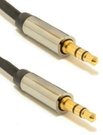
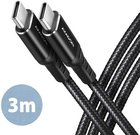
To choose the right cable for your camera or other device, it is important to consider several factors. First, you need to know what type of connector your device uses – whether it's USB, HDMI, USB Type-C, etc. Next, it’s important to take into account the data transfer speed (the data transfer rate). If it's data transfer, for example, from the camera to the computer, you may need a fast USB 3.0 or USB Type-C connection. Another factor is the cable length – choose the appropriate length depending on where and how you plan to use the cable. The quality of the cables can also impact the stability of the transferred data and the sound quality of the speaker wire. Carefully read the device specifications and choose a cable that suits your needs.
2. How to choose the right power adapter for your electronic device?
When choosing the right power adapter for your electronic device, it is important to pay attention to several key factors. Check the device's specifications to determine the required input voltage, current, and connector. The adapter must meet these specifications to ensure proper charging and prevent potential damage. Choose an adapter from a reliable manufacturer and make sure it meets safety standards. It is also important to pay attention to the type of adapter connector and ensure it is compatible with your device. Finally, consider the portability and convenience of the adapter, especially if you need to charge your device frequently while traveling.
















Reviews
0 average rating (0 votes)