


+370 462 46444
I-V 10:00-19:00
VI 10:00-14:00

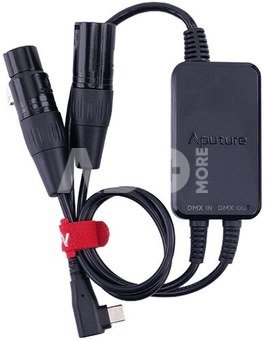
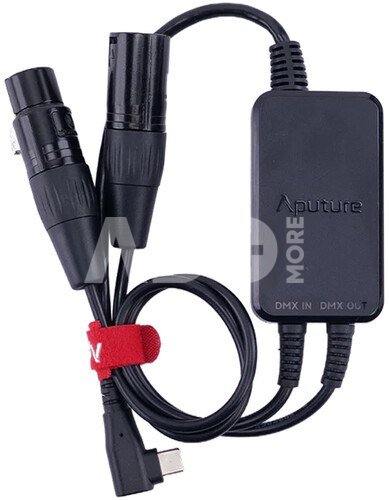
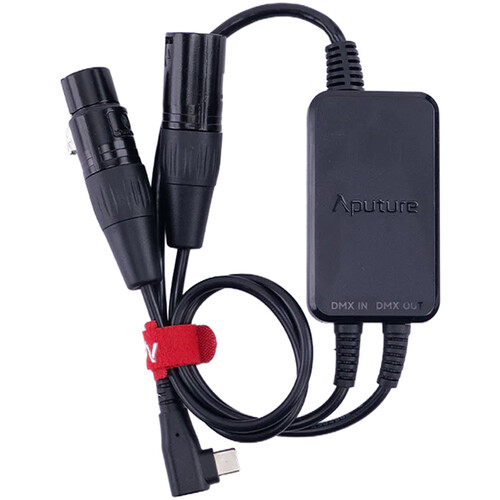
Aputure Active USB-C to 5-Pin DMX In & Out Adapter

Aputure Active USB-C to 5-Pin DMX In & Out Adapter
Code: 10613KVG
Manufacturer code: -
Add to wishlist
EU warehouse
Delivery 5-19 w.d.
Choose properties
Color
42.99
Extended warranty
Product insurance

Pick up for free in the store in Kaunas (Birželios 23-iosios str. 23g) Birželio 29 d.

Pick up for free in Klaipėda, in the store (Taikos pr. 17) Birželio 29 d.

We will deliver to your home via courier service Liepos 01 d.

Turite klausimų? +370 462 46444 Send request

DescriptionAputure Active USB-C to 5-Pin DMX In & Out Adapter description

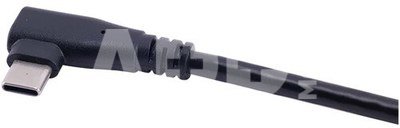
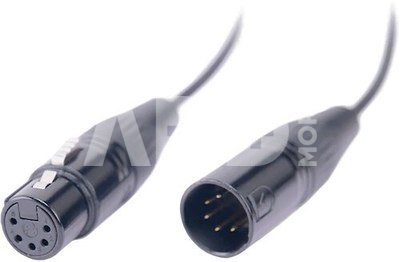
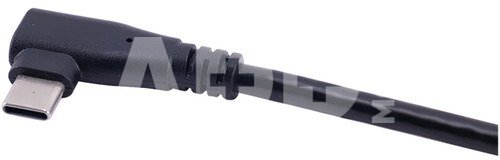
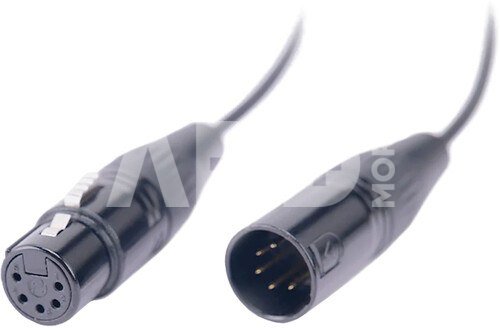
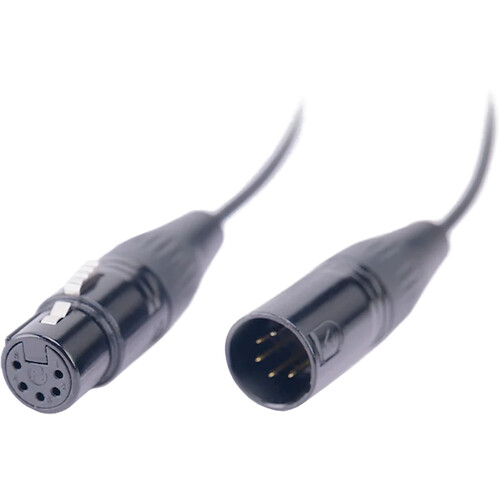
Šis "Aputure Active USB-C to 5-Pin DMX In & Out Adapter" adapteris yra skirta "Aputure MT Pro", "INFINIBAR" ir "MC Pro" šviestuvams. Šis "Aputure" USB-C į DMX adapteris leidžia valdyti tokius šviestuvus kaip "Aputure MT Pro" arba "INFINIBAR" per DMX. Kabelio viename gale yra 5 kontaktų XLR male ir female įvesties ir išvesties jungtys, o kitame gale - stačiakampė USB-C jungtis, kad galėtumėte valdyti per DMX.


g


SPECIFIKACIJOS

Tipas: USB-C į DMX adapteris
Jungtys: XLR 5-Pin Male, XLR 5-Pin Female, USB-C Male Right-Angle
Suderinamumas: suderinama su "Aputure MT Pro", "INFINIBAR" ir "MC Pro" šviestuvais
Spalva: juoda
Gamintojas: Aputure
Vienetų kiekis: 1 vnt.


g
Aputure

Delivery time 5-19 w.d.

Discuss with a consultant in Kaunas

We don't have Klaipėda Address: Birželio 23-iosios g. 23g Working hours: I-V 09:00 - 18:00 VI-VII not working Phone: +370 674 59488
Kaunas

Discuss with a consultant in Klaipėda

We don't have Klaipėda Address: Taikos pr. 17 Working hours: I-V 10:00 - 19:00 VI 10:00 - 14:00 VII not working Phone: +370 604 43972
Klaipėda
Specification
Producer(?) Aputure
Delivery time 5-19 w.d.
Product codes

10613KVG 6971842186297

Reviews

0 average rating (0 votes)

 0
 0
 0
 0
 0

Leave a comment

Only registered users can rate.

Customer reviews (0)

There are no reviews. Be first!

1. How to choose the right cable for your camera or other device?

To choose the right cable for your camera or other device, it is important to consider several factors. First, you need to know what type of connector your device uses – whether it's USB, HDMI, USB Type-C, etc. Next, it’s important to take into account the data transfer speed (the data transfer rate). If it's data transfer, for example, from the camera to the computer, you may need a fast USB 3.0 or USB Type-C connection. Another factor is the cable length – choose the appropriate length depending on where and how you plan to use the cable. The quality of the cables can also impact the stability of the transferred data and the sound quality of the speaker wire. Carefully read the device specifications and choose a cable that suits your needs.

2. How to choose the right power adapter for your electronic device?

When choosing the right power adapter for your electronic device, it is important to pay attention to several key factors. Check the device's specifications to determine the required input voltage, current, and connector. The adapter must meet these specifications to ensure proper charging and prevent potential damage. Choose an adapter from a reliable manufacturer and make sure it meets safety standards. It is also important to pay attention to the type of adapter connector and ensure it is compatible with your device. Finally, consider the portability and convenience of the adapter, especially if you need to charge your device frequently while traveling.










