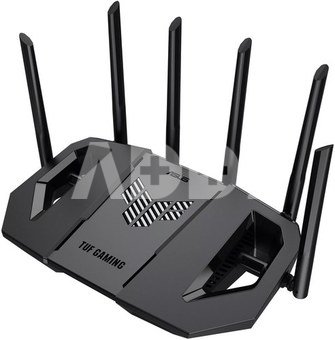
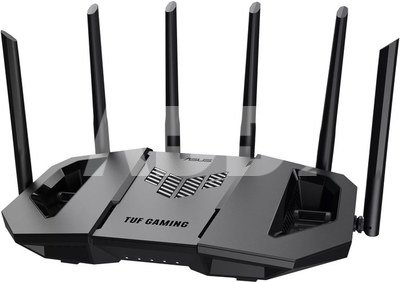
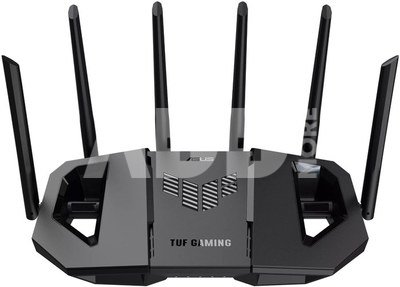
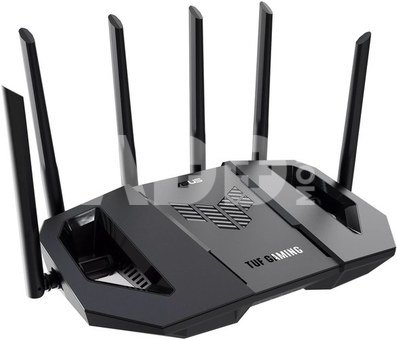
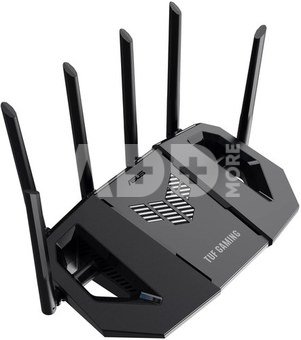
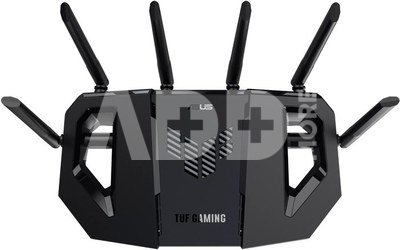
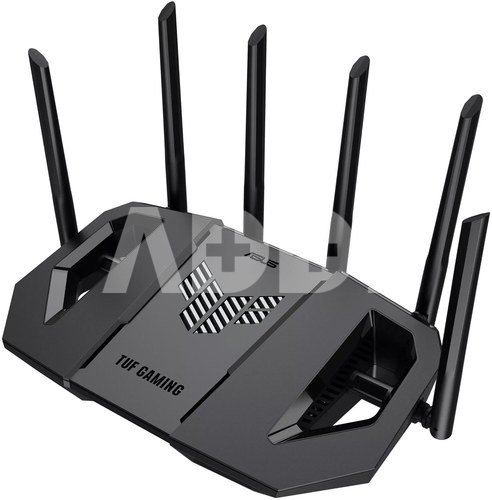
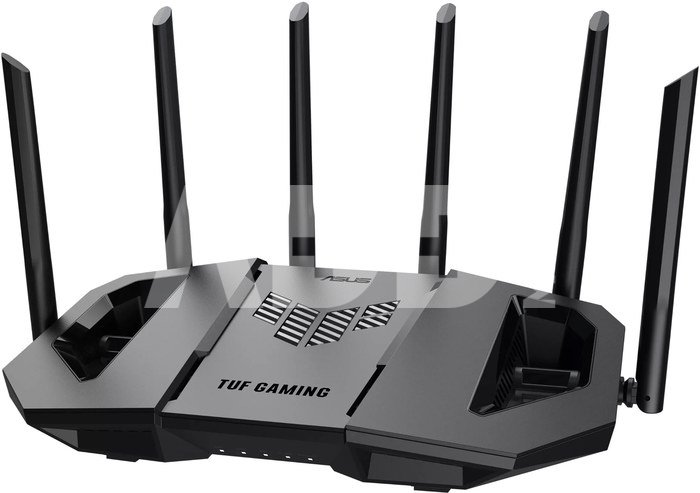
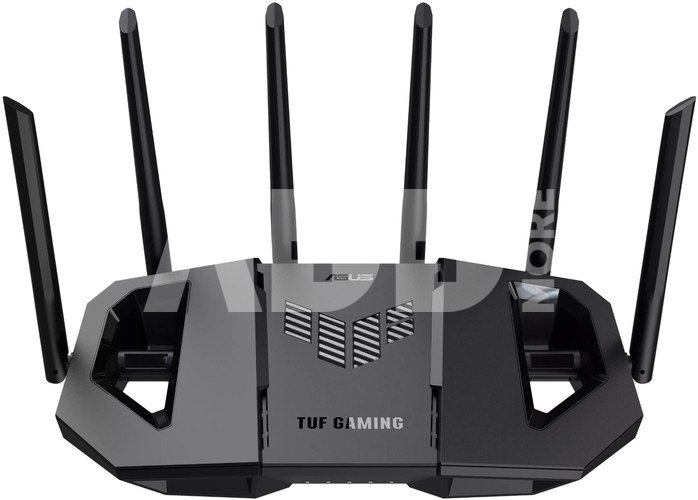
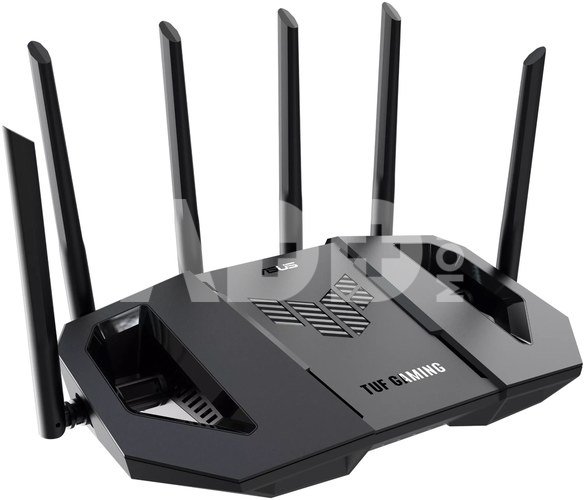
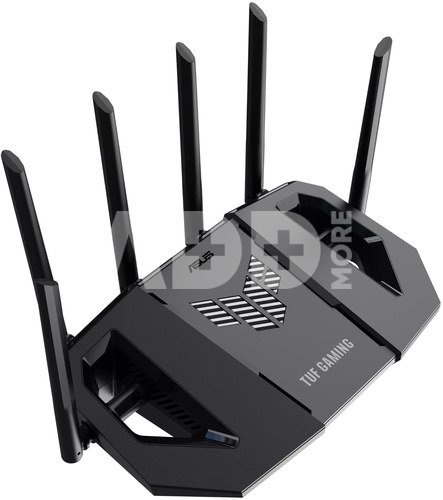
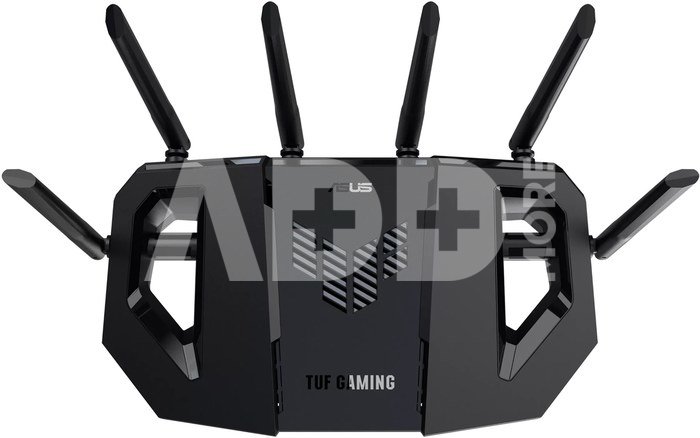
ASUS TUF Gaming BE9400 Tri Band WiFi 7 (802.11be) Extendable Gaming Router, Quad 2.5G ports, 3-step Port Forwarding, Smart Home Master, AiMesh support, and AiProtection for Network Security.
- Tri-band WiFi 7 throughput of up to 9400Mbps with 320MHz, MLO and 4K-QAM, enabling range of up to 2500 square feet
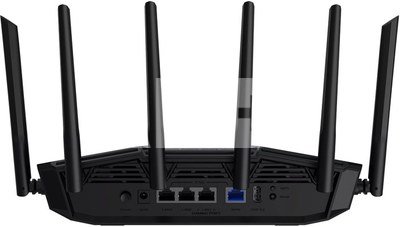
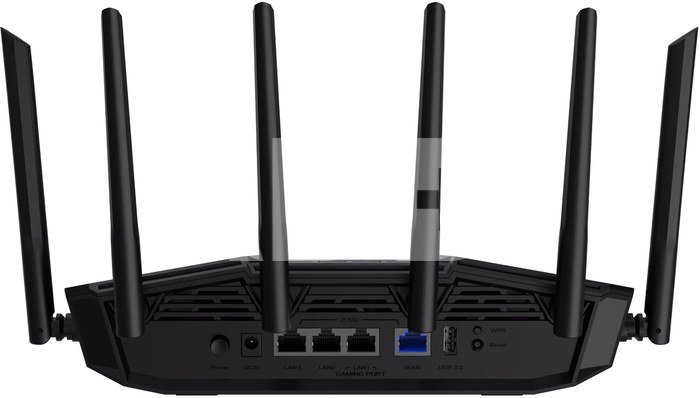
- Four 2.5G ports with three 2.5G LAN ports and one 2.5G WAN port
- Dedicated gaming port, one-tap game prioritization and OpenNAT for accelerating gameplay
- Advanced triple-level network security with AiProtection and pre-installed VPNs
- Easy IoT device and VPN subnetwork setup, instant connections with Smart Home Master
- Built to endure rigorous testing, ensuring reliability, stability, and long-lasting durability
- WiFi 7-enhanced AiMesh enables a secure and extendable network with compatible ASUS routers
The TUF Gaming BE9400 is a durable, high-performance WiFi 7 router designed for stable, low-latency gaming. With speeds of up to 9,400Mbps, support for 320MHz channels, and Multi-Link Operation, it delivers fast and reliable connections across all your devices. It features four 2.5G LAN ports including a dedicated gaming port, to provide speedy and consistent wired connections for low-lag gameplay. Built to power through every battle, this router is ready when you are.
Next-generation WiFi 7
Next-generation WiFi 7 (802.11be) performance with ultrawide 320MHz channels in the 6GHz band and advanced 4096-QAM significantly increase network capacity and throughput with speeds of up to 9,400Mbps. Multi-Link Operation enables simultaneous connections across multiple bands for stable, low-latency internet and efficient data transfers. Built with the durability and reliability TUF Gaming is known for, the BE9400 helps ensure smooth, low-lag gaming for every battle.
Ultrawide 320MHz Channels
WiFi 7 introduces ultrawide 320MHz channels in the 6GHz band, doubling data transmission capacity. This allows for significantly more simultaneous transmissions at the fastest-possible speeds.
Ultimate Tri-Band MLO
Multi-Link Operation (MLO) enables buffering-free connections by intelligently combining and switching between the 2.4GHz, 5GHz and 6GHz bands. And the TUF Gaming BE9400 is built for the future of all WiFi 7 devices, regardless of the MLO mode they use.
Enhanced 4K-QAMÂ Transfers
Compared to 1024-QAM with WiFi 6/6E, 4096-QAM technology allows each signal to densely incorporate larger amounts of data, improving transmission efficiency by up to 20%.
Built to Handle More
TUF Gaming BE9400 is powered by a robust quad-core 1.5GHz CPU and comes with 1GB of DDR4 memory to effortlessly handle various tasks.
Power Up with Multi-gig Ports
Enjoy versatile and ultrafast multi-gigabit gaming networking with the TUF Gaming BE9400. It features four 2.5G ports, including one dedicated gaming port, for high-speed gaming, entertainment and ultrafast ethernet backhaul.
For added flexibility, the TUF Gaming BE9400 also supports USB 4G LTE and 5G mobile tethering, providing seamless internet access during service interruptions or when you're on the move.
Quad 2.5GÂ Ports
TUF Gaming BE9400, with its quad 2.5GbE ports, provides lightning-fast connectivity, enabling you to fully enjoy the gigabit broadband network experience.
Dedicated Gaming Port
One LAN port dedicated to networked gaming can prioritize traffic for connected devices without the need for any configuration.
One Router, Any Battle
The TUF Gaming BE9400 combines easy Open NAT setup for quick team play with a one-tap Mobile Game mode in the ASUS Router mobile app that prioritizes mobile gaming traffic, delivering lower latency and a better online gaming experience.
Open NAT
Enable Open NAT on the TUF Gaming BE9400 in just three steps.
Mobile Game Mode
Prioritize the network traffic of your favorite mobile game, minimizing lag and latency with just a tap on the ASUS Router mobile app.
Feature-Packed Smart Home Master SSIDs
ASUS Smart Home Master subnetwork management streamlines the process of creating or connecting to a dedicated subnet via SSIDs with advanced features like IoT Network, Kid's Network, VPN Network and MLO Network.
IoTÂ Network
Set up and manage all your IoT devices under one secure SSID to ensure enhanced commercial-grade protection.
Kid's Network
Create a dedicated SSID just for the kids to easily manage screen time without needing to configure each device individually.
VPN Network
Connect to your preferred VPN service through a dedicated subnetwork with just one click.
AiProtection
Commercial-grade AiProtection and a cloud database form a powerful and advanced security suite that helps shield your network from ever-evolving cyber threats, end-to-end, 24/7.
Security Scan
A one-tap router security assessment identifies vulnerabilities in security settings, helping prevent malicious activities or connection attempts made by infected devices.
Safe Browsing
Customize protection for individual users or a group of devices with safety filters that help secure online activity. For example, AdGuard DNS offers ad-blocking and privacy protection features to help block ads.
Instant Guard
When away from home, ASUS Instant Guard gives you a one-tap secure VPN-a connection you can easily share with family and friends via a URL link.
Parental Control
Advanced family protection and parental controls empower you to nurture a balanced digital life for you and your kids, all without subscriptions.
Ai-Boosted AiMesh
The TUF Gaming BE9400 harnesses the power of WiFi 7 and next-gen AiMesh technology to deliver ultrawide coverage, a more stable and secure network, and a feature-rich experience - all under one network name for your entire smart home.
Tough on Heat, Strong on Stability
TUF Gaming BE9400 is engineered to deliver maximum WiFi performance. The vent location and double-heatsink design improve cooling for increased stability, and the fixed antennas and metal port protectors increase physical strength of the device.


















Atsiliepimai
0 vidutinis įvertinimas (0 įvertinimų)