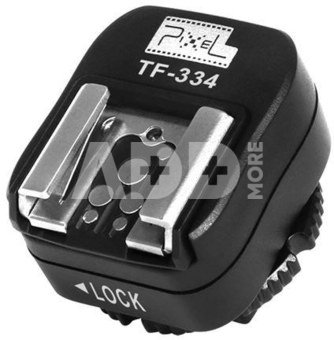
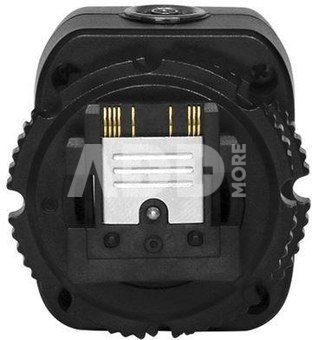
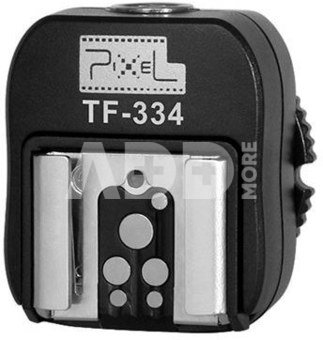
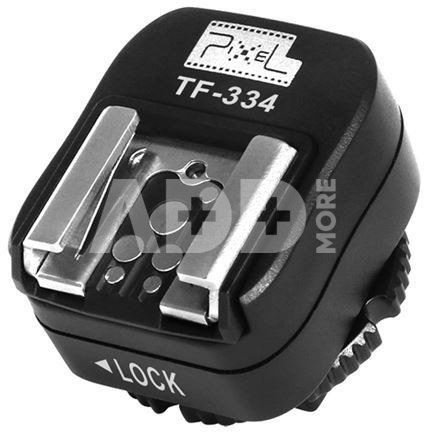
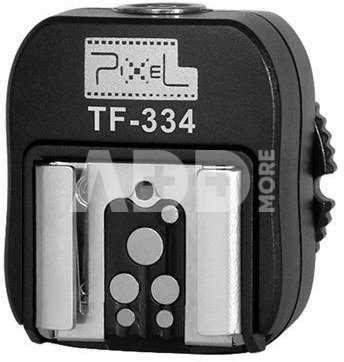
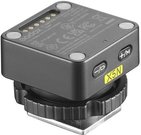
Pixel Hotshoe Adapter TF-334 for Sony Mi to Canon/Nikon
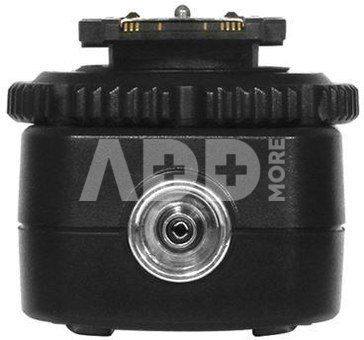
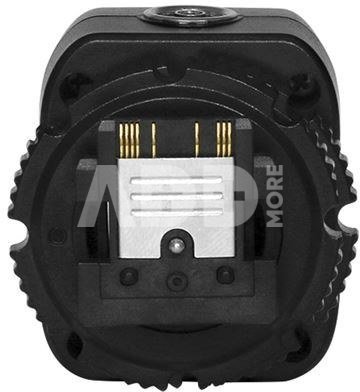
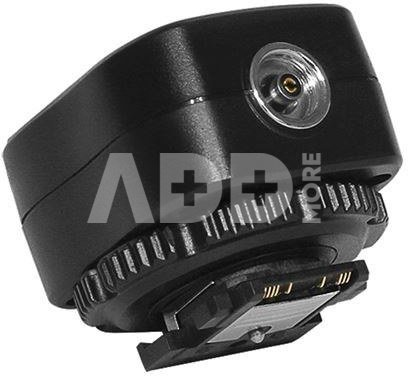
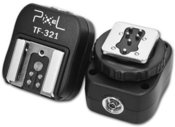
The Pixel Hotshoe adapter TF-334 is made to provide your Sony MI camera which has a new MI (Multi Interface) hot shoe connection with a Canon or Nikon accessory.
Use Pixel Hotshoe adapter TF-334
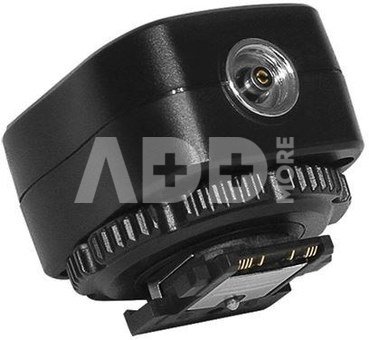
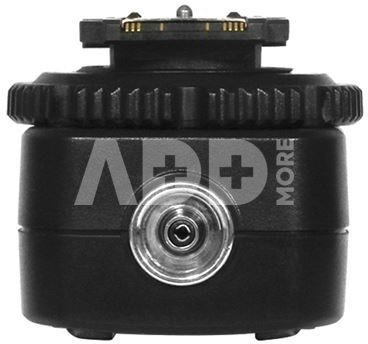
You can use the hot shoe adapter for all Sony cameras with the MI hotshoe connection. The TF-334 adapter also has an x-contact, with which you can control your studio flash(s) in combination with a synchronization cable.
The TF-334 does not transmit a TTL signal from the camera to the accessory, only the middle contact is used. As a result, a speedlite will be triggered, for example, but it will have to be set manually (in terms of power, etc.).
Warranty
24 months
Delivery time
14-17 w.d.
Discuss with a consultant in Kaunas
We don't have
Klaipėda Address: Birželio 23-iosios g. 23g Working hours: I-V 09:00 - 18:00 VI-VII not working Phone: +370 674 59488
Discuss with a consultant in Klaipėda
We don't have
Klaipėda Address: Taikos pr. 17 Working hours: I-V 10:00 - 19:00 VI 10:00 - 14:00 VII not working Phone: +370 604 43972
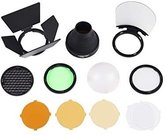
1. What is the difference between different flash accessories such as diffusers, light modifiers, and light filters?
Different flash accessories serve different functions. Diffusers are designed to soften the light and reduce shadows, light modifiers allow you to direct light to a specific object or area, while light filters can change the light's color temperature or create specific color effects. Depending on your needs, flash accessories can be combined or used individually to achieve the desired light effect.
2. How to effectively combine multiple flash accessories in a single photoshoot?
When combining multiple flash accessories, it is important to maintain a balanced and harmonious light distribution. First, set the main flash, and then add diffusers, light modifiers, or filters to create the desired effect. Experienced photographers experiment with different accessories and their combinations to achieve the desired result. It's also important to pay attention to the flash's angles and direction to avoid overly intense light or harsh shadows.
















Reviews
0 average rating (0 votes)